 ACE++
Free
ACE++
Free
ACE++ is AI Image and Design disclosed by Alibaba Tongyi Laboratory. It provides image generation and editing capabilities around the three main lines of Portrait, Subject and LocalEditing.
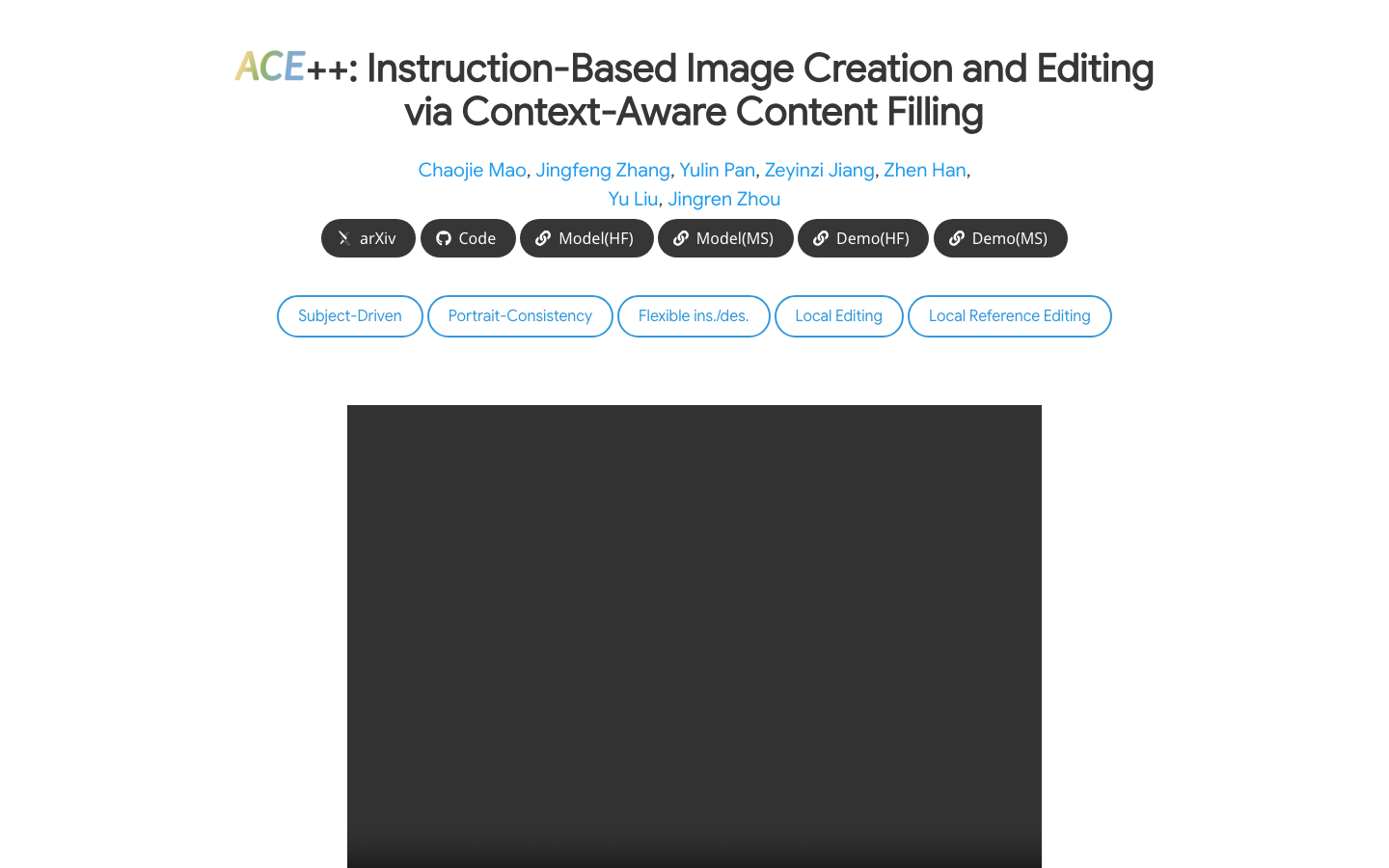
ACE++
Core parameters and statistics
The positioning of ACE++ is clear: it is not a general chat product, but a public model designed around image generation and editing, focusing on solving the three needs of portrait consistency, theme consistency and local editing. For tasks that require maintaining subject identity and visual structure in complex images, it is more suitable than tools that "only generate one image".
| Projects | Public Information |
|---|---|
| Product positioning | Image generation and editing model |
| Public form | Paper preprint + public project page + GitHub repository |
| Typical tasks | Portrait, Subject, LocalEditing |
| Planned Expansion | Fully Route Opening Soon |
| Open source license | The warehouse is public, and the unified commercial license is not explicitly emphasized on the homepage |
| Community popularity | About 1,368 stars, 93 forks |
| Main platforms | Web, API |
| Latest visible form | public-page (~2025-01) |
| Version context | Paper preprint → Public project page |
Clear task boundaries: ACE++’s strength lies in “locally controllable image modification” rather than generating all types of visual assets. It is better suited for tasks with reference images, masks, or subject constraints.
Community base: 1,368 stars and public warehouses indicate that it has received stable attention, but the market size and number of enterprise customers are not disclosed, so it is more suitable to judge based on model capabilities and sample quality.
Project Rhythm: The order of disclosure of papers, warehouses and project pages shows that it is a typical path for the implementation of research results. Methods are given first, and then experience pages and sample sets are given.
User and market recognition
ACE++'s market recognition is mainly reflected in the research community and open source community, rather than commercial subscription scale. The official project page provides access to methods, examples, and models, while the GitHub repository provides a more direct reproduction path. This combination shows that it is more focused on research, creation, and developer verification.
Research orientation: LCU++, two-stage training context-aware content filling. These keywords indicate that it builds capabilities based on the model mechanism, rather than just interface packaging.
Visual evidence: The official website shows examples of portraits, logo pasting, movie posters, partial editing, etc., indicating that the project is not a concept demonstration, but a tool-based model for specific image workflows.
Boundary Tip: The public page does not give the number of enterprise customers, commercial packages or SLA, so market recognition is more suitable to be judged from the warehouse activity, sample completeness and paper quality.
Cost advantage
The cost advantage of ACE++ is not in the subscription price, but in the flexibility of "public model + own control of the inference link".
| Cost layer | Public information | Description |
|---|---|---|
| C-side/individual | Free trial | Examples and methods can be viewed directly on the public project page |
| Developer/API | Undisclosed | No unified public billing page, more reliance on self-built or third-party hosting |
| Enterprise/Private | Undisclosed | If commercial delivery is required, you need to evaluate the reasoning and integration costs by yourself |
Low explicit cost: The public page and warehouse make the trial threshold very low, suitable for quickly verifying the model effect.
The level of hidden costs depends on the inference strategy: If running local or self-built inference context, the cost will fall on the GPU, storage and orchestration; if third-party hosting is used, the cost depends on the service provider's strategy.
Differences from the traditional design process: Image editing tasks usually require designers to trial and error repeatedly. The value of ACE++ lies in compressing the "generate-modify-regenerate" cycle into fewer rounds, thereby reducing the cost of manual rework.
Main functions
- Portrait Generation: Suitable for the task of keeping facial features, hairstyle and style consistent.
- Subject subject consistency: Stably put the same subject into different scenes, suitable for brand materials and product images.
- LocalEditing: Only change the specified area of the image, retaining the overall composition and structure.
- Context-aware content filling: When filling in missing areas, try to fit the surrounding semantics and textures as much as possible.
- Multi-reference image support: More suitable for complex editing, try-on and poster tasks.
- Fully route preview: The official has announced a more general command-based editing direction.
These functions jointly point to a practical result: turning "reference image + constraints + target area" into a more stable editing output, rather than just pursuing the visual stunningness of a single image.
Model and version evolution
Mainline version
- preprint (~2025-01): The preprint of the paper is released first, proposing LCU++ and two-stage training.
- public-page (~2025-01): The public project page and warehouse display experiential examples to the outside world, forming the current mainline version form.
Version relationship
ACE++ is more like a public link to a research model than frequent small version updates of traditional software. The focus of its version evolution is not the patch number, but the public maturity of "Thesis Method → Project Page → More Task Examples".
Technical advantages
LCU++ input paradigm: Splice the input image, mask and noise into conditional units in the channel dimension to reduce contextual interference caused by traditional sequence splicing. The effect is that the model can more easily focus on the areas that need to be changed, making it suitable for local editing and multi-reference image tasks.
Two-stage training: First pre-train with a text-to-image model, and then fine-tune on a wider range of data. The effect is that the model first learns basic generation and then learns to follow editing constraints, which is suitable for different task forms from 0-ref to N-ref.
Lightweight Adaptation: Public pages and warehouse examples show that it has made lightweight domain fine-tuning on multiple specific tasks. The effect is that the same backbone can be quickly adapted to portraits, logos, posters, restoration and other scenes.
How to use
| Entrance | Description |
|---|---|
| Public project page | View method description, task examples and model entry |
| GitHub repository | Get code, reproduction paths and project details |
| HuggingFace model page | View model card and download entrance |
| arXiv paper | Tracking method details and training ideas |
Typical steps: First determine the task type, then prepare reference images, masks or text instructions, then select the Portrait, Subject or LocalEditing route, and finally fine-tune the constraints based on the results. For complex tasks, it is recommended to verify the main body consistency first, and then extend it to local editing and multi-reference conditions.
Product Pricing
The public entrance of ACE++ does not display a unified pricing page, but is more reflected in the research results and public model pages.
- C-side/Individual: Public project pages and samples are usually free to access.
- Developer/API: If you use a third-party inference service or self-built deployment, the cost depends on the computing power and hosting plan.
- Enterprise: The standard enterprise package and contract terms are not disclosed, please refer to the official real-time page.
Application scenarios
- Virtual Try-On: Put clothing or accessories on different characters to maintain consistency.
- Brand logo pasting: Put the logo into products, posters or scenes, suitable for marketing materials.
- Photo Editing: Replace backgrounds, add and delete elements, and adjust styles, suitable for creative photo editing.
- Movie Poster Editing: Keep the character structure unchanged while fine-tuning the visual style and composition.
- Partial Repair: Repair scratches, stains or missing areas, suitable for repairing old photos and materials.
Applicable people
- Visual Designer: People who need to stably change the image instead of generating it all at once.
- E-commerce and marketing team: People who need to keep the main logo or products consistent in multiple scenarios.
- Research and Developers: People who need to reproduce methods, access models, or do secondary training.
- Unfit Boundary: If the team only needs simple poster collage or unconstrained image generation, ACE++'s control capabilities will be too heavy.
Summary and Outlook
The advantage of ACE++ is very concentrated: it makes "controllable image modification" more like an engineering problem rather than a simple visual magic. For teams that need portrait consistency, subject consistency, and local editing, it's easier to create a stable workflow than generalized image generation tools.
The current limitations are that public commercial pricing is unknown, enterprise delivery boundaries are not disclosed, and the latest Fully route is still in the preview stage. Points worth observing in the future include: more complete command-based editing capabilities, whether there will be a clearer hosting or commercial entrance, and whether multi-reference images and local editing can maintain consistency on more complex tasks.
Related tools:  Midjourney, stable-diffusion
Version Info
- ACE++ public project page :The public project page and the warehouse simultaneously display Portrait, Subject, LocalEditing and the soon-to-be-opened Fully route, which is the mainline version currently visible to the outside world.
- ACE++ paper preprint :At the paper stage, LCU++, two-stage training and context-aware filling ideas are disclosed for the first time, laying the foundation for subsequent project pages and model examples. There is no official precise date yet.
User Reviews