 AI Dev Gallery
Free
AI Dev Gallery
Free
AI Dev Gallery is an AI application display and inspiration discovery platform for developers. It collects implementation examples of various AI technologies, covering NLP, computer vision, voice interaction, intelligent agents and other directions.
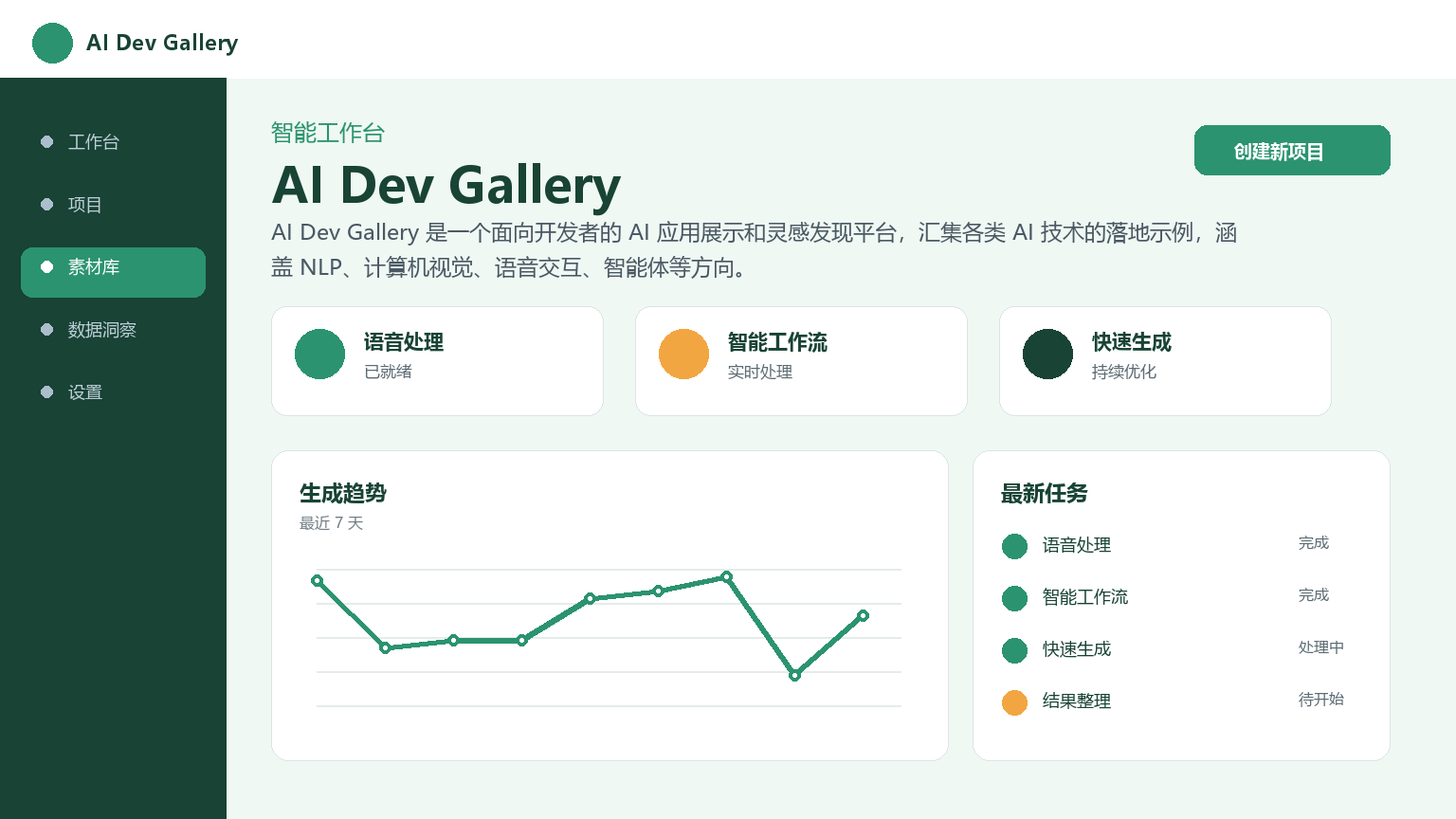
AIDevGallery
Core parameters and statistics
| Project | Specifications |
|---|---|
| Product Name | AI Dev Gallery |
| Category | AI Agent / Developer Tools |
| Delivery form | Web/SaaS |
| Support Platform | Web |
| Supported languages | zh-CN, en-US |
| Target users | AI developers, technical learners, product managers |
| User scale | Undisclosed |
| Pricing model | Free (browse and search capabilities) |
AI Dev Gallery is an AI application display and inspiration discovery platform for developers. It collects implementation examples of various AI technologies, covering NLP, computer vision, voice interaction, intelligent agents and other directions.
User and market recognition
Gradually build user awareness in the field, and product capabilities are used by content creators and teams to improve work efficiency. Some industry users have incorporated it into their daily workflow. It is recommended to refer to the latest official disclosures for specific user scale and industry adoption rate data.
Cost advantage
| Cost Dimension | Description |
|---|---|
| Browsing cost | All displayed projects and technical solutions are free to view, no registration required |
| Search cost | Standardized Schema and multi-dimensional tag system to reduce information screening time |
| Compare costs | Structured display of multiple cases under the same category to facilitate horizontal comparison |
Compared with the traditional way of collecting information - searching separately on multiple platforms such as Google, GitHub, Medium, etc. - AI Dev Gallery integrates discovery, screening, and comparison into a single platform, reducing search switching costs.
Main functions
- Structured Content Management: Use standardized Schema to organize project information, including positioning description, technology stack, core ideas, key code, maturity, application scenarios and other fields to ensure consistency and comparability of display.
- Full-text search and tag system: Supports multi-dimensional content discovery by technical direction (NLP/CV/Voice/Agent), application scenarios (Customer Service/Search/Writing/Design), maturity (PoC/Production Available/Experimental Exploration) and other dimensions.
- Maturity Grading Annotation: Distinguish different stages such as proof of concept (PoC), production availability, and experimental exploration to help users quickly filter projects that are not suitable for the current demand stage.
- Code Highlighting and Preview: Built-in code highlighting engine, supporting syntax highlighting and snippet preview for mainstream programming languages such as Python, JavaScript, TypeScript, and Go.
Model and version evolution
| Version | Date | Key Changes |
|---|---|---|
| Current version | ~2026-07 | Classification system, search function, user system, maturity annotation |
| Initial version | ~2026-01 | Simple project display list, basic classification function |
The version record shall be subject to the official release notes. The product is still in its early stages, and the pace and direction of feature iterations depend on team resources.
Technical advantages
- Structured Content Management: Standardize Schema to organize project information to ensure consistency and comparability of displayed content. This is the core difference from GitHub's massive warehouse model.
- Full-text search and tag system: A search system based on tags and full-text indexing that supports multi-dimensional content discovery with sub-second search latency.
- Static site architecture: Using static site generation technology, CDN global distribution ensures page loading speed while reducing server operation and maintenance costs.
- Code Highlighting and Preview: Built-in code highlighting engine, supporting syntax highlighting and snippet preview for mainstream programming languages such as Python, JavaScript, TypeScript, and Go.
How to use
| Entrance | How to use |
|---|---|
| Web Browsing | Visit the official website directly to view the project list and details without registering |
| Registered user | After registration, you can collect items, set preference tags, and submit cases |
Typical usage process: Visit the official website → Browse categories or search → View case details (technology stack, core ideas, code snippets) → Jump to the original project → Favorite or submit feedback.
Product Pricing
| Package | Price | Contents |
|---|---|---|
| Free version | $0 | Browse and search all displayed items |
| Advanced functions | Undisclosed | Personalized recommendations, corporate case promotion, etc. (if any) |
Pricing. All functions are currently available free of charge.
Application scenarios
- Technology selection reference: In the early stage of project establishment, browse implementation cases of similar technical directions and compare the advantages, disadvantages and applicable scenarios of different solutions. Verification method: Find 3-5 cases for the target technology direction, and compare the technology stack, maturity and key conclusions.
- Inspiration Collection: Obtain innovation inspiration and technology implementation direction by browsing cross-field cases. Verification method: Pay attention to cases at different maturity levels and distinguish between directions that have been produced and verified and those that are still in the experimental stage.
- Learning and Practice: Quickly understand the implementation ideas of a certain technology by reading code snippets and technical descriptions of actual projects. Verification method: Select 1-2 production-available-level cases and reproduce their core code logic.
- Project Report: When reviewing technical solutions, cite similar cases on the platform as a reference for technical feasibility.
Applicable people
- Individual users: AI developers and technical learners can browse all displayed projects for free.
- SME Team: Product designers and technical leaders who need reference for technical selection.
- Large Enterprises: R&D teams that need to track cutting-edge trends in AI technology.
- Misfit Boundary: Developers who need in-depth technical documentation and a complete code base; users who need the latest real-time AI news and updates.
Comparison of competing products
| Comparison Dimension | AI Dev Gallery | GitHub | Technology Blog Platform (Medium/Zhihu) | AI Tool Navigation Station |
|---|---|---|---|---|
| Core differences | Selected cases + structured display | Mainly code warehouse | Mainly systematic teaching | Mainly tool list |
| Content format | Standard Schema fields | Code + README | Long text + comments | Cards + links |
| Maturity Marking | Yes (PoC/Production/Experimental) | None | None | None |
| Price | Free | Free | Free/Paid | Free |
| User evaluation | Excellent cases and fast retrieval | Rich content but low information density | Teaching system but slow updates | Wide scope but shallow depth |
| Technical threshold | Low | Medium | Low | Low |
Summary and Outlook
AI Dev Gallery provides AI developers with an efficient technical reference and inspiration discovery platform through selected cases and structured presentation. Its core value is to reduce the time cost of information collection and screening.
Risk Disclosure:
- Content ecological risk: The future value of the platform depends on the activity of the content ecosystem and the frequency of case updates. If the growth of the content library stagnates or updates lag, the use value of the platform will decline rapidly.
- Missing user data: Key indicators such as the number of users, monthly active users, and retention rates are not disclosed, making it difficult to evaluate the market validation and long-term sustainability of the product.
- Competitive product substitution risk: GitHub’s Explore function, various AI navigation stations, and developer communities may all cover similar needs. AI Dev Gallery requires continuous differentiated capability building.
- Missing team information: The background of the operation team, financing situation and business model are not disclosed, which increases concerns about the long-term maintenance capabilities of the platform.
- Limited information depth: As a case display platform, the technical depth of a single project is limited. It is recommended that developers use it as a starting point in the early stage of technical research, and then delve into the complete documentation and code base of the specific project.
Related tools:  CrewAI,
  LangChain
Version Info
- Public beta version :It is currently a publicly accessible version, and the specific function update rhythm is subject to the official website.
- earlier version :An early trial version, the core direction is consistent with the current version.
User Reviews