 Amazon Q Developer CLI
Free
Amazon Q Developer CLI
Free
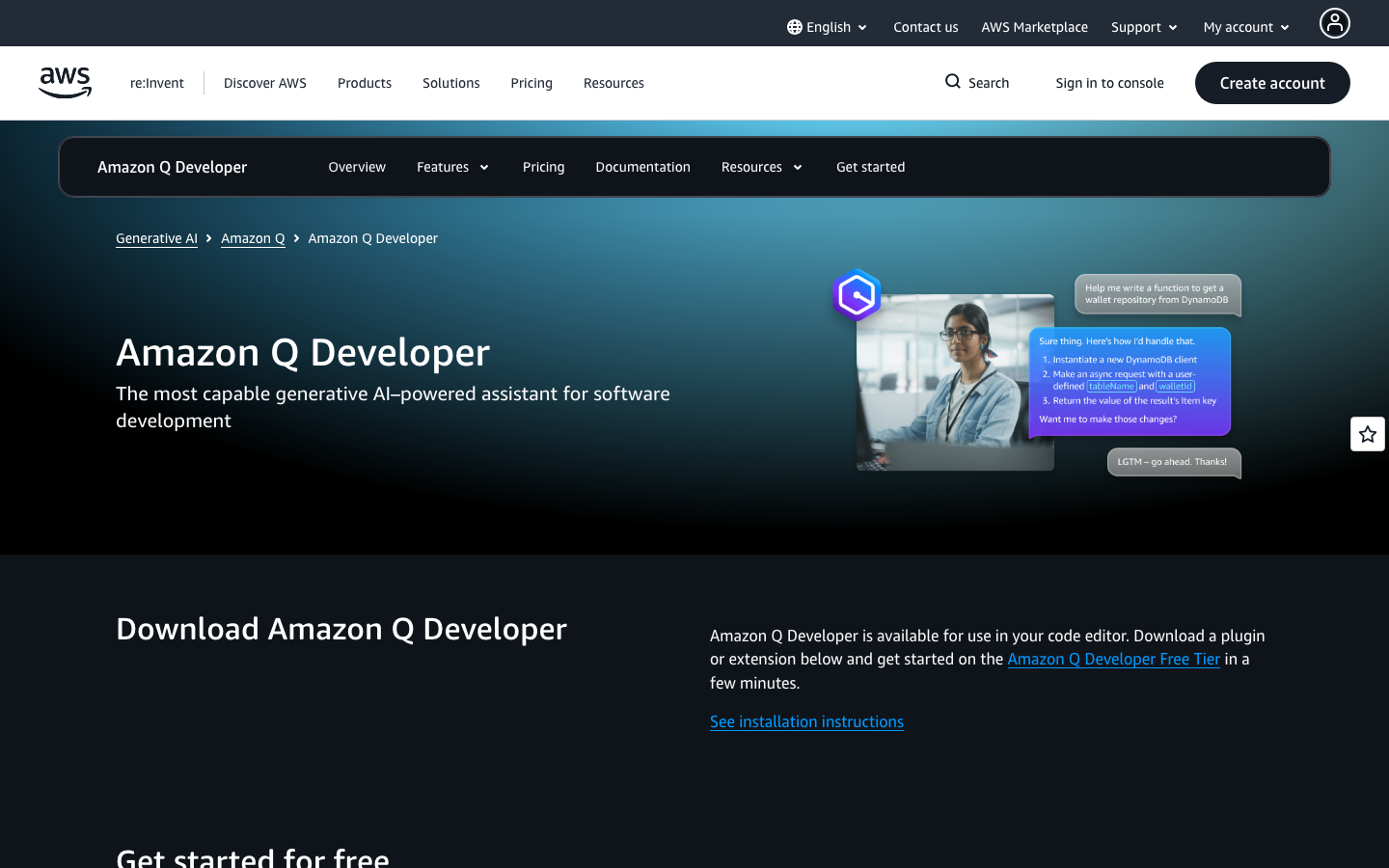
Amazon Q Developer CLI is an AI programming auxiliary command line tool launched by AWS that provides code generation, debugging assistance, code optimization, and AWS resource management capabilities in the terminal. Deeply integrated into the AWS ecosystem.
Core parameters and statistics
| Parameters | Official verifiable information |
|---|---|
| Product positioning | AI coding assistant CLI |
| Core Competencies | Code generation, debugging assistance, AWS resource management, code optimization |
| Interactive mode | Command line natural language dialogue |
| Platform | CLI (Command Line) |
| Integrated Ecosystem | AWS (EC2, S3, Lambda, etc.) |
| Developer | Amazon Web Services |
A brief review in one sentence: Amazon Q Developer CLI is not an ordinary chat programming assistant, but an AI coding partner directly embedded in the terminal command line workflow.
User and market recognition
Launched by AWS for developers worldwide. Relying on the AWS cloud computing ecosystem, it collaborates with development tools such as Amazon CodeWhisperer and Amazon CodeGuru. Suitable for developer teams that use AWS in depth.
Cost advantage
C client/individual: AWS free tier includes a certain amount of interactive quota, and individual developers can experience core functions within the free quota. No additional charge required.
API/Developer: Manage usage and billing through the AWS Management Console. Billing is based on the number of requests and calculation volume. The specific price is subject to the real-time pricing on the AWS official website. Supports two modes: pay-as-you-go and reserved capacity.
Enterprise/Private: Unify management of team usage and permissions through AWS Organizations. Enterprise pricing is subject to an AWS Enterprise Contract and typically includes a technical support SLA.
Main functions
- Code Generation: Use natural language to describe requirements in the terminal, and AI directly generates code snippets. Supports mainstream languages such as Python, Java, TypeScript, and Go.
- Debugging Assistance: Paste the error message or describe the problem phenomenon, AI will analyze the root cause and provide repair suggestions. Supports analysis of log files and stack traces.
- AWS Resource Management: Manage AWS resources through natural language interactions, such as "Create an S3 bucket and configure static website hosting." Automatically generate corresponding AWS CLI commands or CloudFormation templates.
- Code Optimization and Review: Paste code snippets, AI will analyze performance bottlenecks, security vulnerabilities and coding style issues, and provide optimization suggestions.
- CLI native integration: run directly in the terminal, no need to switch context. Supports pipeline operations and integration with other command line tools.
Model and version evolution
Amazon Q is AWS’ unified AI assistant brand. Developer CLI is its specific product in the direction of developer tools, which has gradually expanded from basic question and answer capabilities to complete developer workflow coverage of code generation, AWS resource management, and code review.
Technical advantages
Main type judgment: Productivity/business-side application - AI programming assistant CLI.
The core difference lies in "deep integration with the AWS ecosystem" - general AI programming assistants (such as GitHub Copilot) mainly focus on code completion and generation, while Amazon Q Developer CLI can directly manage AWS cloud resources in addition to coding capabilities. For AWS developers, this means complex AWS CLI commands can be replaced with natural language, significantly reducing AWS learning and operating costs. The technical link is: user natural language → LLM parses intent → generates AWS CLI commands or SDK code → executes or outputs to user for confirmation.
How to use
- Follow the official AWS documentation to install the Amazon Q Developer CLI
- Configure AWS credentials (IAM role or user)
- Run the
qcommand in the terminal to start the interaction - Use natural language to ask questions or describe requirements
Product Pricing
The AWS free tier includes certain interaction credits. Beyond that, you’ll be billed according to AWS official pricing. Subject to the real-time page of aws.amazon.com/q/developer/.
Application scenarios
- Daily Coding Assistance: Quickly generate code snippets, write test cases, and explain complex code logic in the terminal. Reduce context switching and stay focused on coding.
- AWS Infrastructure Management: Use natural language to replace AWS CLI commands to quickly complete operations such as S3 bucket configuration, EC2 instance management, and Lambda function deployment.
- Troubleshooting and Debugging: Analyze application logs and error stacks to quickly locate root causes and obtain repair solutions.
- Code Review and Optimization: Conduct AI reviews before submitting code to identify potential performance and security issues.
Applicable people
- AWS Developer: Backend developers and full-stack engineers who use AWS services on a daily basis.
- DevOps Engineer: Platform engineer who manages and operates AWS infrastructure.
- Cloud Architect: Technical lead who designs and optimizes AWS architecture.
- Not suitable for the crowd: Developers who do not use AWS (the core value is integrated with AWS); users who prefer GUI to manage AWS resources; junior developers who are not familiar with terminal operations.
Summary and Outlook
Amazon Q Developer CLI closely integrates the AI programming assistant with the AWS cloud ecosystem, providing AWS developers with the ability to "manage the cloud with natural language." This is an important application direction of AI in the field of DevOps.
Not suitable for boundaries: Deeply bound to the AWS ecosystem, the core value for non-AWS users is limited; basic knowledge of AWS is required to make full use of its resource management capabilities; the free quota is limited, and high-frequency use will incur fees; the CLI interaction method is not friendly to users who are not familiar with the command line.
Purchase Recommendation: AWS users start the trial with the free tier and first verify the quality of AI answers with daily coding and debugging scenarios. Evaluate whether cloud resource management capabilities can improve team efficiency. Enterprises need to confirm the data security policy (whether the code will be uploaded to the AWS server) and cost model before purchasing.
Version Info
- current :Current version.
- launch :Product goes online.
User Reviews