 Animaker
Free
Animaker
Free
Animaker is an online animation video creation platform that provides multiple modes such as AI character animation, whiteboard animation, infographic video, and video editing, allowing non-professional users to create high-quality animated videos without design experience.
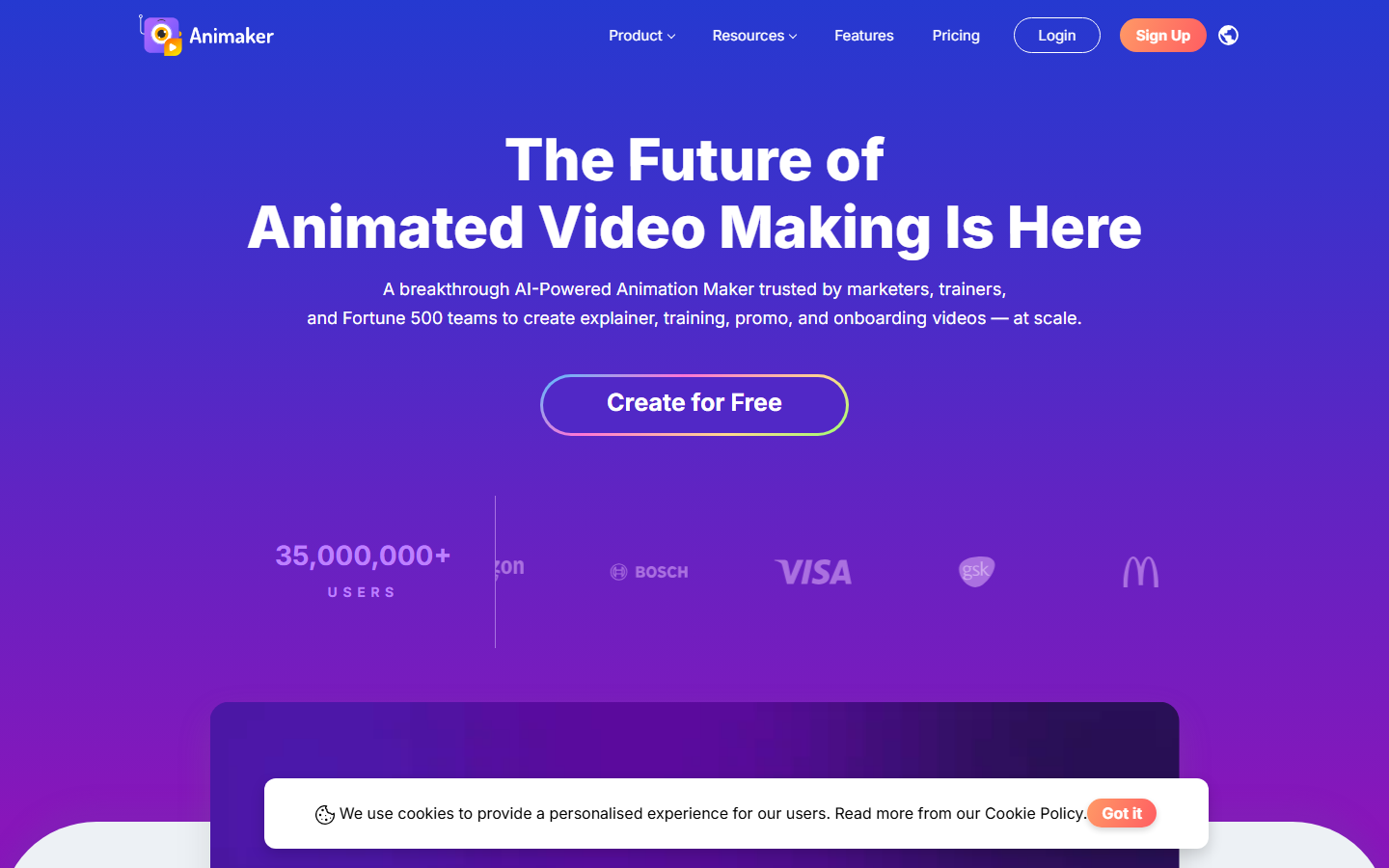
Animaker’s AI animation video creation platform
Core parameters and statistics
| Parameter | Value |
|---|---|
| Video mode | Whiteboard animation 2D character animation, infographic video, video editing, hand-drawn animation |
| Material library | 10 million+ materials (characters, backgrounds, icons, music) |
| AI functions | AI character generation, AI voice, AI lip sync, intelligent layout |
| Output resolution | 720p (free), 1080p/4K (paid) |
| Maximum duration | Unlimited (paid version) |
| Export format | MP4, GIF, PDF (whiteboard), YouTube direct transfer |
| Supported languages | English, Chinese, Japanese, Spanish, French, etc. |
| Team Collaboration | Support (Enterprise Edition) |
The most prominent feature of Animaker is its rich video mode - whiteboard animation, 2D character animation, infographic video and traditional video editing are integrated on the same platform, covering most scenarios of animated video production. The 10 million+ material library enables non-design users to produce visually rich animated content.
User and market recognition
- User Scale: More than 8 million users worldwide, covering enterprises and individual creators.
- B-side adoption: Used by well-known companies such as Salesforce, Walmart, Deloitte, etc. for internal training videos, product demonstrations, and marketing content production.
- Industry status: Leading in the field of "non-designer animation tools", with main competitors including Vyond, Powtoon, and Moovly.
- Market Review: Rated as a leader in the animation production category on G2 and Capterra, known for its ease of use and rich template assets.
Cost advantage
| Plan | Price | Core Benefits |
|---|---|---|
| Free version | $0/month | 2 video exports per month, 720p, watermarked, limited footage |
| Starter version | $12/month (annual payment) | 5 video exports per month, 1080p, no watermark, all materials |
| Pro version | $25/month (annual payment) | 20 videos per month, 4K export, all AI functions unlocked |
| Enterprise version | $79/month (annual payment) | Unlimited video production, priority support, custom branding, team collaboration |
- C-side cost: The free version has 2 videos per month, which is enough for light users but comes with a watermark. The Starter version is $12/month and is the most cost-effective option for individual creators.
- B-side cost: Enterprise version $79/month, the ROI is extremely high compared to hiring professional animators (daily salary $300-800).
- Hidden Cost: Although the learning curve of animation production is lower than that of professional tools, it still requires time to become familiar with the timeline and scene editing; the characters and animation effects generated by AI require manual tuning in some complex scenes.
Main functions
- AI Character Generator: Enter a text description (such as "a male businessman wearing glasses"), and AI will automatically generate a 2D animated character that matches the description and supports expression and motion control.
- Whiteboard Animation Mode: An animation style that simulates the hand-drawing process, suitable for explanatory videos and educational content. AI automatically plans the order and speed of hand-drawing.
- 2D Character Animation System: A large number of preset character movements (walking, talking, pointing, thinking, etc.) can be precisely controlled through the timeline.
- AI Voice and Lip Sync: After entering text, AI automatically generates voiceovers (supports multiple languages and accents) and synchronizes the character's mouth animation.
- 10 million+ material library: including characters, backgrounds, icons, illustrations, music, sound effects and other categories, supporting keyword search and one-click application to scenes.
- Multi-track timeline editing: Supports cascading arrangement of characters, backgrounds, text, music and effects, and provides advanced motion curve control.
- Intelligent Scene Layout: AI automatically suggests scene composition and lens switching rhythm based on content, reducing manual adjustments.
Model and version evolution
- Animaker 1.0 (2015.06): Starts with whiteboard animation and basic 2D character animation, positioning it as "an animation tool with no design threshold".
- Animaker 2.0 (2024.08): The material library has been expanded to 10 million+, multi-track editing, green screen support and advanced motion curves have been introduced, making the production capabilities close to professional tools.
- Animaker 3.0 / AI Studio (2026.05): Comprehensive AI upgrade - AI character generation, AI voice/lip synchronization, intelligent lens switching and automatic scene layout, marking the transformation from "preset material drag and drop" to "AI generation + manual adjustment".
Technical advantages
- Lightweight Web Animation Rendering Engine: Animaker's animation rendering engine is based on WebGL and Canvas technology, achieving professional-level animation production capabilities in the browser without installing desktop software.
- AI character generation + action system: The AI character generator converts the text description into a vector character that conforms to the platform's skeletal animation format. After generation, it is directly connected to the preset action library for animation.
- Intelligent Voice Synchronization Pipeline: The deep coupling of AI speech synthesis and lip synchronization data greatly improves the matching accuracy of the character's mouth shape and voice.
How to use
| Entrance | Description | Suitable for the scene |
|---|---|---|
| Web client (animaker.com) | Browser access, no installation required | All users |
Typical usage steps:
- Register at animaker.com and select a template or blank project.
- Select video mode (whiteboard/character animation/infographic/video editing).
- Add assets - Drag and drop from the asset library or use the AI character generator to create a character.
- Arrange action sequences, add text and voice on the timeline.
- Preview the effect and fine-tune it.
- Export to MP4 or publish directly to YouTube.
Product Pricing
Animaker adopts a SaaS subscription system, and annual billing is better:
- FREE VERSION: 2 video exports per month, 720p, with Animaker watermark.
- Starter Edition: $12/month ($144 annually), 5 videos per month, 1080p, no watermark.
- Pro version: $25/month (annual payment $300), 20 videos per month, 4K, fully unlocked AI functions.
- Enterprise Edition: $79/month ($948 annually), unlimited videos, team collaboration, custom branding.
Tips: The free version is suitable for trial functions; the Starter version is the best starting point for personal learning as a creator; the Pro version is the core plan for business users.
Application scenarios
- Education and Training Video: Convert course knowledge points into whiteboard animation or character animation explanation videos to improve students' understanding (deduction: the teacher produces a 3-minute teaching animation to reduce the time from 5 hours to 30 minutes).
- Corporate Training and Onboarding: HR and training departments produce standardized employee training animation videos to reduce the labor cost of repetitive training.
- Marketing Explanation Video: Startups quickly create product explanation videos using whiteboard animations or infographic videos when the product is launched.
- Social media content: Use character animation to produce a series of short plays or knowledge popularization content to enhance the social media interaction rate.
Applicable people
- Educators & Trainers: Need to visualize teaching materials, Animaker's whiteboard animation and AI character modes are perfect for this.
- SME Marketing and HR Team: Need to produce marketing videos and employee training materials but don’t have the budget to hire professional animators.
- YouTube/Social Media Content Creator: Hope to use animation to differentiate content styles. The material library and AI character generation have greatly lowered the production threshold.
- Not suitable for people: Professional film and television teams who need 3D animation and movie-level rendering effects, Animaker's 2D vector animation capabilities do not meet the needs; when producing high-frequency mass production videos (multiple per day), the monthly export limit of the free version and Starter version will become a bottleneck.
Summary and Outlook
Animaker's core competitiveness lies in "enabling non-design users to produce professional animated videos" - it lowers the threshold for animation production from "professional design skills" to "text input" through AI character generation, intelligent layout and rich material libraries. Current limitations include: the lack of 3D animation capabilities limits it to the field of 2D vector animation; there is still room for improvement in the animation coherence and expression richness of AI-generated characters.
Follow-up observation points: the iteration of the AI character generator in the diversity of character styles and the naturalness of body movements; the exploration of AI video generation (text directly generates complete animated scenes); and the depth of support for the Chinese market (localized materials and Chinese AI voices).
Procurement/Adoption Risk Assessment: For training and education scenarios, Animaker’s Starter Edition ($144/year) is a cost-effective option for in-house content teams. But please note: the scope of authorization for commercial use of materials (especially music and characters) used in video content generated by Animaker needs to be carefully checked, and some materials may be limited to personal use; the custom branding function of the enterprise version is only available in high-end packages; project files are locked within the Animaker platform and cannot be exported to other tools (such as After Effects) for further editing, which means that once Animaker is selected, the subsequent production process will depend on the platform.
Related tools: runway, pika
Version Info
- Animaker 3.0 (AI Studio) :Introducing AI character generator (text-generated animated characters), AI voice synchronization, smart camera switching and automatic scene layout functions.
- Animaker 2.0 :Updated asset library to 10 million+ assets; added multi-track timeline editing, green screen support and advanced motion curves.
- Animaker 1.0 :The initial version provides whiteboard animation and basic 2D character animation functions.
User Reviews