 beautiful. love
Free
beautiful. love
Free
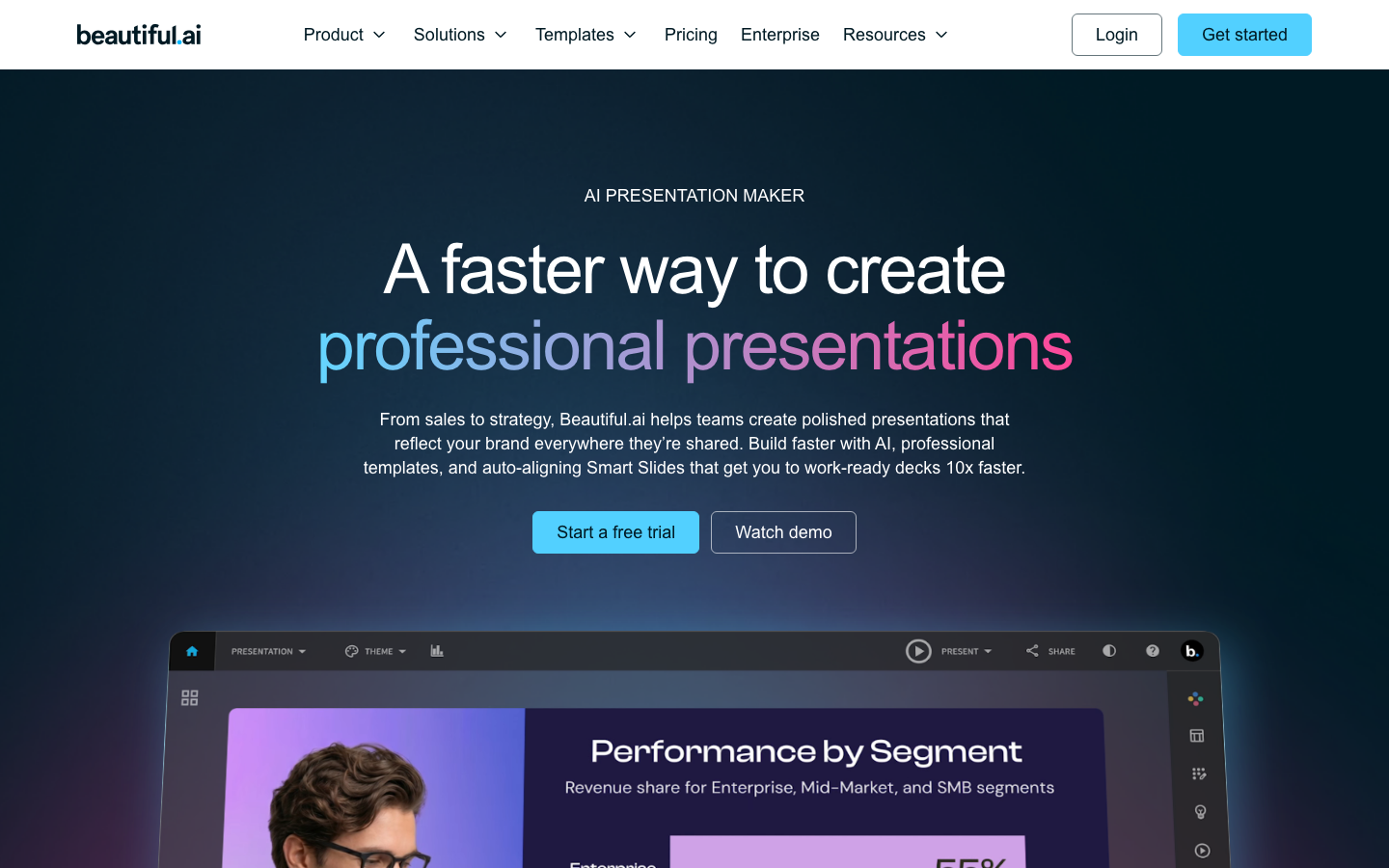
Beautiful.ai is an AI presentation platform whose core value lies in Smart Slides automatic layout, team brand control and Create with AI workflow.
Beautiful.ai
Core parameters and statistics
| Projects | Public Information |
|---|---|
| Official positioning | A faster way to create professional presentations |
| Main capabilities | Create with AI, Smart Slides, Themes, Analytics, Voice-over |
| Planning Structure | Pro / Team / Enterprise / Single Presentation |
| Public scale | 3m+ users / 35m+ slides / 50k+ companies |
| Governance capabilities | Themes, Brand Controls, Slide Libraries, Permissions |
| Supported Platforms | Web, Desktop Player |
One sentence review: Use Smart Slides and Create with AI workflow to change presentations from manual layout to semi-automatic production.
Core positioning and authenticity verification: Beautiful.ai is an AI presentation platform. Its core value lies in Smart Slides automatic layout, team brand control and Create with AI workflow. What really deserves attention is not a single AI capability, but whether it compresses the links that originally required multiple people, multiple software, and multiple rounds of communication into a sustainably reusable product workflow. For purchasers, this is more important than the model name, because the bottleneck of most teams is not lack of production capabilities, but too scattered processes, too much rework, and too weak standardization.
Current Limitations: If your scenario requires extremely high professional control, heavy compliance approvals, or relies heavily on senior manual judgment for each delivery, then such tools can usually only cover 60% to 80% of the process, and the remaining parts still rely on manual work or more professional vertical products.
User and market recognition
- The point of Beautiful.ai is not to write all the content for you, but to make typography and brand consistency less of a drag.
- The magnitude of 3m+ users, 35m+ slides, and 50k+ companies shows that it solves high-frequency office problems.
- Customer cases mentioned build time reduction many times. This value is more relevant to purchasing decisions than "more stunning pictures".
Hidden benefits: Once the team begins to centralize templates, assets, reviews, data and historical versions, the real savings are often not single production time, but cross-position communication and repeated rework. This benefit is usually not written in the official website price list, but in real organizations it is often more critical than the monthly fee.
Cost advantage
The Free Truth: The free tier is usually just enough to validate the process, not enough to support ongoing production. Many teams mistakenly think it is "cheap" when they first get started. After they actually start using it frequently, the cost will expand from subscription fees to quota, seats, asset management and approval link costs.
C-side perspective: The most important thing for individual users is to produce publishable results in a shorter time, so the low-threshold trial is valuable, but the free tier should not be regarded as a long-term solution.
Developer/API perspective: If the product has an open API or deeper integration, the explicit unit price may not be exaggerated, but the real cost will shift to call frequency, fault tolerance, and governance.
Enterprise Perspective: What enterprise procurement ultimately buys is not a button, but permissions, auditing, brand control, training SLA and predictable delivery.
- Pro: $12/month (paid annually).
- Team: $40/user/month (annual payment, 2-20 seats).
- Enterprise: Customized quote.
- Single monthly plan: $45; plus 14-day trial.
Main functions
- Smart Slides: Automatic alignment, automatic adjustment of levels and spacing, which is its most recognizable underlying experience.
- Create with AI: Generate a deck draft from prompt words and outline, but retain the manual control of reading the outline before publishing.
- Themes & Brand Controls: Unify colors, fonts, logos and templates for sales and marketing teams.
- Analytics & Secure Sharing: View viewing and interaction data, making presentations more than just static files.
- Audio / Narration / PPT: Taking into account asynchronous presentation, export and import scenarios.
Expert View: The most valuable thing about this type of product is not how new a function itself is, but whether multiple functions can form a coherent work chain. As long as you still have to move back and forth between five or six tools, the efficiency gains your team feels will be quickly diluted.
Model and version evolution
Latest main line: Beautiful.ai Create with AI Workflow corresponds to the product stage publicly emphasized on the current official website. For SaaS tools, versions do not necessarily appear as traditional semantic numbers, but are more commonly named as capability routes, product stages, or important workflows.
Historical context:
- Beautiful.ai Smart Slides Platform: Release date ~2023-06, the official website has long used Smart Slides as the core product pillar, and the official precise release date has not been disclosed.
Key points to observe: What you really should look at is not “whether there is a version number”, but whether each milestone indicates that the product is developing into a deeper workflow, clearer commercialization, and stronger organizational collaboration capabilities.
Technical advantages
- Expert View: Beautiful.ai The most valuable thing is not to make a page beautiful, but to allow non-design positions to continue to make decks that look like the same company under brand rules.
- The truth about free: It is not a permanently free tool with no threshold. After the trial, if the team really wants collaboration and brand management, it will soon fall to Team or Enterprise.
- Current Limitations: Smart Slides will become a constraint when it comes to strongly customized visual narratives, complex animations, and extreme layout freedom.
Why is it faster: Because it leaves the parts most suitable for automation to the model or rule system, and leaves the parts most suitable for human responsibility to judgment, review and final release. Once this division of labor is reasonable, efficiency improvements will be relatively stable; if the boundaries of division of labor are unclear, rework will eat up the time saved.
How to use
| Entrance | Suitable for the crowd | Typical value |
|---|---|---|
| Web | Individuals and Teams | Fastest Verification Core Workflow |
| Team collaboration | Operations, marketing, managers | Centralize templates, assets, permissions and approvals |
| Enterprise / API | Medium and large organizations | Connect to existing systems, manage and scale |
- Use Create with AI to create an outline first, and then generate the first version of the slideshow.
- Correct styles with Smart Slides and Themes, and import brand assets and graphics.
- Review, present and follow up via sharing with analytics.
- Enable SSO, template libraries, and advanced permissions as your team grows.
Human-machine collaboration boundary: Drafting, preliminary screening, formatting, batch derivation and low-risk data collection can usually be highly automated; external commitments, key approvals, financial and legal sensitive actions, and final brand release must retain manual confirmation points. This is not conservative, but a necessary condition for long-term stable implementation.
Product Pricing
Charging logic: The public price list looks like three levels: individual, team, and enterprise, but behind it actually corresponds to three completely different value structures. What individuals buy is to complete tasks faster, what the team buys is less rework, and what companies buy is a more controllable, auditable, and sedimentable process.
- Pro: $12/month (paid annually).
- Team: $40/user/month (annual payment, 2-20 seats).
- Enterprise: Customized quote.
- Single monthly plan: $45; plus 14-day trial.
Purchase Suggestion: If the team has low usage frequency, weak collaboration relationship, and low standardization, it is more reasonable to start with a trial or low-end package. On the other hand, if high-frequency production, multi-person collaboration and review management already exist, looking at the public monthly fee alone will underestimate the total cost of ownership.
Application scenarios
- Sales & Financing Deck: Layer content polishing and formatting work to reduce last-night manual alignment.
- Internal Reports and Weekly Reports: High-frequency, repetitive, and multi-person collaboration scenarios are the easiest to reflect value.
- Training and asynchronous explanation: Narration, sharing and analysis are more completely combined.
Dimensionality reduction attack scenario: When tasks have the four characteristics of high frequency, repetition, templateability, and cross-person collaboration, the somatosensory improvement of such tools is most obvious, because they are best at handling a large number of tasks with medium and low differences, but cannot be completely done manually.
Applicable people
- Sales and Marketing Team: Requires high frequency output of external materials.
- Executive Office and Operations Team: long-term internal reporting, planning and cross-department review.
- SME Founders: Especially useful when you don’t have a dedicated design team.
Dissuade Scenario: If the team has extremely low frequency of tasks, extremely high creative freedom, or every step involves strong professional responsibility, then it may not necessarily bring efficiency, but may just bring new governance burdens.
Summary and Outlook
Beautiful.ai's competitiveness lies not in how dazzling a single AI function is, but in whether it can turn a work chain that was originally broken, easy to rework, and difficult to reuse into a replicable, reviewable, and scalable organizational process. For individual users, it lowers the threshold for getting started; for teams, it gradually turns hidden experience labor into structured processes; for enterprises, its value is only truly established after governance, permissions, and traceability are solidly established.
Procurement/Adoption Risk Assessment: The scenario of dissuasion is to treat it as a high-degree-of-freedom design software; the hidden benefits are brand consistency and reduced layout time, and the hidden costs are the management overhead of seats, brand management and export links. A more reliable way to implement it is to first select a high-frequency, low-risk process with the easiest to quantify results as a pilot, and observe whether the working hours are really reduced from X to Y, whether the rework rate is reduced, and whether the manual confirmation points are clearer, and then decide whether to expand to a wider range.
Related tools:  Notion AI, google-workspace
Business process integration and ROI analysis
As a productivity tool for enterprises or professional positions, the true value of Beautiful.ai depends on the depth of integration with existing workflows and the quantifiable efficiency improvement effect. The following is a systematic analysis from three core dimensions.
System integration and data interoperability The ability to interoperate with existing business systems is a key prerequisite for productivity tools to be integrated into workflows. It is recommended to focus on evaluating the following integration dimensions: the openness and documentation quality of the RESTful/GraphQL API (whether a complete API reference and SDK examples are provided), the support scope of Webhook event notifications (which business event types are supported for automatic push), the number and depth of pre-built integrations with common collaboration SaaS tools (WeChat Enterprise, DingTalk, Feishu, Slack, Notion, Jira, etc.), and enterprise-level identity authentication support (SSO/SAML/OAuth and LDAP/AD directory integration). Products that lack integration capabilities are easily isolated into information islands, which in turn increases the cognitive cost and operational friction for teams to switch between different tools.
Efficiency Quantification and ROI Estimation Methodology Before purchasing decisions, it is recommended to quantify the input-output ratio through a structured method: Step 1, choose 3-5 Standardized tasks that are frequently repeated and time-consuming in each team are used as test samples; in the second step, the average time consumption of a single task before and after tool intervention, first-time pass rate or error rate, and the number of links requiring manual intervention are recorded under controlled conditions; in the third step, the saved manpower time is converted according to the comprehensive cost of the position (salary, benefits, management sharing), and soft benefits (increased employee satisfaction, standardization of work quality, and improvement in response speed to core business) are superimposed to obtain a comprehensive ROI estimate. It is recommended to continue tracking ROI trends on a monthly basis, as the value of a tool usually increases over time as team proficiency increases and workflows are optimized.
Phase-based implementation strategy and risk control It is recommended to adopt a three-stage implementation path of "pilot verification-gradual promotion-continuous optimization". In the pilot stage (1-2 weeks), a single team or a single business scenario is selected for small-scale verification. The core goal is to verify technical feasibility and user acceptance, and establish preliminary usage specifications and success standards; in the promotion stage (2-4 weeks), after the pilot verification is passed, the coverage is gradually expanded, and standardized activation processes and training materials are developed; in the optimization stage (continuous), the workflow configuration is continuously adjusted based on actual usage data and user feedback, and more high-value application scenarios are explored. Clear quantitative key result indicators should be set at each stage to avoid blindly expanding the scope of use without data support.
Version Info
- Beautiful.ai Create with AI Workflow :Both the official website and blog regard Create with AI as the current main AI workflow.
- Beautiful.ai Smart Slides Platform :The official website has long used Smart Slides as its core product pillar, and the official precise release date has not been disclosed.
User Reviews