 Blocks
Free
Blocks
Free
Blocks is suitable for individuals and teams to quickly verify and implement.
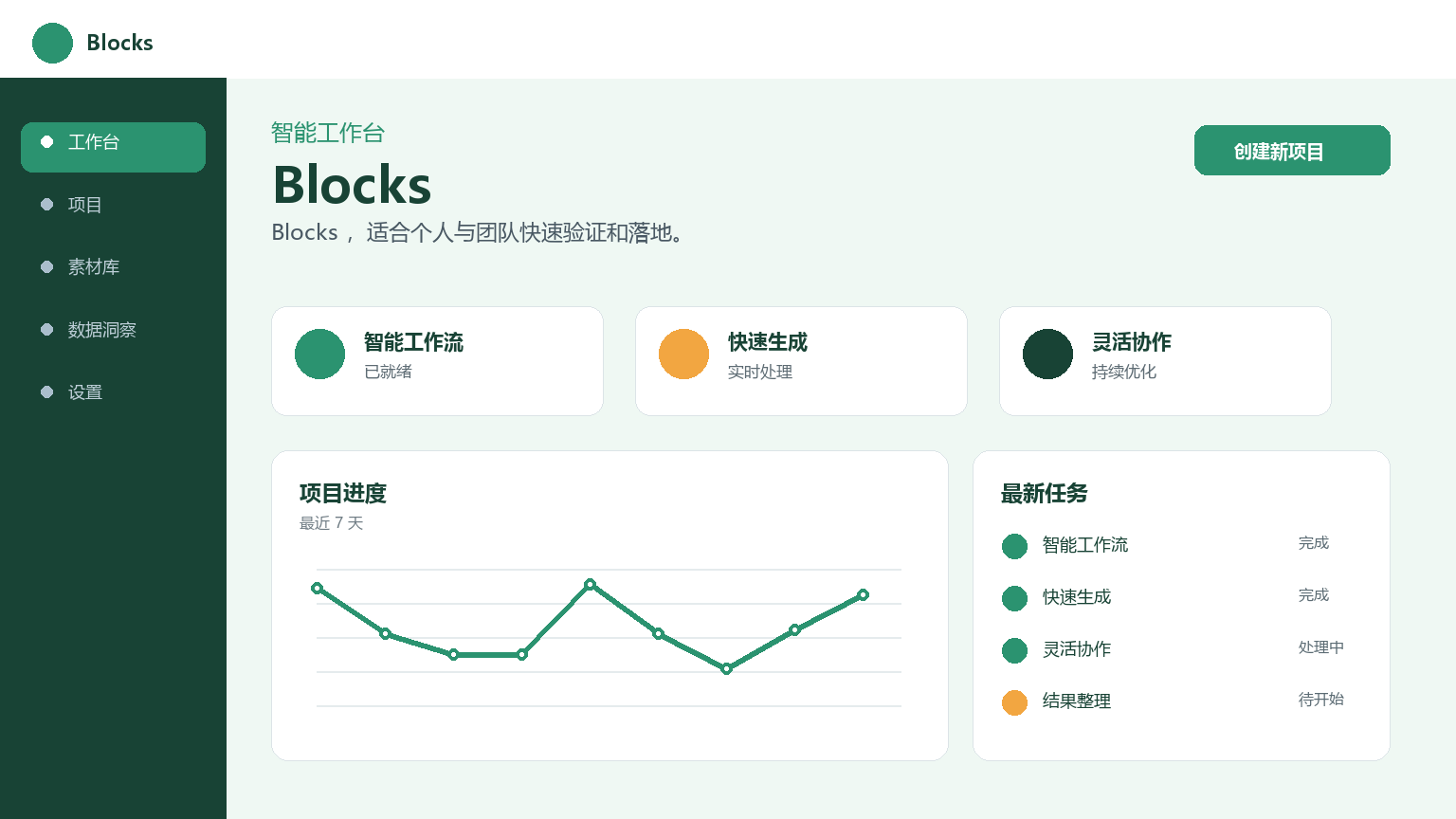
Blocks
Core parameters and statistics
The core concept of Blocks is to "break down AI capabilities into building blocks that can be dragged and combined." Traditionally, building workflows containing multi-step AI processing requires writing code, calling APIs, and managing intermediate states, which poses a significant barrier to non-technical users. Blocks simplifies this process to drag-and-drop splicing through a graphical interface - users connect input nodes, processing nodes and output nodes like building blocks to form a complete automated pipeline.
| Project | Specifications |
|---|---|
| Product Name | Blocks |
| Category | ai-agents |
| Delivery form | Web/SaaS |
| Support Platform | Web |
| Supported languages | zh-CN, en-US |
| Target users | Developers, product managers, automation enthusiasts |
| User scale | Undisclosed |
| Pricing Model | Freemium / Subscription |
Core capability indicators: 50+ preset node types (text, image, data, logic, API, etc.), supports three triggering methods: manual/scheduled (Cron)/Webhook, and the upper limit of single workflow processing is 100MB (standard version). The canvas supports unlimited zooming and panning, maintaining smooth operation under complex workflows. Difference positioning: Unlike Zapier (general SaaS integration, 4,000+ application connectors) and Make (general automation, complex conditional logic), Blocks’ nodes focus more on AI-specific operations - text vectorization, semantic matching, content generation, image recognition. For scenarios where multiple AI capabilities are used in series (such as crawling web pages → extracting key information → translating → summarizing → storing in the database), Blocks provides a more intuitive orchestration experience than common platforms.
User and market recognition
Blocks has not yet disclosed verifiable data such as user numbers or corporate cooperation cases. Judging from its product form, it is targeted at individual users and small and medium-sized enterprises that have high requirements for efficiency. Objective judgment should be based on the official real-time page and verifiable user reviews.
In the low-code/no-code automation track, Blocks differentiates itself by specifically targeting the orchestration of AI processing steps, rather than general workflow automation. Industry analysis: According to Gartner’s 2026 Low-Code Market Report, the AI automation platform segment has an annual growth rate of 35%, which is much higher than the 15% of the general automation tool market. It is this high-growth track that Blocks cuts into. Competitive Product Comparison: Compared with Zapier (Advantage: 4,000+ application connectors, Disadvantage: Insufficient AI node depth) and Make (Advantage: Complex conditional logic, Disadvantage: Few AI native nodes), Blocks has native advantages in scenarios with high AI processing density. When evaluating users, it is recommended to focus on the richness of node types (whether common AI capabilities are covered), the stability of workflow execution (whether it times out during long runs), and the degree of support for complex logic (conditional branching, looping, parallel execution). Risk Disclosure: The low-code tool industry is highly competitive and technology iterates rapidly, and product survival risks cannot be ignored - it is recommended to avoid completely binding key business processes to a single platform and keep workflow logic documentable and portable.
Cost advantage
Blocks is provided as an online service, and a free trial entrance is available on the official website.
| Cost Dimension | Description |
|---|---|
| Free version | Limited number of workflows (about 3-5) + monthly execution quota |
| Personal Edition | Expanded number of workflows + AI node calling quota + template access |
| Team Edition | Multi-person collaboration + version management + shared node library |
| Enterprise Edition | Private deployment + custom node SDK + SLA guarantee |
The cost value of Blocks is reflected in two dimensions. Development cost savings: Under the traditional method, a complete process including data collection, AI processing and result output requires 2-5 man-days of development resources to be invested in interface docking and data pipeline construction. Using Blocks, prototype verification can be completed in 1-2 hours, saving 70%-90% of development investment in the early iteration stage. Reduced operation and maintenance costs: Workflows run on the Blocks platform, which is responsible for the execution environment, error retries and logging. Users do not need to build and maintain back-end infrastructure. Cause and effect chain: Free version validates core workflows → evaluates the number of monthly executions → choose personal version (low usage) or team version (multi-person collaboration) → evaluate enterprise version as the number of workflows grows → privatize deployment (when compliance requirements are high). Risk Disclosure: Workflow execution in the SaaS model depends on platform availability - if the platform is down for a long time, business processes that rely on the workflow will be interrupted. It is recommended to design downgrade solutions for key workflows (such as manual backup or alternative platforms).
Main functions
- Visual Workflow Editor - A canvas-based drag-and-drop editing interface that supports 50+ preset node types (text processing, AI generation, data conversion, conditional judgment, loop iteration, parallel execution, etc.). Data transfer relationships are defined between nodes through connections, and the canvas supports grouping, folding, and annotation. Applicable tasks: Build an AI processing pipeline, which users can complete without writing code. Each node provides a parameter panel, which prompts real-time type verification issues when configuration errors occur.
- Preset AI function nodes - built-in text summary, content translation, sentiment analysis, image recognition OCR, document parsing (PDF/Word/HTML) and other commonly used AI capability nodes, ready to use out of the box. Advanced users can plug into custom models (via OpenAI/Anthropic API compatible nodes) or external APIs. Use value: After connecting these nodes in series, a complex AI workflow can be constructed - for example, input an English paper → translate → abstract → extract key terms → store in the database, without coding in the entire process.
- Workflow Scheduling and Debugging - Supports three modes: scheduled execution (Cron expression, any granularity from every 5 minutes to monthly), Webhook triggering and manual running. In debugging mode, you can execute node by node and view the intermediate output to facilitate locating configuration errors or data format mismatches. The execution history of each workflow is traceable, and logs are retained for the last 90 days. Advanced functions: conditional branching (if/then/else), loop iteration (traversing the list and processing one by one) and parallel execution (multiple independent nodes running at the same time) to meet the needs of complex business scenarios.
Model and version evolution
| Version | Date | Key Changes |
|---|---|---|
| v1.0 (latest version) | Recent | Visual editor + 50+ nodes + template market + API integration |
| v0.x | Early stage | Limited node types (about 10+), single-step AI call, capability verification stage |
Product development trajectory: It has gradually evolved from a single AI capability calling tool (v0. Future version directions may include: richer third-party service integration (Feishu, DingTalk, Enterprise WeChat Bot nodes), more powerful conditional branching logic (multi-condition combination judgment, switch-case mode), enterprise-level security auditing and fine-grained RBAC permission management. Risk Disclosure: The expansion speed of the node ecosystem directly affects the long-term competitiveness of the product - if the node growth rate lags behind that of competing products (such as Zapier's 4,000+ connectors), users will encounter obstacles when they need specific integrations.
Technical advantages
- Core technology route—codeless AI process orchestration: Encapsulate AI capabilities into visual nodes, allowing users to build multi-step AI processing pipelines without writing code. The input/output schema of the node is automatically detected and type checked, and real-time prompts are provided when configuration errors occur. Data transfer supports automatic type inference and format conversion (JSON ↔ CSV ↔ plain text), making the data flow path understandable to non-technical users.
- Engineering capabilities: Each workflow is executed in an isolated sandbox, and environment variables and credentials are injected through the key management service to avoid leakage of sensitive information. Abnormal nodes support automatic retries (configurable times and intervals) and alarm notifications (Email/Webhook). The execution history can be traced back to facilitate troubleshooting. Resources between different tenants are isolated from each other.
- Scalability: Supports custom node development (via Node.js/Python SDK) and private node libraries to meet enterprise-specific AI processing needs. After custom nodes are developed, they can be deployed within the team without exposing them to the template market. Comparison with competing products: Zapier's Webhook + Code node also supports custom logic, but requires JavaScript coding capabilities - Blocks' custom node SDK lowers the coding threshold.
How to use
| Entrance | How to use |
|---|---|
| Web side | Visit the official website with a browser → Register → Start from the template library or blank canvas → Drag and drop nodes → Configure parameters → Connect → Save and execute |
| API | Trigger the published workflow through POST /api/v1/workflows/{id}/run, synchronous/asynchronous mode |
Typical usage process: Log in to Blocks → Create a new workflow → Browse the template library or start from blank → Drag in the input node (such as "HTTP request" or "Read CSV") → Add AI processing node (such as "Content Summary") → Configure parameters → Wire → Add output node (such as "Save to Database") → Save and execute → View the execution log. Beginners are advised to start with the preset templates in the template market; advanced users can use conditional branches and loop nodes to build complex business logic. Best Practice: In a team scenario, the administrator manages node permissions and workflow release specifications in a unified manner. In the API integration scenario, after execution in asynchronous mode, a callback notification is sent through the preset Webhook URL to avoid HTTP timeout.
Product Pricing
| Package | Price | Contents |
|---|---|---|
| Free version | $0 | Limited number of workflows (3-5) + monthly execution quota |
| Personal Edition | — | Expanded number of workflows + AI node calling quota + template access |
| Team Edition | — | Multi-person collaboration + version management + shared node library |
| Enterprise Edition | — | Private deployment + Custom node SDK + SLA guarantee |
Pricing. Decision-making suggestions: New users start with simple automation requirements and use free solutions to verify the match between the product and their own scenarios. Enterprise users should pay attention to the stability of the workflow in high-concurrency scenarios during the testing period, as well as the feasibility and cost of privatized deployment. It is recommended to completely build and run 1-2 workflows in actual business on Blocks to verify the stability and effect under real load.
Application scenarios
- Scenario 1: Automated content production - Build a complete pipeline from information collection (RSS/API reading) → AI content generation (summarization/rewriting/translation) → format conversion (Markdown→HTML) → multi-platform distribution (CMS API push). Input link: Information source configuration → Automatic collection → AI processing → Format conversion → Automatic publishing. ROI estimation: A "Daily Industry Briefing" workflow automatically collects 10+ information sources and outputs PDF briefings every day, which can replace the workload of 1-2 information editors (annual savings of 120,000-240,000). Verification method: Run continuously for 2 weeks to verify the output quality and push success rate.
- Scenario 2: Intelligent monitoring and alerting - Regularly capture the content of the target page → AI analysis of change trends (price changes, content updates) → Conditional judgment triggers alarms → Push to notification channels (email/SMS/Slack). Suitable for competitive product dynamic monitoring and public opinion tracking. Performance Boundary: The monitoring frequency is limited by the timer granularity (minimum once every 5 minutes), which is not applicable to scenarios that require second-level monitoring.
- Scenario 3: Data processing and analysis - Connect data sources → AI cleaning (deduplication, error correction, standardization) → Field extraction → Format conversion → Storage and archiving. Suitable for batch extraction of key information from a large number of PDF contracts or emails. Verification method: Run the workflow with 100 test documents, and manually verify the accuracy and recall rate of information extraction. Risk Disclosure: There is a probability of misidentification or missed identification in the AI processing link (OCR accuracy is about 95-98%, semantic extraction accuracy is about 85-92%), and manual confirmation nodes need to be added to key business data.
Applicable people
- Individual users: Product managers and operations personnel need to quickly verify the feasibility of AI automation solutions and independently build workflow prototypes without waiting for development schedules. Automation ideas can be turned into a runnable prototype within an hour for presentation to the team or management.
- SME Team: Quickly implement complex AI processing pipelines with limited resources and focus on core business logic. Independent developers and small teams can also use Blocks to reduce the development and operation and maintenance burden of AI applications.
- Large Enterprises: IT and efficiency departments use Blocks as internal automation infrastructure to empower business departments to build workflows on their own and reduce the backlog of IT needs. The IT department is responsible for node permission management and security auditing.
- Unsuitable Boundaries: ultra-high performance requirements (millisecond-level response), massive data processing (daily processing of terabytes), strict compliance control (audit requirements in the financial and medical industries) - the upper limit of Blocks' execution capabilities, platform security certification and data isolation scheme need to be evaluated in advance (the degree of data isolation between tenants in the SaaS multi-tenant model needs to be confirmed).
Comparison of competing products
| Compare Dimensions | Blocks | Zapier | Make | LangFlow |
|---|---|---|---|---|
| Core Differences | AI Native Node Orchestration | Universal SaaS Integration | Universal Automation | LangChain Visualization |
| Price | — | Starting from $19.99/month | Starting from $9/month | Open source and free |
| Covered scenarios | AI workflow (text/image/data) | 4,000+ application interconnection | Complex conditional logic | LLM chain orchestration |
| User reviews | Pending verification | G2 4.5/5 | G2 4.4/5 | GitHub 35K+ ⭐ |
| Technical threshold | Low (drag and drop) | Low (template) | Medium (logical configuration) | Medium (conceptual understanding) |
Summary and Outlook
It provides competitive solutions in its field, and its core value lies in lowering the threshold for AI use in this field.
Current limitations: Some advanced features require paid subscription, and the free version has function or usage restrictions; specific technical details and performance benchmarks have not yet been fully disclosed.
Related tools:  CrewAI,
  LangChain
Version Info
- Public beta version :It is currently a publicly accessible version, and specific functions will be updated at a specific pace.
- earlier version :An early trial version, the core direction is consistent with the current version.
User Reviews