 Canva AI
Free
Canva AI
Free
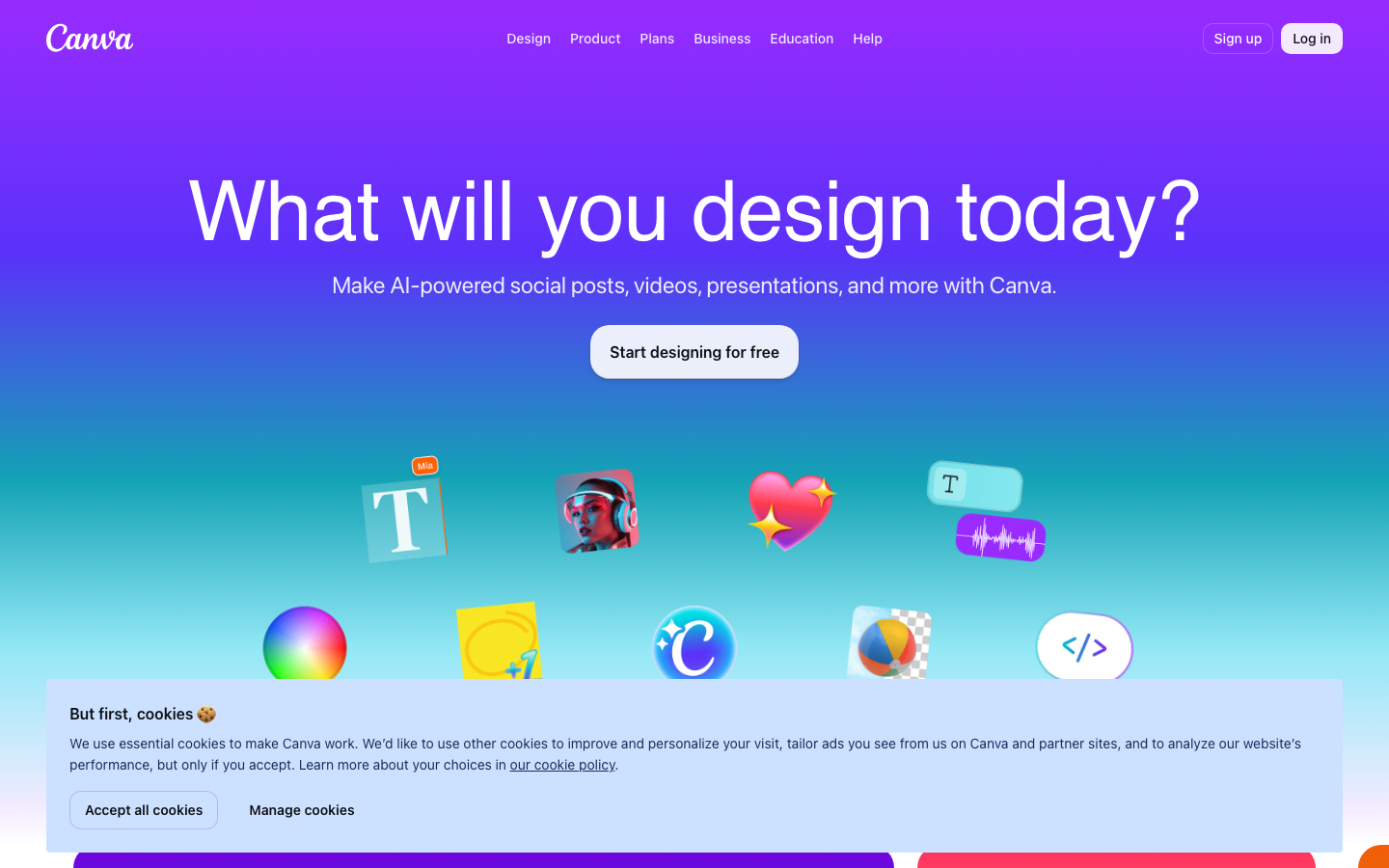
Canva is a full-stack design platform from Australia that lowers the threshold for graphic design with its massive templates and drag-and-drop editor. AI capabilities (Magic Studio) are embedded in the entire design process: text generation and image AI expansion, one-sentence generation of presentations, automatic cutout and background removal, intelligent alignment of brand templates, etc. Covering personal social content to corporate brand asset management.
CanvaAI
Core parameters and statistics
Canva is positioned as a "design platform for everyone". Through its template library and drag-and-drop editor, it lowers the threshold of graphic design to non-professional users, and its AI capabilities (Magic Studio) further compresses the time from "idea" to "finished product".
| Projects | Public Information |
|---|---|
| Official positioning | Empowering the world to design |
| Product Form | Web Online Editor + Desktop App + Mobile App |
| AI capability brand | Magic Studio (generative AI function collection) |
| Scale of template library | Publicly declared to have over 100 million professional templates |
| User scale | Publicly declared monthly active users exceed 200 million |
| Enterprise customers | Used by over 95% of Fortune 500 companies (official public data) |
| Latest version | 2026-07 Monthly update |
| Supported Platforms | Web, iOS, Android, Desktop |
Deployment Formats: Canva is SaaS at its core, with no self-hosted option. This means that all design assets and brand templates are stored uniformly in the cloud and can be accessed by authorized users from any end by logging in through a browser or app. Enterprises that are sensitive to data sovereignty need to first evaluate asset storage locations and compliance terms.
Template Density: Over 100 million templates means that most common design tasks (social media graphic PPT, posters, resumes, business cards) have starting points that can be directly applied. This is the core layer that widens the gap with traditional design software.
User and market recognition
Canva's market recognition comes from its "low threshold + scale effect" rather than its deep functional exclusivity in the professional design field.
User scale: Publicly announced monthly active users exceed 200 million, covering individual creators, self-media operations, small and medium-sized enterprise marketing teams and non-profit organizations. 95% of Fortune 500 companies have used Canva (official data), indicating that its enterprise penetration is quite impressive.
Competitive position: In the "non-professional design" market, Canva's template density and team collaboration ecosystem are almost unrivaled; in competition with Adobe Express, its advantages are template diversity and brand management maturity, while its weakness is the depth of professional-level vector/image editing.
Community Ecosystem: Canva has an open designer community and the Canva Create annual conference. Template contributions and plug-in ecology continue to grow. However, the quality control and security audit status of the plug-in store has not been officially disclosed.
Cost advantage
Canva's cost structure is a three-tier ladder of "free coverage of personal high frequency -> Pro unlocks AI quota -> Enterprise controls brand compliance".
C-side/Individual: The free tier provides 5GB cloud storage for thousands of templates and basic AI functions (AI cutout, Magic Write, etc.), but the number of AI generation times may be limited. For individual users who only need social media graphics and simple posters, the free tier is usually sufficient. The main hidden cost is "brand consistency maintenance" - the free tier is not easy to manage multiple brand color matching and font libraries.
Pro: Subscribe on a per-seat basis to unlock branded suites, advanced AI features, transparent backgrounds, team collaboration and unlimited AI features. For an operation team that produces 50+ pictures per month, the cost of Pro is much lower than the cost per picture of hiring a full-time designer.
Enterprise: Sold by seat contract, includes SSO, brand approval flow, template locking, enterprise-level asset management, advanced audit and compliance reporting. Enterprise procurement costs are concentrated in seat fees and AI call volume. The hidden costs are the reduction in rework rate after the brand template is unified, and the release delay caused by the approval process.
Main functions
Canva's AI capabilities are concentrated under the Magic Studio brand and expanded along the three main lines of "Text -> Image", "Image -> Variation", and "Sketch -> Finished Product":
- Magic Design (AI automatic design): Upload materials or enter a description of requirements, and AI will automatically generate a multi-version layout plan, suitable for scenarios that require quick drafting.
- Magic Write (AI copywriting generation): Call it directly in the editor to generate copywriting such as title, body text, product description, etc., and complete it on the same interface as the design layout, reducing cross-application switching.
- Magic Media (AI image and video generation): Text descriptions generate static images or short video materials, and the output can continue to overlay template elements in the editor.
- Magic Expand (AI Expansion): Expand the content of existing images outward to complete the scene outside the canvas, suitable for adjusting the composition ratio of the picture.
- Magic Eraser & Background Remover (AI photo editing): Erase distractions or remove the background with one click, replacing basic Photoshop work.
Acceptance focus: The style consistency, brand color alignment, and Chinese font rendering quality of the AI-generated results are the prerequisites for evaluating whether they can be used in formal delivery.
Model and version evolution
Continuous iterative updates, the latest version introduces performance optimization and new features. Historical version information can be viewed on the official release page. There is no complete public version evolution timeline yet. It is recommended to pay attention to the official announcement to understand the rhythm of feature updates.
Technical advantages
Canva's technical advantages mainly come from "the synergy of generative AI and template ecology" rather than the performance leadership of a single model:
AI + template fusion: After the user inputs a text description, AI not only generates an independent image, but also automatically fits the result into the target template (such as Instagram Story size A4 poster), eliminating the need to manually adjust the layout and size. This is the core difference that differentiates Canva from standalone AI image generation tools like Midjourney.
Brand Intelligent Alignment: For Pro/Enterprise users, AI will automatically refer to the color palette, font and logo specifications in the brand kit when generating images or copywriting. The output results will meet the brand asset requirements from the source, reducing later rework.
End-to-end workflow includes: From AI draft -> Template application -> Team review -> Brand approval -> One-click publishing/downloading, the entire link is completed within the Canva platform, without cross-application delivery. For high-frequency output social media operations and e-commerce promotion scenarios, timeliness benefits are significant.
Scale Inference Cost: Canva's AI inference relies on a mixture of self-developed models and third-party models (such as the Stable Diffusion series). The AI quota of paying users is the prepayment of inference costs. The official has not disclosed the specific parameter scale and inference architecture details of the AI model.
How to use
Canva uses the web as the core entrance and mobile apps as supplements. It does not provide API or self-hosting options:
| How to use | Suitable for the crowd | Entrance | Prerequisites |
|---|---|---|---|
| Web browser | All users | canva.com | Register an account (supports Google/Email login) |
| Desktop App (Windows/macOS) | Heavy users | Canva official website download | Install the program and log in to the same account |
| iOS/Android App | Mobile Creation | App Store / Google Play | Download and install, log in to your account |
| Canva Enterprise Management Backend | Enterprise Administrator | Enterprise Contract Activation | Domain Name Verification and SSO Configuration |
Typical operation path: select template/enter AI prompt words -> Magic Design generates multiple layouts -> drag and drop to adjust elements -> Magic Write fills in copywriting -> brand kit checks alignment -> team collaboration review -> export/publish.
First-time user recommendation: First use the free tier to run through 2~3 complete design processes (such as public account covers, Xiaohongshu note drawings, simple posters), test the AI generation quality and brand alignment, and then decide whether to upgrade to Pro or Enterprise.
Product Pricing
The pricing model is subject to the official real-time page. Usually a freemium or subscription system is used, and basic functions can be used for free. Advanced functions or high-frequency use require paid subscriptions, and users are advised to evaluate the optimal solution based on actual usage.
Application scenarios
Canva AI is most suitable for design tasks with "limited budget but high output frequency". There are three typical scenarios:
- Social media content production: Daily updated graphic and text materials such as official account covers, Xiaohongshu Notes Instagram Story, Douyin short video covers, etc. AI automatic mapping compresses the production time of a single picture from 30~60 minutes to 5~10 minutes (deduced value, subject to actual operation). Key points for acceptance: brand color alignment and Chinese font compatibility.
- Marketing activity materials: Batch design of e-commerce promotion posters, landing page banners, email marketing visuals, friend circle posters, etc. AI template application + batch replacement of materials can reduce the entire batch production time from 2~3 days to 2~3 hours (deduced value). Key points for acceptance: Whether the template locking and approval process have been configured.
- Enterprise Brand Asset Management: unified brand template, asset library management and approval flow within the enterprise. AI helps frontline employees quickly generate brand-compliant content and reduces the design department’s picture-by-picture rework. Key points for acceptance: Whether the color swatches/fonts/Lockup in the brand kit cover all commonly used layouts.
Not suitable for scenarios: Professional-level vector illustrations, fine image synthesis, and complex print color management (CMYK four-color separation) still require Illustrator or Photoshop; highly customized packaging design or corporate VI manuals, the templated path will lose uniqueness.
Applicable people
Canva AI’s value is tiered by role, and each role type has clear prerequisites:
- Individual Creator/Self-Media Operation: AI automatic design + copywriting generation can significantly reduce the preparation time for illustrating a single piece of content. Prerequisites: Ability to accept templated visual styles, with low requirements for uniqueness.
- Small and Medium Enterprise Marketing Team: An operation team of 1 to 2 people covers all-channel material output, and the Pro version of the brand suite ensures output consistency. Prerequisites: The team has sorted out the brand color palette, fonts and common layout assets.
- Enterprise Branding and Design Department: Enterprise version’s brand approval flow and asset locking reduce the risk of brand violations. Prerequisites: IT has completed SSO docking, and the brand team has pre-configured template locking and approval rules.
- Educators & Students: Canva for Education is free with Pro features for classroom materials and project-based learning. Prerequisite: The school needs to complete education verification.
Not suitable for people: Graphic designers who require in-depth original illustrations, complex compositions and professional print design; non-design positions that do not require visual creation at all; organizations that require data security to be stored locally.
Summary and Outlook
The core competitiveness of Canva AI lies in the trinity of "template ecology + AI generation + team collaboration". It has found a balance between "sufficiency" and "efficiency" in the three scenarios of social media operations, small and medium-sized enterprise marketing and corporate brand management. It is not a substitute for professional design tools, but a production tool that enables non-designers to have basic design capabilities while reducing simple duplication of work by the design team.
The current main limitations include: there is a gap between the Chinese quality (font rendering, typesetting alignment) of AI-generated results and English; the style controllability of AI image generation is lower than that of professional tools such as Midjourney; some advanced features of the enterprise version (such as SAML SSO, API integration) require business confirmation terms. Follow-up focus: the official launch pace of AI video generation, the audit granularity of the enterprise version’s approval process, and the localization and deepening of the Chinese version of Magic Studio capabilities. Before purchasing, enterprises should focus on confirming whether the AI quota is suitable for internal high-frequency scenarios, the storage location and compliance terms of brand asset data, and the coverage of version upgrades and feature updates during the contract period.
Expert View: The real value of Canva AI is not to generate design, but to scale up the proposition that "non-designers can create professional-level content." The significance for enterprises is to reduce reliance on design teams, but brand compliance controls are still weak.
Related tools:  Midjourney, stable-diffusion
Version evolution of Canva AI
Canva adopts a SaaS continuous delivery model without a traditional large version number system. The following milestones are publicly verifiable key nodes:
Magic Studio Before and After
- 2024-09 (Magic Studio released): Canva unifies scattered AI functions under the Magic Studio brand, integrating AI image generation, copywriting generation and design recommendation, forming a one-stop AI design entrance.
- 2025-10 (Canva Enterprise): The enterprise version is launched to strengthen the brand compliance approval process, SSO integration and asset locking, for large organizations.
- 2026-03 (AI image expansion + AI video): Magic Expand is online, users can expand the edges of images; the AI video generation function enters Beta.
- 2026-05 (Intelligent Brand Recommendation): AI can automatically recommend brand template variations based on historical designs, reducing the steps of creating from blank.
- 2026-07 (Latest monthly update): Continuous optimization of each module of Magic Studio, official changelog details have not been disclosed.
Version Info
- Canva 2026-07 Monthly Release :The latest monthly update continues to optimize Magic Studio’s AI capabilities and team collaboration functions. There is no official precise version number yet.
- Canva 2026-05 Release :Introducing enhanced AI image generation and brand template intelligent recommendation, there is no official precise date yet.
- Canva 2026-03 Release :Upgrade Magic Studio: Added AI image expansion (Magic Expand) and AI video generation capabilities.
- Canva 2025-10 Release :Launched Canva Enterprise to enhance brand compliance approvals and SSO integration.
- Canva 2024-09 Release :Launched the Magic Studio brand to centralize AI functions into a unified generative design portal.
User Reviews