 Captions
Captions is an AI video tool for mobile creators. It uses automatic subtitles, Eye Contact Correction and AI voice enhancement as its core functions to help creators who appear alone quickly produce professional-looking video content. With more than 10 million registered users, it will launch the AI Avatar function in 2024, which can generate lip-sync videos without the need for real people to appear.
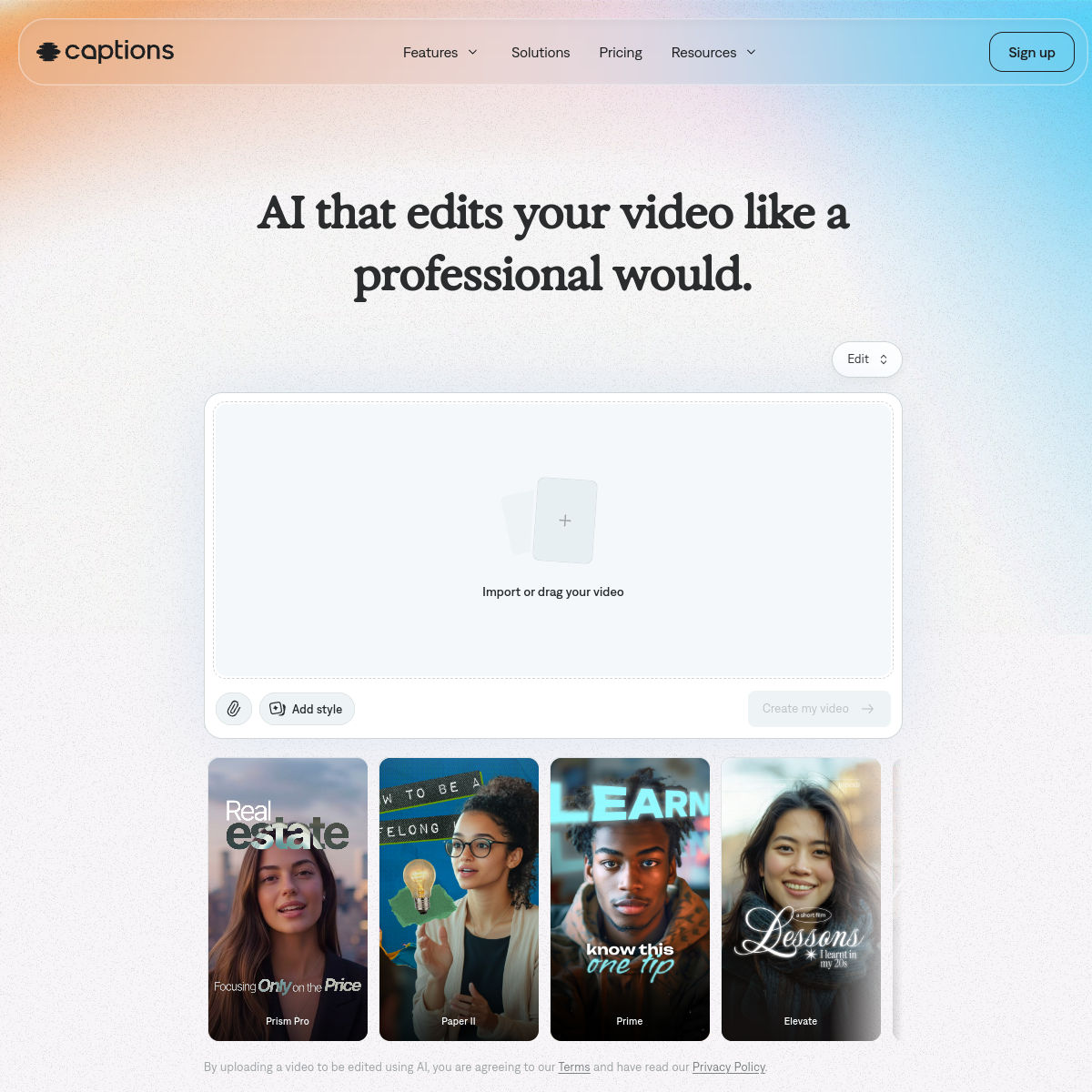
Captions — Mobile AI video creation, designed for solo creators
Core parameters and statistics
| Parameters | Details |
|---|---|
| Number of registered users | 10 million+ |
| Founded | 2021, Headquartered in New York |
| Supported platforms | iOS, Android, Web |
| Subtitle supported languages | 28+ languages |
| Core functions | Automatic subtitles, eye correction AI voice enhancement AI Avatar |
| Free plan | Yes (basic subtitles, with watermark) |
| Pro Plan | $14.99/month |
| Creator Plan | $29.99/month |
| Target users | TikTok/Reels creators, podcasters, knowledge bloggers |
| Featured Technology | Eye Contact Correction |
The core user scenario of Captions is "one person completes video shooting and post-production alone" - there is no photographer to help focus the eyes, and no sound recordist to deal with noise. The AI function makes up for the lack of professional equipment for independent creators.
User and market recognition
Captions is one of the highest-rated AI tools in the video creation category on the App Store, with a long-standing 4.7+ star rating and over 10 million registered users. The eye contact correction feature quickly became a viral hit on TikTok after it was launched, with multiple creators with millions of fans publicly sharing their experience using it, driving a lot of organic growth.
The platform has received the highest ratings of the day on Product Hunt many times, and the launch of the AI Avatar function has further expanded the product's influence. Captions has been reported many times by Forbes, TechCrunch and other media, and is considered to be the AI video tool that “best understands the needs of mobile creators”. The company has completed multiple rounds of financing, with investors including a16z and other top venture capital institutions.
Cost advantage
| Plan | Price | Main Benefits | Applicable People |
|---|---|---|---|
| Free version | $0/month | Basic automatic subtitles, video with watermark, limited export time | First experience |
| Pro | $14.99/month (paid annually) | No watermark, advanced subtitle styles, eye correction, speech enhancement, 720p | Active Creator |
| Creator | $29.99/month (annual payment) | Full feature unlock, AI Avatar, 4K export, priority processing | Professional creator |
For TikTok and Reels creators who produce high-frequency content, the $14.99/month Pro plan is highly advantageous in long-term costs compared to outsourced subtitle production per session (usually $5-15/item), and AI features such as eye correction are differentiated value that outsourced studios cannot easily replicate.
Main functions
- Auto Captions: Supports high-accuracy real-time voice-to-subtitle conversion in 28+ languages, provides multiple subtitle styles such as animation, pop-up, and highlight, as well as custom colors/fonts, and adds eye-catching subtitle effects to videos with one click.
- Eye Contact Correction: The most iconic feature of Captions, AI analyzes the eye position of the speaker in the video and adjusts it in real time, so that the speaker always seems to be looking at the camera rather than the script on the screen, greatly improving the intimacy and professionalism of the video.
- AI Voice Enhancement: Eliminate background noise, echo and volume unevenness in video recording with one click, and improve the audio recorded by mobile phones/ordinary microphones to a quality close to that of a professional recording studio.
- AI Avatar (AI Digital Human): Train a personalized AI digital human by recording a reference video of 5-10 minutes, and then enter a text script to generate a speaking video that is highly similar to the person, suitable for mass content production.
- Multi-language subtitle translation: One-click translation of existing subtitles into 28+ languages, helping creators easily reach multi-lingual audiences, eliminating the need for manual translation for international content distribution.
- Video Editing Tool: Built-in basic video editing functions, supporting cropping, splicing, adding transitions and text, meeting the basic post-production needs of mobile short videos without switching to other applications.
- One-click screen size adaptation: Convert videos between 9:16, 16:9, 1:1 and other size formats with one click to adapt to the publishing requirements of different platforms.
- Brand Templates and Styles: Provides a variety of professional subtitle templates and brand color settings to maintain the unity of the channel's visual style.
Model and version evolution
| Version/Milestone | Time | Description |
|---|---|---|
| iOS public release | ~2022-01 | The core function of automatic subtitles is online |
| Android version released | ~2022-09 | Expanded to Android platform |
| Eye correction + voice enhancement | ~2023-06 | Two iconic AI functions are launched, triggering viral spread |
| 1 million user milestone | ~2023-09 | Registered users exceeded 1 million |
| Multi-language subtitle translation | ~2024-03 | Support 28+ language subtitle translation |
| AI Avatar released | ~2024-09 | Personalized AI digital human function launched, 10 million users exceeded |
Technical advantages
Eye Tracking and Gaze Redirection Technology: Eye Contact Correction is based on eye key point detection and gaze direction estimation in computer vision, combined with a generated model to redraw the eye area in real time, so that the gaze direction shifts from the screen to the lens. The balance between naturalness and processing speed of this technology is the core technical barrier of Captions, and it is specially optimized for the computing power limitations of mobile devices.
Mobile AI Performance Optimization: Captions has been deeply optimized for the NPU (Neural Network Processing Unit) of iOS and Android devices. Multiple AI processes (subtitle generation, voice enhancement, eye correction) can be executed locally on the mobile phone in real time, reducing cloud upload waiting time and improving creative fluency.
Personalized Digital Human Modeling (AI Avatar): The reference video provided by the user generates a personalized digital human model through face modeling, expression capture, and voice feature extraction. After inputting a text script during the inference stage, the model generates mouth animations and facial expressions that are consistent with the reference video style, achieving highly natural AI-generated speaking videos.
How to use
| Entrance | Description |
|---|---|
| iOS App | App Store Search "Captions" to download, the main platform |
| Android App | Search "Captions" on Google Play to download |
| Web side | Visit https://www.captions.ai to support uploading and processing videos in the browser |
Typical usage steps (adding AI subtitles and eye correction to TikTok videos):
- Download the Captions iOS or Android App and register a login account.
- Click "New Project" to select a captured video from the photo album, or record a new video directly in the app.
- Wait for AI to automatically generate subtitles (usually 30-60 seconds), check subtitle accuracy and correct errors manually.
- Select the animation effect, font color and size in the subtitle style options to match your personal channel style.
- Turn on "Eye Contact Correction" and AI will automatically process the eye direction in the video (Pro and above plans).
- Click "Voice Enhancement" to eliminate background noise and improve speech clarity.
- Preview the complete effect, click "Export" to export the video, and you can choose to share it directly to TikTok, Instagram or save it to the photo album.
Product Pricing
- Free version ($0/month): Basic automatic subtitle generation, limited export duration, exported video with Captions watermark, limited subtitle style options, suitable for first-time experience.
- Pro ($14.99/month, annual payment is about $9.99/month): No watermark export, 720p video quality, eye correction, voice enhancement, advanced subtitle style and color customization, suitable for active short video creators.
- Creator ($29.99/month, annual payment is about $19.99/month): All Pro features + AI Avatar personalized digital human, 4K video export, priority processing queue, subtitle translation (28+ languages), suitable for professional creators whose career is video content.
Application scenarios
1. Quick appearance on TikTok and Instagram Reels Creators who shoot alone do not need external microphones and lighting equipment. With Captions’ voice enhancement and eye correction functions, videos shot on mobile phones can reach professional quality. Automatic subtitles greatly improve the retention rate during silent viewing and achieve a higher completion rate on the highly competitive short video platform.
2. Knowledge bloggers and mass production of course content The AI Avatar function allows knowledge bloggers to train digital humans and then just input text scripts to generate talking videos and mass-produce course introductions, knowledge cards and other content, greatly reducing the time and energy costs of continuous appearances.
3. Content distribution to multilingual audiences International creators use the subtitle translation function to generate multi-language subtitle versions in Spanish, French, Chinese, etc. from an English video with one click, covering audiences in different languages without the need to re-record multi-language versions, maximizing content reach.
4. Corporate brand short video matrix Enterprise social media teams use Captions to quickly add professional subtitles to product displays, employee introductions, and brand story videos, unify the brand subtitle style, and eliminate the need to outsource subtitle production, significantly shortening the content release cycle while maintaining visual consistency.
Applicable people
- TikTok, Reels and YouTube Shorts creators: the core user group, automatic subtitles and eye correction directly improve the professionalism and communication effect of short videos.
- Knowledge bloggers and online education creators: The AI Avatar function reduces the burden of continuous appearances, and subtitle translation helps reach international audiences.
- Enterprise Social Media Operators: Need to quickly add branded subtitles to a large number of video content, unify the visual style, and reduce dependence on outsourcing.
- Independent Podcast Video Version Producer: To expand audio podcasts into video versions, subtitles and voice enhancement are core requirements.
- Not suitable for scenes: professional film production that requires complex multi-track video editing; pure material video creation that does not appear on camera; professional-level advertising production that has extreme requirements for the realism of AI-generated eye correction effects.
Summary and Outlook
With the product concept of "mobile first, creator first", Captions accurately solves the core pain points of independent content creators appearing alone without team support. The three major functions of eye correction, subtitles and voice enhancement form a unique product moat. The word-of-mouth spread in the TikTok creator community proves its precise product market fit. The launch of the AI Avatar function extends the product from "video post-enhancement" to "AI generated video", further expanding the creative scenarios that can be served.
The current limitations are: the natural feeling of the videos generated by AI Avatar still has obvious traces of AI generation on complex expressions and long-term content; the accuracy of eye correction decreases when the head is moved quickly or the face is strongly profiled; the free version has obvious functional limitations, and core AI functions need to be paid to unlock.
Looking forward to the future, with the improvement of device-side AI computing power and the advancement of multi-modal models, the quality of Captions' AI Avatar is expected to continue to be close to the effect of real recordings, and functions such as real-time video generation (eye correction applied in real time during live broadcast) may become the next growth direction.
Related tools: runway, pika
Version Info
- AI Digital Human (AI Avatar) :The AI Avatar function is launched. Users can train a personalized AI digital human by recording their own image. Afterwards, inputting a text script can generate a speaking video that is highly similar to the person without having to appear again for recording. This greatly reduces the ongoing production cost of video content and is suitable for brand anchors and knowledge creators to mass-produce content.
- Eye correction + voice enhancement function released :The Eye Contact Correction function was launched. AI automatically adjusts the eye direction of the speaker in the video so that he looks towards the camera. The speech enhancement function was simultaneously released to eliminate background noise and improve speech clarity with one click. Both functions caused viral spread in the TikTok creator community.
- Captions Public release :The Captions iOS App is officially open to the public, with high-accuracy automatic subtitle generation as its core function. It supports real-time subtitles in 10+ languages, provides a variety of subtitle animation styles, and quickly establishes a reputation in the short video creator community.
User Reviews