 Coda AI
Free
Coda AI
Free
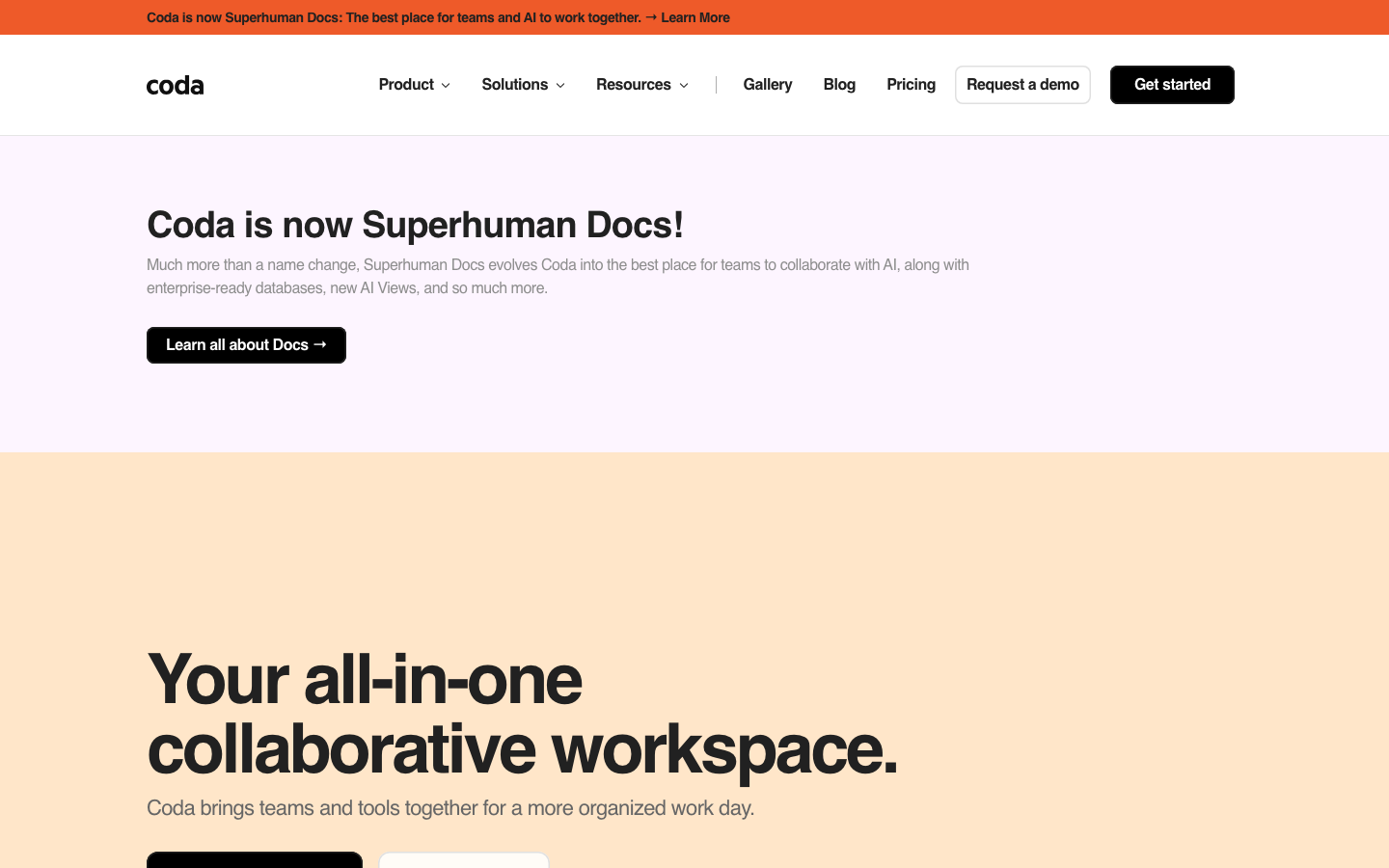
Coda AI is now evolving along the lines of Superhuman Docs, merging collaborative documents, database AI assistant MCP connections, and team workflows into a shared work surface.
CodaAI
Core parameters and statistics
[A brief comment in one sentence]: The real value of Coda AI is not to help you write a few paragraphs, but to allow AI to work directly in team-shared documents and data.
| Projects | Public Information |
|---|---|
| Current location | Coda is now Superhuman Docs |
| AI Core | Docs AI, Docs MCP, AI Views, Databases |
| Data scale highlights | Officially mentioned that the database can be expanded to 1,000,000 rows |
| Integration scale | 600+ integrations |
| Public crowd signals | 40M+ people, 50K+ organizations |
| Packages | Free, Pro, Business, Enterprise |
[Publicity Verification]: The most valuable propaganda on the official website is not "AI belongs where teams already work", but its attempt to solve one of the biggest problems of team AI: the output stays in the single-person chat window and cannot be deposited into real collaborative assets.
User and market recognition
Organization-level signal: The official pricing page directly gives 40M+ people and 50K+ organizations, and also lists brands such as Figma, The New York Times, Square, DoorDash, TED, and Uber.
Clear location for team collaboration: Coda AI is more suitable for collaboration-intensive scenarios such as documents, projects, operations, products, sales support, etc., rather than individual temporary Q&A.
Brand evolution signal: From Coda to Superhuman Docs, it means that the product is upgrading from "documentation tool" to "AI native collaboration surface".
Cost advantage
[Free truth]: The Free package does include Docs AI trial and MCP trial, but "Try" means that the ability is more like a verifiable entrance rather than a mature production quota for unlimited use.
C-side/small team: Pro is $12/Doc Maker/month (annual payment). The core value is unlimited document size AI writing AI trackers, AI views beta and connecting to Claude and other tools through MCP.
Team/Business Unit: Business is $33/Doc Maker/month (paid annually) and adds Databases beta, unlimited automation, and greater governance capabilities.
Enterprise: Enterprise provides SAML SSO, SCIM, AI management control, audit event HIPAA and advanced permissions, obviously geared towards heavier governance needs.
[Hidden benefits/costs]: If the team currently switches between Notion, forms, and project tracking AI assistants, the integration of Coda AI will reduce copy-paste and context loss; but if the organization has not yet formed structured data and document specifications, AI will only amplify confusion.
Main functions
- Docs AI: Summarize, draft, create tables, and create processes directly within the document surface.
- AI Column / AI Blocks: Batch content and data by columns and blocks.
- Docs MCP: Connect document context to external AI tools such as Claude, ChatGPT, and Cursor.
- AI Views: Build new views and interactions directly through natural language.
- Databases: Separate the shared data layer from the document but maintain real-time linkage.
[Expert point of view]: The hidden linkage is that "documents, data, views, and external AI tools" use the same context. AI is no longer just a suggester, but a collaborative builder of documents.
Model and version evolution
Coda AI Beta: Initially addressing basic AI writing and generation within documents.
Docs MCP stage: Allowing external AI tools to directly read and write documents, the product boundaries are significantly expanded for the first time.
Superhuman Docs Phase: The 2026 rebrand is a structural upgrade, not just a brand change, but the merging of Docs AI, AI Views, Databases and the new data layer into the same narrative.
Technical advantages
Mechanism -> Effect -> Scenario: Embed AI directly into multi-person collaboration documents. The effect is that tasks do not need to be moved from the chat tool back to the collaboration space. Best for cross-team alignment, project tracking, operations dashboards, document-driven business processes.
The real value of MCP: It is not to "support another protocol", but to allow the team to continue to use Claude, ChatGPT or Cursor that they are familiar with, while ensuring that the output flows back into the shared document.
Data Layer Upgrade: A million-row database and independent rights management show that it is no longer just a lightweight table tool, but is moving towards a heavier data collaboration surface.
[Compliance and Risk]: After documents, databases, automation and external AI are connected, the permission design will be much more sensitive than ordinary document tools. Enterprises need to sort out page permissions, database permissions and external connector permissions before adopting them.
How to use
Step 1: Enable Docs AI in the document or form and let AI participate in building summaries, task lists, and project pages.
Step 2: Migrate common repeated fields to AI Column or AI Blocks for large-scale generation and organization.
Step 3: Use Docs MCP to expose the Coda context to external AI tools to reduce the need to move content back and forth.
Step 4: When the amount of data increases, move key tables to Databases and continue to reuse them across multiple documents.
[Quantified cost reduction and efficiency increase] Deduction: The common "meeting minute compilation + decision recording + task list construction" process common to product or operations teams can usually be reduced from 45 minutes to about 15 minutes; for teams that need to do weekly reports, project synchronization, and cross-team information alignment, the value is more obvious. The above is a workflow deduction, not an official commitment.
Product Pricing
Free: $0, provides collaborative document Docs AI trial and MCP trial.
Pro: $12/Doc Maker/month (annual payment), suitable for small teams to officially put into use.
Business: $33/Doc Maker/month (paid annually), suitable for mainlining databases, automation, and governance.
Enterprise: Customized for organizations with increased SSO, SCIM, audit and compliance requirements.
Application scenarios
- Dimensionality reduction attack scenario: document-intensive work such as project management, demand review, sales support, operations panel, and meeting follow-up.
- Product/Operations Team: People who want both structured data and natural language collaboration.
- Cross-departmental knowledge flow: People who want external AI tools to directly leverage the context of their team.
Applicable people
- Product Manager and Operations Leader: Documents, forms, and processes need to be maintained in one place.
- Growth and Sales Enablement Team: To quickly generate tracking dashboards, analytics pages, and shared libraries.
- Medium and large enterprise collaboration team: People who care about permissions, version history and shared knowledge accumulation.
[Dissuade/not applicable to people]: People who only want to take personal notes will be biased when using it; for teams without structured collaboration habits, it is often better to sort out the information architecture first when using Coda AI.
Summary and Outlook
The value of Coda AI lies in advancing AI from a "personal co-pilot" to a "builder in a team's shared workspace." This is important for organizations that rely on collaboration on documents, forms, and processes, because the real question is never that the AI can’t write, but how the team continues to collaborate after it’s written. The risks are equally clear: Once documentation, automation, and external AI tools are linked, immature permissions and process design can be fatal.
[Boundary of Human-Machine Collaboration]: Weekly reports, project summaries, task lists, and internal data structuring can be highly automated; manual confirmation points must be retained when financial, legal affairs, sensitive customer information, and high-authority database changes are involved. If you want to adopt it, it is recommended to pilot it in the project operation document of a single team first, and then decide whether to scale up the database and MCP to the organizational level.
Related tools:  Notion AI, google-workspace
Comparison of competing products
| Comparison dimensions | Coda AI | Competitor A | Competitor B |
|---|---|---|---|
| Core Differences | — | — | — |
| Price | — | — | — |
| Target Users | — | — | — |
Note: The above comparison is based on product public information, and actual differences are based on user experience.
Business process integration and ROI analysis
As a productivity tool for enterprises or professional positions, Coda AI's true value depends on the depth of integration with existing workflows and the quantifiable efficiency improvement effect. The following is a systematic analysis from three core dimensions.
System integration and data interoperability The ability to interoperate with existing business systems is a key prerequisite for productivity tools to be integrated into workflows. It is recommended to focus on evaluating the following integration dimensions: the openness and documentation quality of the RESTful/GraphQL API (whether a complete API reference and SDK examples are provided), the support scope of Webhook event notifications (which business event types are supported for automatic push), the number and depth of pre-built integrations with common collaboration SaaS tools (WeChat Enterprise, DingTalk, Feishu, Slack, Notion, Jira, etc.), and enterprise-level identity authentication support (SSO/SAML/OAuth and LDAP/AD directory integration). Products that lack integration capabilities are easily isolated into information islands, which in turn increases the cognitive cost and operational friction for teams to switch between different tools.
Efficiency Quantification and ROI Estimation Methodology Before purchasing decisions, it is recommended to quantify the input-output ratio through a structured method: Step 1, choose 3-5 Standardized tasks that are frequently repeated and time-consuming in each team are used as test samples; in the second step, the average time consumption of a single task before and after tool intervention, first-time pass rate or error rate, and the number of links requiring manual intervention are recorded under controlled conditions; in the third step, the saved manpower time is converted according to the comprehensive cost of the position (salary, benefits, management sharing), and soft benefits (increased employee satisfaction, standardization of work quality, and improvement in response speed to core business) are superimposed to obtain a comprehensive ROI estimate. It is recommended to continue tracking ROI trends on a monthly basis, as the value of a tool usually increases over time as team proficiency increases and workflows are optimized.
Phase-based implementation strategy and risk control It is recommended to adopt a three-stage implementation path of "pilot verification-gradual promotion-continuous optimization". In the pilot stage (1-2 weeks), a single team or a single business scenario is selected for small-scale verification. The core goal is to verify technical feasibility and user acceptance, and establish preliminary usage specifications and success standards; in the promotion stage (2-4 weeks), after the pilot verification is passed, the coverage is gradually expanded, and standardized activation processes and training materials are developed; in the optimization stage (continuous), the workflow configuration is continuously adjusted based on actual usage data and user feedback, and more high-value application scenarios are explored. Clear quantitative key result indicators should be set at each stage to avoid blindly expanding the scope of use without data support.
Version Info
- Coda is now Superhuman Docs :The official blog publicly announced in July 2026 that Coda would be renamed Superhuman Docs, and would simultaneously launch Docs AI, Docs MCP, AI Views and a new data layer.
- Docs MCP public beta release :The official blog explains that Docs MCP has moved from early beta to being open to all users. There is no official precise date yet.
- Coda AI Beta :The official AI page still retains the "Was there a Coda AI Beta," prompt in the FAQ, indicating that its AI capabilities have gone through the Beta stage, and there is no official precise date yet.
User Reviews