 Codebuff
Free
Codebuff
Free
Codebuff is a terminal-native AI programming assistant. Developers can directly interact with AI through CLI to complete code reading and writing, file operations and project management without leaving the command line.
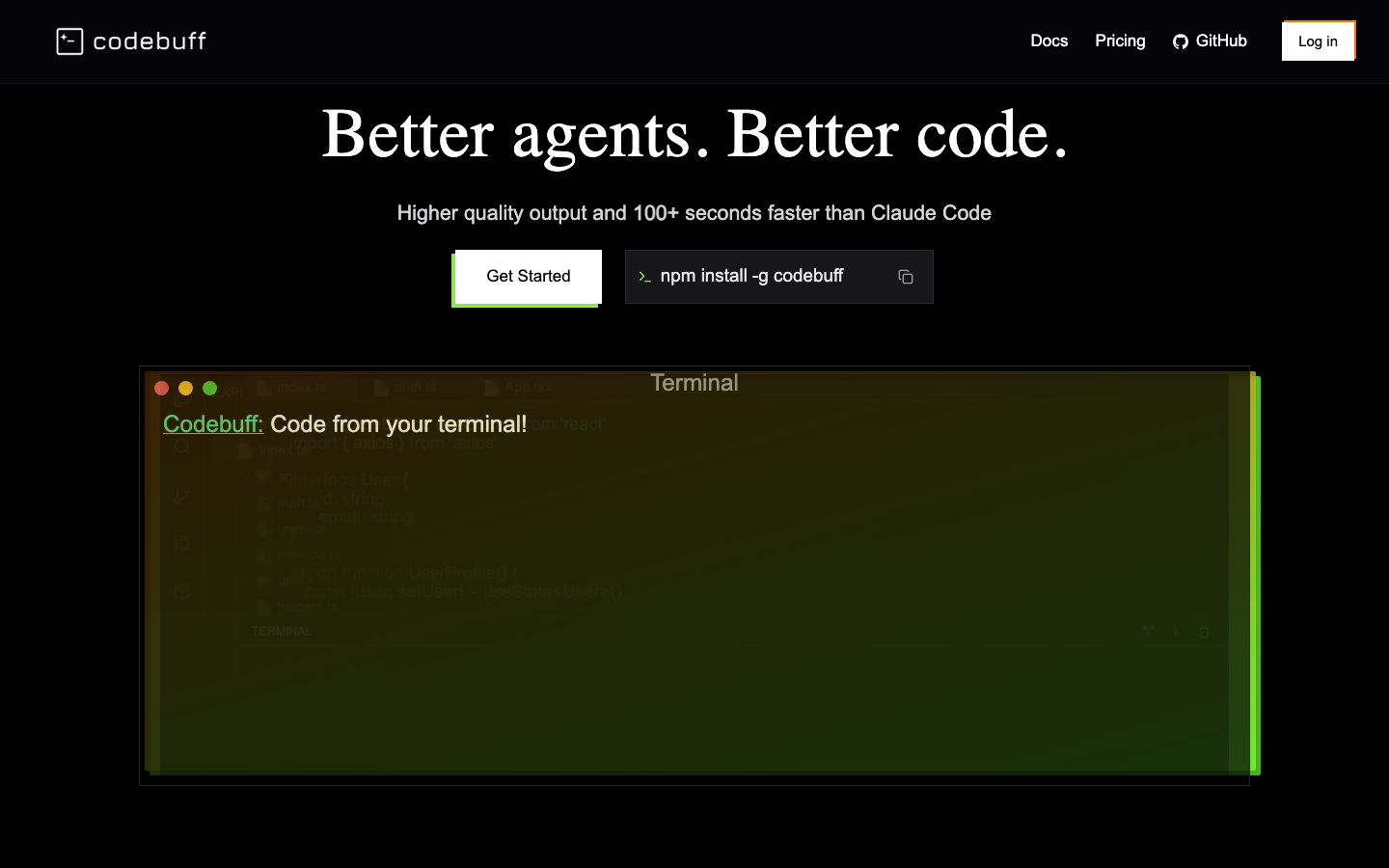
Codebuff
Core parameters and statistics
Codebuff is a special type of AI programming tool - it has no graphical interface and all interactions are done through the terminal command line. The AI not only generates code, but also directly operates files in the user's file system.
| Projects | Public Information |
|---|---|
| Official positioning | AI coding agent that lives in your terminal |
| Core Competencies | Code reading and writing, file operations, project management Agent automation |
| Interaction mode | CLI terminal |
| Deployment methods | Local CLI tools |
| Supported platforms | macOS, Linux |
| Target customer group | Command line-driven developers DevOps, technical leaders |
| Home | US |
| Latest version | Unpublished (continuous iteration) |
Terminal Native: Codebuff is not an IDE plug-in, but runs as a standalone CLI process in the terminal. Developers describe requirements in natural language, and AI reads, analyzes and modifies the code in the file system.
File Operation Agent: Unlike tools that only generate code text, Codebuff has the ability to operate the file system - create files, modify codes, delete files, etc., which means it can complete the complete process from understanding requirements to implementation.
User and market recognition
Gradually build user awareness in the field, and product capabilities are used by content creators and teams to improve work efficiency. Some industry users have incorporated it into their daily workflow. It is recommended to refer to the latest official disclosures for specific user scale and industry adoption rate data.
Cost advantage
- C-side/Individual: Usually a free version is provided to experience the core functions, and high-frequency use requires a paid package subscription.
- API/Developer: Billed by call volume, suitable for development teams that can be flexibly integrated into their own systems.
- Enterprise/Privatized: Contact the business owner for customized quotation and deployment plan. The specific price is subject to the official real-time pricing page.
Main functions
- Natural language code generation: Enter natural language instructions in the terminal, and AI will generate and write the code file after reading the project context.
- File reading, writing and modification: AI directly operates the file system to add, modify, delete and rename code.
- Project-level context understanding: Automatically read the project directory structure, configuration files and related codes, and provide precise modifications based on the entire project context.
- Multiple rounds of interactive development: Continuous dialogue for iterative development - first generate the framework, then refine the implementation, and finally debug and repair.
- Git integration: AI can read Git history, generate commit information and perform Git operations.
Model and version evolution
Continuous iterative updates, the latest version introduces performance optimization and new features. Historical version information can be viewed on the official release page. There is no complete public version evolution timeline yet. It is recommended to pay attention to the official announcement to understand the rhythm of feature updates.
Technical advantages
- Algorithm Optimization: Special optimization at the model or algorithm level has been carried out for the corresponding scenario to achieve a balance between response speed and result quality.
- Low-latency architecture: Adopts streaming or asynchronous processing architecture to reduce user waiting time and is suitable for high-frequency interaction scenarios.
How to use
- Web client: You can use it by visiting the official website and registering an account. Most functions do not require installation.
- API access: Provides RESTful API, developers can obtain the API Key and integrate it into their own applications.
Product Pricing
The pricing model is subject to the official real-time page. Usually a freemium or subscription system is used, and basic functions can be used for free. Advanced functions or high-frequency use require paid subscriptions, and users are advised to evaluate the optimal solution based on actual usage.
Application scenarios
- Rapid Prototyping: Technicians use Codebuff in the terminal to quickly build project scaffolding and implement functional prototypes. Key points of verification: the runnability rate and subsequent maintainability of the generated code.
- Automated code refactoring: Use Codebuff to perform cross-file refactoring operations in large projects, such as variable renaming, module splitting, and pattern replacement.
- CI/CD pipeline assistance: DevOps engineers write and modify CI/CD configuration files, deployment scripts, and Dockerfiles through Codebuff in the terminal.
Applicable people
- Individual Users: Content creators and knowledge workers who need AI assistance to improve their daily work efficiency.
- Developers: Technical teams who need to integrate AI capabilities into their own products or services through APIs.
- Enterprise: Organizations seeking to deploy AI at scale in their field.
Summary and Outlook
It provides competitive solutions in its field, and its core value lies in lowering the threshold for AI use in this field.
Current limitations: Some advanced features require paid subscription, and the free version has function or usage restrictions; specific technical details and performance benchmarks have not yet been fully disclosed.
Core parameters and statistics
| Parameters | Data |
|---|---|
| Product positioning | File-level AI programming agent |
| Core Competencies | Automatically read/write/modify project files, code analysis Git integration |
| Running mode | CLI terminal, editor mode |
| Supported LLM | OpenAI GPT-4o, Anthropic Claude |
| File operations | Create, read, edit, rename, delete |
| Language support | TypeScript, Python, Rust, Go, Java and other mainstream languages |
| Input method | Natural language description task |
| Deployment method | CLI tool (npm/pip installation) |
The core difference between Codebuff and regular AI programming assistants lies in "fully automated file operations" - it doesn't just generate code snippets for you to copy and paste, but directly creates files in the project, modifies existing code, runs commands and verifies the results. Developers only need to describe their requirements in natural language, and Codebuff automatically completes the entire process.
Main functions
- Natural language driven file operations: Enter "Add a user registration API endpoint" to automatically create routing files, validation logic, database models and test files, and update related imports and configurations.
- Git-aware workflow: Automatically identify the current Git branch status, create automatic checkpoint before each modification, support difference preview and rollback, and avoid irreversible damage.
- Multi-file context understanding: Track code dependencies across files, automatically update all callers and associated type definitions when a function is modified, and avoid reference breaks.
- Terminal command integration: Automatically run test lint and type checking after executing code modifications. If problems are found, they will automatically roll back or repair, forming a "modify-verify-fix" cycle.
- Project scaffolding generation: Automatically generate a complete project structure according to the description - from package.json, configuration files to business code and tests, suitable for quickly starting new modules or microservices.
Product Pricing
Codebuff's charging model is based on subscription: the personal version is about $20/month (monthly AI credit is provided), and the team version is priced per seat. The free trial version provides a limited number of operations. API calls consume credits, and any excess will be charged on a pay-as-you-go basis. For the enterprise version (privatized deployment of SSO and audit logs), please contact sales.
Application scenarios
- Function module development: Generate complete back-end API modules (routing, services, models, tests) directly from PRD descriptions, reducing round-trip communication costs from design to implementation.
- Code Migration and Refactoring: Use natural language to describe the refactoring goal (such as "migrate Express routing to Fastify"). Codebuff automatically scans all files and replaces them in batches, which is suitable for large-scale API upgrades.
- Bug repair automation: Describe the bug performance (such as "the login interface returns 500"), Codebuff automatically tracks the source of the error, modifies the code and verifies that the test passes, shortening the problem location and repair cycle.
Summary and Outlook
Codebuff's "fully automatic file operation" paradigm is an important direction for the evolution of AI programming tools from "completers" to "agents". It no longer requires developers to review and paste AI output line by line, but instead delivers complete code modifications directly. The current limitation is that the context modeling of large code bases (thousands of files) is still not accurate enough, and there are occasional modifications to irrelevant files. With Token window expansion and project-level context optimization, Codebuff is expected to become an "AI colleague" for independent developers and small teams.
Related tools:  GitHub Copilot,
  Cursor
Version Info
- Codebuff :There is no official precise date yet, and it is still being updated.
- Codebuff :There is no official precise date yet, and an early version of the product will be online.
User Reviews