 draw.IO/diagrams.net
Free
draw.IO/diagrams.net
Free
draw.io (diagrams.net) is a free and open source online diagram and architecture drawing tool that supports flowchart UML, network topology, mind map, etc. It provides Web version, desktop version and multiple platform integration, and supports AI-assisted diagram generation.
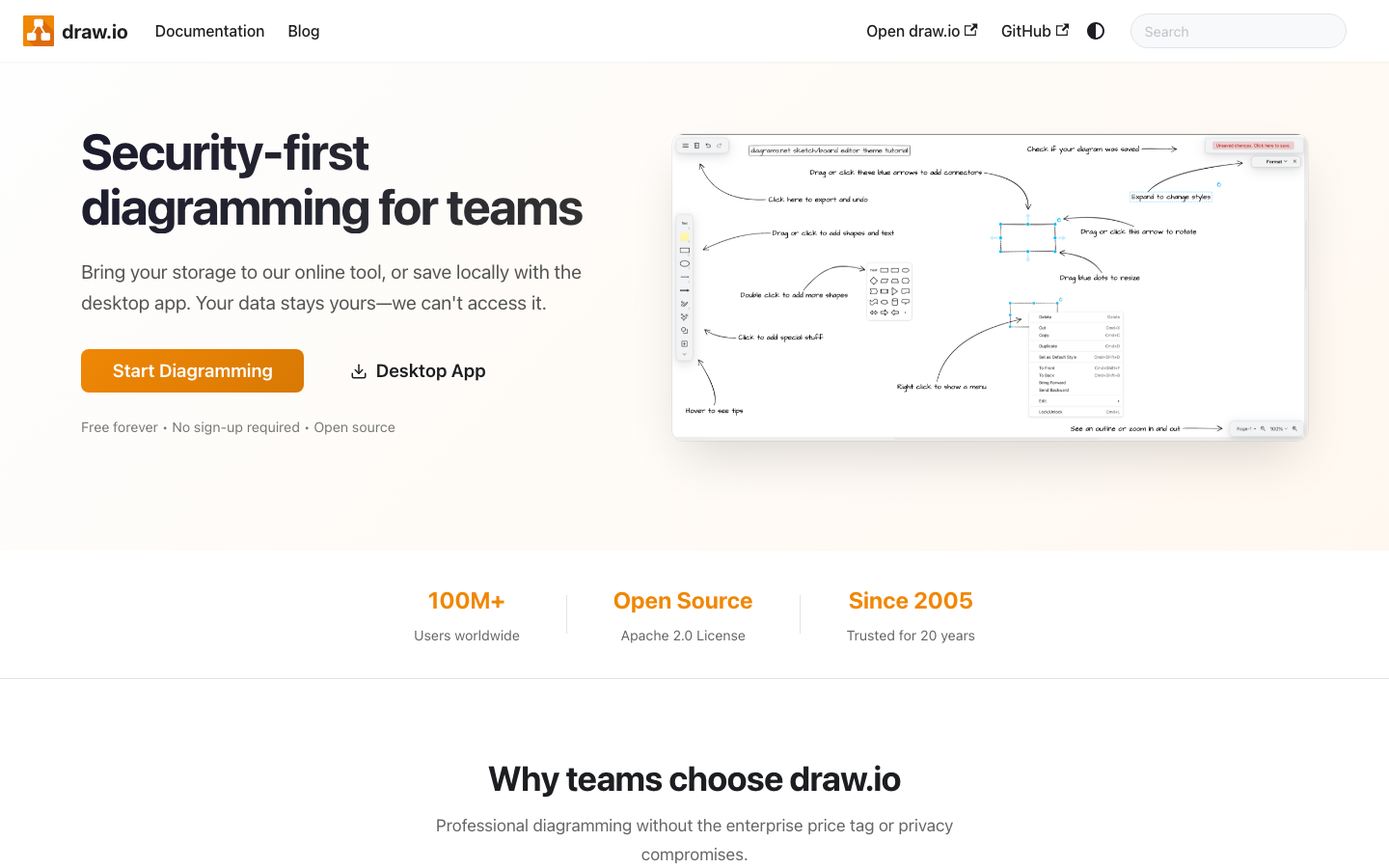
Full review of draw.io
Core parameters and statistics
| Project | Specifications |
|---|---|
| Product Positioning | Free open source chart drawing tool |
| Developer | draw.io Limited |
| Open Source License | Apache 2.0 |
| Support charts | Flowchart UML, network topology, mind map, architecture diagram, etc. |
| Platform | Web, Desktop (macOS/Win/Linux) |
| Integration | Google Drive, Confluence, GitHub, VS Code and more |
| Privacy | Data can be saved in user-selected storage |
| AI Capabilities | Configurable AI chart generation |
draw.io (now under the same brand name as diagrams.net) is probably the most "conscientious" drawing tool on the market today - free, open source, no advertising, and no registration requirements. It's not as cool as Lucidchart or FigJam, but it has few rivals in the "free and easy to use" quadrant.
User and market recognition
draw.io is an open source project with a long history (more than 10 years) and has a high penetration rate in the technology community. Its users include a large number of software engineers, architects, product managers, and educators. Apache 2.0 licensing and offline desktop version make it widely applicable in enterprise compliance scenarios as well. The deep integration of Confluence and Jira is an important entry point in the enterprise market.
Expert View: Draw.io's long-term advantage is "no vendor lock-in". Many online drawing tools (such as the free version of Lucidchart) have layers of restrictions on the number of users, shapes, and export formats. Draw.io does not have any such implicit shackles. It does not pursue AI hot spots, but it has been very stable in "drawing a good picture".
Current Limitations: Draw.io is significantly weaker than modern tools such as Figma and Lucidchart in terms of real-time collaboration user experience. Single file editing and simultaneous editing by multiple people require file sharing mechanisms (such as OneDrive/Google Drive synchronization), and there are no built-in real-time cursors and collaboration notifications.
Cost advantage
| Dimensions | Description |
|---|---|
| Web version | Totally free, no registration required |
| Desktop version | Free, completely offline |
| Confluence Integration | Requires Confluence License |
| AI Function | Configurable, some advanced features may be charged |
The core version is free forever, which is the most significant advantage of draw.io. For individual users and small teams, it is difficult to find alternatives with the same functional level on the market for zero-cost drawing solutions.
Main functions
- Multiple types of diagrams supported: flow charts, UML class diagrams/sequence diagrams, network topology diagrams, mind map ER diagrams, architecture diagrams, etc., covering most drawing needs in software engineering and product design.
- Mermaid Compatible: Supports Mermaid syntax import and converts it into editable native graphics. For technical users who are used to defining charts with text, this is a "best of both worlds" feature.
- AI chart generation: Use natural language to describe requirements, and AI automatically generates charts. Although not as flexible as graphical editing, it is useful for quickly generating a basic framework - describing "a microservice architecture diagram of an e-commerce system", and then manually adjusting it after the AI generates the skeleton.
- Multi-platform integration: Google Drive, Microsoft 365, Confluence, GitHub, VS Code, Notion, etc., covering almost all mainstream office and development tool chains.
- Privacy First: Drawing data in the web version can be saved in the user's own Google Drive or OneDrive, while the desktop version is completely offline. For enterprise users with data compliance requirements, this is a key advantage vs. online competitors.
Model and version evolution
| Stage | Time | Key changes | Current significance |
|---|---|---|---|
| draw.io early stage | Early public version | Create web drawing, offline saving and multi-storage integration | Use the free mode to seize the universal drawing entrance first |
| diagrams.net Brand Parallel | Continuous evolution | Enhanced desktop version Confluence/Jira/VS Code integration | Expanded from a single drawing site to a team collaboration node |
| 24.x Continuous Updates | ~2026-06 | Mermaid, AI assistance and editing experience continue to be enhanced | Maintain "free infrastructure tools" rather than high-priced SaaS |
The evolution path of draw.io is very pragmatic: it does not pursue the visual trend of design software through major revisions, but continues to enhance compatibility, offline capabilities, and team integration. Its ability to stay in the engineering team's tool chain for a long time depends not on its stunning appearance, but on its low friction and stability.
The positioning of the current version is still clear, which is to make flow charts, architecture diagrams and document diagrams low-threshold infrastructure. AI functions here are incremental rather than the main selling point; what really determines the adoption rate are the basic features of being free, available offline, and embedded in existing collaboration platforms.
Technical advantages
| Technical points | Mechanism of action | Actual effects |
|---|---|---|
| Local priority storage | Files are saved locally or on a user-selected network disk | Reduce the risk of data leakage and platform lockout |
| Mermaid compatible | Two-way connection between text description and graphic editing | Suitable for collaboration on engineering documents and code warehouses |
| Multi-terminal isomorphic editing | Web and desktop versions share major capabilities | Teams do not need to relearn tools for different platforms |
| Lightweight AI assistance | Use natural language to generate diagram skeleton | Suitable for quick drafting rather than replacing manual modeling |
The technical advantage of draw.io is not the strongest model capability, but solid engineering compatibility. Many competing products base their value on collaborative SaaS and template ecosystems, while draw.io retains the principle of "a file is a file", which is especially important for teams with Git, Confluence, and private storage requirements.
Publicity verification: The official has long emphasized free, open source and multi-platform integration, and these selling points are basically established; however, "AI generated diagrams" are more suitable for drafting simple structures and are not suitable for replacing complex architecture modeling. The real difference is autonomous data control and ecological compatibility, not AI itself.
How to use
| Entrance | Minimum Requirements | Typical Usage |
|---|---|---|
| Web version | Just use the browser | Create a new chart directly and save it to local or cloud disk |
| Desktop version | macOS/Windows/Linux desktop context | Offline drawing, suitable for restricted network or intranet scenarios |
| Confluence/Jira/VS Code integration | Already have a corresponding platform account or have a context | Embed pictures directly into documents, work orders or code repositories |
The easiest way to get started is still the Web version, which has almost no configuration threshold. For individual users, the out-of-the-box solution already covers most flow chart, architecture diagram, and mind map needs; for corporate teams, it is more suitable to start from Confluence or the desktop version and incorporate diagrams into the existing knowledge base and release process.
If you want to try out AI's drawing capabilities, it is recommended to use it as a skeleton generator rather than a final generator. Let it fill in the basic nodes and connections first, and then manually adjust the hierarchy, naming, and specifications. This is more stable than completely automatic generation.
Product Pricing
The pricing model is subject to the official real-time page. Usually a freemium or subscription system is adopted, basic functions can be used for free, and advanced functions or high-frequency use require payment.
Application scenarios
- Software architecture diagram drawing: System architects use draw.io to draw microservice architecture, network topology and deployment architecture diagrams. Compared with paid tools, draw.io is completely free and has a good embedded editing experience in Confluence.
- Flowcharts and process sorting: Product managers and operations staff use flowcharts to sort out business processes, user journeys and operation guides.
- Team Collaboration Drawing: Allow multiple people to edit the same picture at the same time through Google Drive or Confluence.
Dissuade scenario: If you need high-fidelity UI design drawings or professional UX prototypes (similar to Figma or Sketch capabilities), draw.io is not the right tool - it is good at logical diagrams rather than visual design.
Applicable people
- Software Engineers and Architects: Developers who need to draw architecture diagrams, topology diagrams and flow charts on a daily basis. The local running feature of Draw.io makes it popular in data-sensitive industries such as military industry, finance, and government affairs.
- Product Manager and Project Manager: Product and project managers who use flow charts to sort out product logic and project processes. Cooperating with Git for version management, you can track the historical changes of each picture.
- Educator: Educational practitioners who need to draw explanatory diagrams in teaching or teaching materials.
- Enterprise Document Manager: Enterprise teams who need unified drawing tools to meet data compliance requirements.
CURRENT LIMITATION: Draw.io’s UI and interactive experience feel old-school compared to modern design tools such as Figma, Excalidraw. Real-time collaboration relies on file sharing and does not support multiple people editing the same picture at the same time. If you don't mind these, it is still one of the most reliable open source drawing tools.
Summary and Outlook
It provides competitive solutions in its field, and its core value lies in lowering the threshold for AI use in this field.
Current limitations: Some advanced features require paid subscription, and the free version has function or usage restrictions; specific technical details and performance benchmarks have not yet been fully disclosed.
Related tools:  Notion AI, google-workspace
Business process integration and ROI analysis
draw.io / diagrams.net As a productivity tool for enterprises or professional positions, its true value depends on the depth of integration with existing workflows and the quantifiable efficiency improvement effect. The following is a systematic analysis from three core dimensions.
System integration and data interoperability The ability to interoperate with existing business systems is a key prerequisite for productivity tools to be integrated into workflows. It is recommended to focus on evaluating the following integration dimensions: the openness and documentation quality of the RESTful/GraphQL API (whether a complete API reference and SDK examples are provided), the support scope of Webhook event notifications (which business event types are supported for automatic push), the number and depth of pre-built integrations with common collaboration SaaS tools (WeChat Enterprise, DingTalk, Feishu, Slack, Notion, Jira, etc.), and enterprise-level identity authentication support (SSO/SAML/OAuth and LDAP/AD directory integration). Products that lack integration capabilities are easily isolated into information islands, which in turn increases the cognitive cost and operational friction for teams to switch between different tools.
Efficiency Quantification and ROI Estimation Methodology Before purchasing decisions, it is recommended to quantify the input-output ratio through a structured method: Step 1, choose 3-5 Standardized tasks that are frequently repeated and time-consuming in each team are used as test samples; in the second step, the average time consumption of a single task before and after tool intervention, first-time pass rate or error rate, and the number of links requiring manual intervention are recorded under controlled conditions; in the third step, the saved manpower time is converted according to the comprehensive cost of the position (salary, benefits, management sharing), and soft benefits (increased employee satisfaction, standardization of work quality, and improvement in response speed to core business) are superimposed to obtain a comprehensive ROI estimate. It is recommended to continue tracking ROI trends on a monthly basis, as the value of a tool usually increases over time as team proficiency increases and workflows are optimized.
Phase-based implementation strategy and risk control It is recommended to adopt a three-stage implementation path of "pilot verification-gradual promotion-continuous optimization". In the pilot stage (1-2 weeks), a single team or a single business scenario is selected for small-scale verification. The core goal is to verify technical feasibility and user acceptance, and establish preliminary usage specifications and success standards; in the promotion stage (2-4 weeks), after the pilot verification is passed, the coverage is gradually expanded, and standardized activation processes and training materials are developed; in the optimization stage (continuous), the workflow configuration is continuously adjusted based on actual usage data and user feedback, and more high-value application scenarios are explored. Clear quantitative key result indicators should be set at each stage to avoid blindly expanding the scope of use without data support.
Version Info
- draw.IO :Continuously updated charting tool that supports AI-assisted generation and Mermaid compatibility.
- draw.IO :Introducing Mermaid support and integration improvements.
User Reviews