 Figma Make
Figma Make is Figma’s AI-powered prompt-to-app feature. It can directly generate runnable web prototypes and applications from Figma design drafts, component libraries, image PDFs and other contexts, supporting continued editing, commenting, publishing and team collaboration.
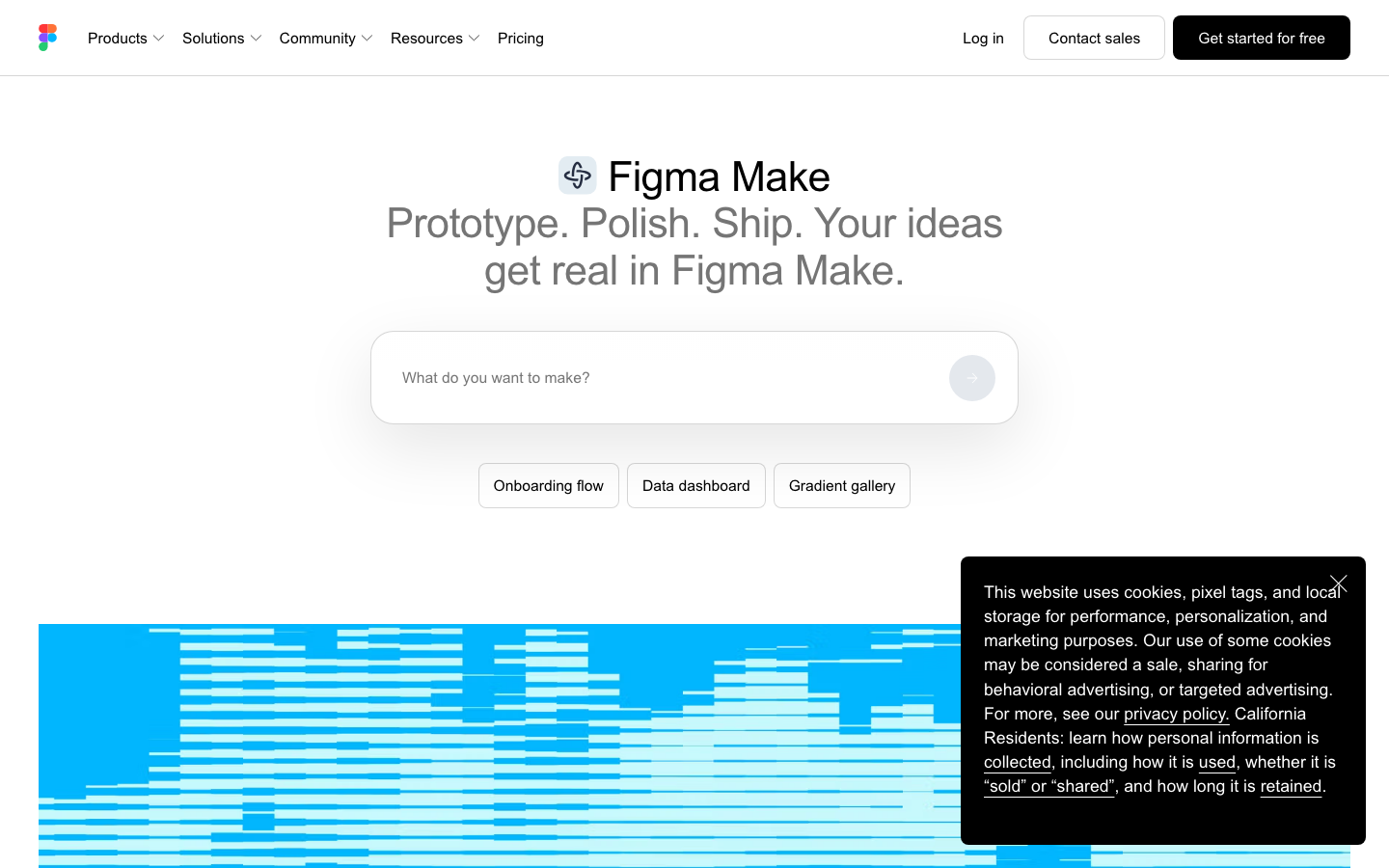
Full review of #Figma Make
Core parameters and statistics
| Project | Specifications |
|---|---|
| Product Positioning | AI-driven prompt-to-app prototype generation |
| Developer | Figma, Inc. |
| Integration method | Figma built-in functions (non-standalone product) |
| Core Competencies | Design Context → Runnable Web Prototype |
| Context Source | Figma frames, component libraries, image PDFs, MCP connectors |
| Publishing method | Figma URL, custom domain name |
| Pricing Model | Billed per Figma seat |
User and market recognition
Figma Make is an important layout of Figma in the AI era. It is not an independent new product, but embeds AI generation capabilities directly into the design workflow - designers do not need to switch to other tools and can directly turn design drafts into runnable prototypes in Figma. This means that Figma’s user base (tens of millions of designers, product managers, and developers) can use this feature at zero migration cost.
Publicity verification: "prompt-to-app" sounds like you can get a complete application by typing one sentence, but the actual effect is highly dependent on the quality and completeness of the Figma design draft. The more complete the interaction logic in the design draft, the closer the generated prototype will be to expectations. From text description to usable applications, multiple rounds of prompt iterations and manual adjustments are still required.
Cost advantage
Figma Make is not sold separately and is included in the Full seat of the Figma paid plan:
| Plan | Price | Make + AI credits |
|---|---|---|
| Starter | Free | 150 AI credits/day (maximum 500/month) |
| Professional | $16/month | Includes Make + 3,000 credits/month |
| Organization | $55/month | Includes Make + 3,500 credits/month |
| Enterprise | $90/month | Includes Make + 4,250 credits/month |
AI agents during the beta period do not consume credits. For teams that are already paid users of Figma, Make is a capability upgrade that “increases volume without increasing price.”
Free Truth: The Starter free plan’s 150 AI credits/day (capped at 500/month) is only enough for a light trial. To use Make to generate prototypes in real projects, the threshold of Professional $16/month is not high, but the upper limit of 3,000 credits/month may not be enough in high-frequency iteration scenarios - each prompt-to-app generation consumes 10-50 credits, and iterating 10 times a day may use up the monthly quota.
Hidden benefits: Figma Make compresses the "design → prototype" feedback cycle from 1-2 days (designer draws → development and implementation → joint debugging) to minutes. In the product plan review stage, the improvement in decision-making quality brought about by this fast feedback is difficult to quantify but of significant value.
Main functions
- Prompt-to-App generation: Use natural language to describe requirements, and AI directly generates runnable web prototypes and applications. Different from the traditional "screenshot to code", Make can use the design context (components, styles, design tokens) in Figma to ensure that the generated results comply with the design system specifications.
- Design context import: Supports importing Figma frames, component libraries, community content, image PDFs, videos, audios, etc. as generation context. This means that the generated prototype is not just "made based on the text description", but "made based on the existing design".
- Point-and-Edit: Select elements directly in the generated preview and let AI modify them in natural language. No need to switch to a code editor or understand DOM structure.
- MCP Connector: Connect documents, tasks and external data into the build context. For example, the product requirements document (PRD) is accessed through MCP, so that the generated prototype is aligned with the requirements document.
- Publish & Collaborate: Supports version history, comments, templates, mobile viewing and publishing to a public URL. Everything from generation to sharing is done within Figma.
Model and version evolution
Mainline release
- ~2026-06: Figma Make is officially launched and is available as a Full seat feature of the Figma paid plan.
Technical advantages
- Algorithm Optimization: Special optimization at the model or algorithm level has been carried out for the corresponding scenario to achieve a balance between response speed and result quality.
- Low-latency architecture: Adopts streaming or asynchronous processing architecture to reduce user waiting time and is suitable for high-frequency interaction scenarios.
How to use
- Full seat with Figma paid plan (Professional and above)
- Open a design file in Figma
- Use the Make function to select the Frames or components that need to be converted.
- Describe requirements through natural language or directly generate prototypes
- Use the click-to-edit function to adjust the generated results
- Publish as a shareable URL or continue iterating in Figma
Product Pricing
| Plan | Price | AI credits/month |
|---|---|---|
| Starter (Free) | $0 | 150/day (maximum 500/month) |
| Professional | $16/month | 3,000 |
| Organization | $55/month | 3,500 |
| Enterprise | $90/month | 4,250 |
Application scenarios
- Quick Product Prototype Verification: Product managers use PRD + Make to directly generate interactive prototypes, which shortens several days compared to the traditional "draw wireframe → hand over design → produce high fidelity" process. Suitable for early stages when product ideas need to be quickly verified.
- Design system consistency delivery: The design team connects the component library and design token to Make to ensure that the generated prototype automatically follows the brand guidelines. Every generated result is "naturally" compliant with the design system specifications.
- Cross-team collaboration iteration: Design draft → Generate prototype → Comment → Modify → Regenerate all in the same tool, reducing the cost of cross-tool switching of design → development → feedback.
Applicable people
- Product Designer: Quickly transform static design drafts into interactive prototypes to obtain more realistic experience feedback before review.
- Product Manager: Can produce operational product prototypes without relying on design resources, accelerating solution verification and demand communication.
- Front-end Engineer: Use design prototypes as the starting point for front-end development, and use the generated code structure and style system to accelerate development.
Summary and Outlook
The biggest advantage of Figma Make is that "everything is done in Figma" - existing assets such as design drafts, component libraries, and design tokens can be directly converted into input for generating context, eliminating the need for additional preparation or format conversion. It does not replace developers, but makes the prototyping phase more efficient and the gap from design to code narrower. The limitation of current capabilities is that the quality of generated results is limited by the depth of understanding of the design system by the underlying model, and the generation of complex interaction logic still requires manual intervention.
Current limitations: Figma Make requires the Full seat of the Figma paid plan, which limits the experience threshold for free users; the upper limit of AI credits usage may not be enough in high-frequency iteration scenarios; the generated code prototype and back-end docking still need to be completed by developers themselves.
Dissuade scenario: If your team does not use Figma's design system (no component library, design token), the "design context awareness" advantage of Figma Make will be greatly reduced - the generated prototype is still usable, but the quality is highly dependent on the standardization of the design draft.
Human-machine collaboration boundary: 100% automation: from design draft to basic prototype generation, simple copywriting and layout adjustment. Manual intervention is required: the design of complex interaction logic, the back-end data docking plan, and the final acceptance of the brand vision.
Related tools:  Midjourney, stable-diffusion
Version Info
- Figma Make :Figma Make is officially launched and is available as a Full seat feature on the Figma paid plan.
- Figma Make :Officially launched, supporting prompt-to-app prototype generation, click-to-edit and MCP connector.
User Reviews