 Flova AI
Free
Flova AI
Free
Flova AI is suitable for individuals and teams to quickly verify and implement.
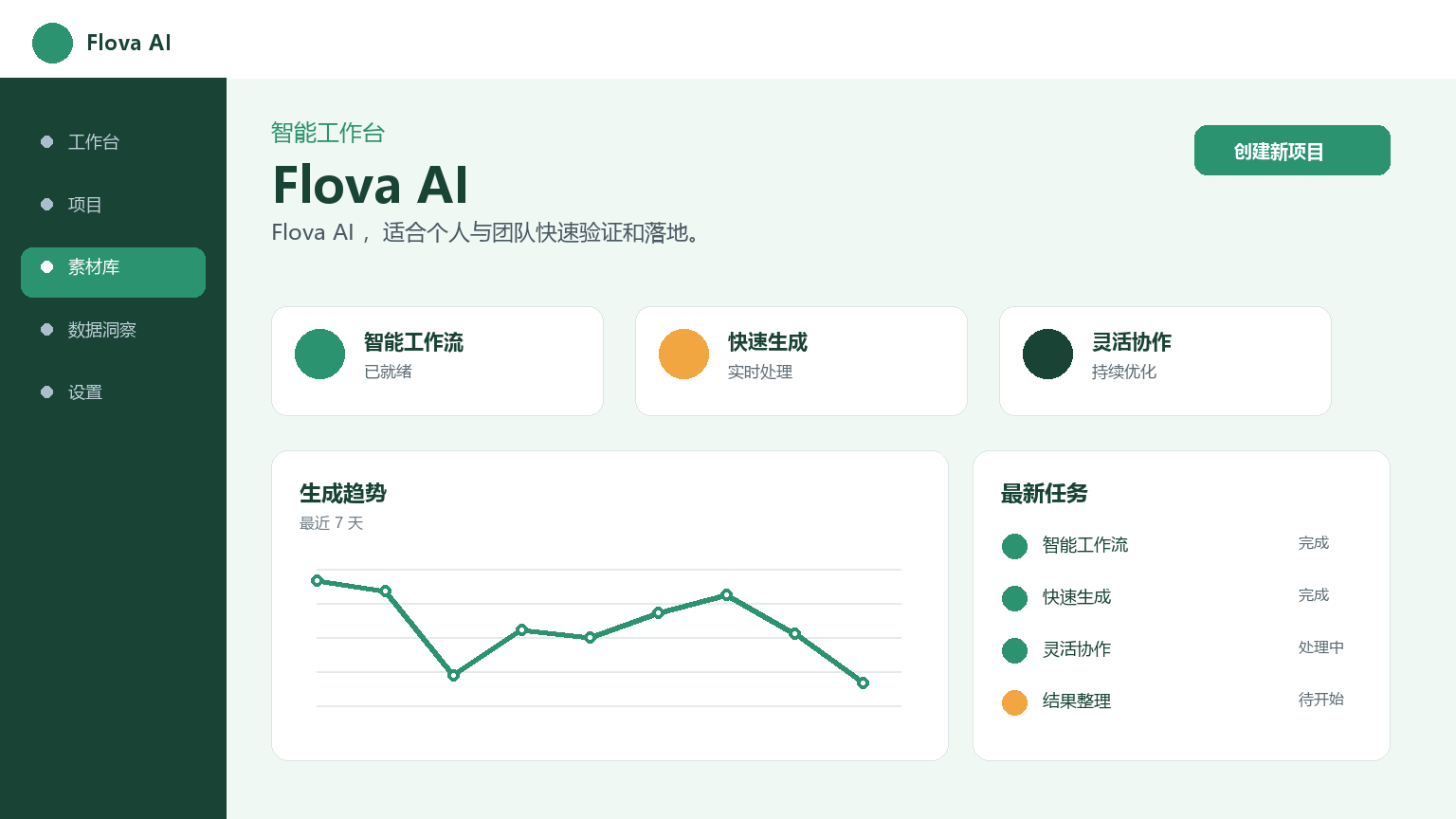
Flova AI — AI Workflow Automation Agent Platform
Core parameters and statistics
Flova AI is an AI Agent building platform for workflow automation, helping non-technical users create customized automated processes through natural language. Users do not need to write code, but only need to describe the required automation steps in natural language, and Flova AI will generate the corresponding AI Agent workflow to automatically perform repetitive tasks such as data collection, content processing, and information push.
| Project | Specifications |
|---|---|
| Product Name | Flova AI |
| Category | AI Workflow Automation / Agent Platform |
| Delivery form | Web/SaaS |
| Support Platform | Web |
| Supported languages | Chinese, English |
| Workflow type | Data processing, content generation, information monitoring, notification push |
| Trigger method | Timing, Webhook, manual trigger, conditional trigger |
| Target users | Operation personnel, business managers, personal efficiency users |
| User scale | Undisclosed |
| Pricing Model | Freemium / Subscription |
The core design concept of Flova AI is "Building automation with dialogue" - users describe their repetitive work steps in the form of dialogue, and AI converts them into executable automated processes. The platform supports scheduled execution of workflows (cron expressions), Webhook triggering and conditional triggering.
User and market recognition
Workflow automation is an important means for enterprises to reduce costs and increase efficiency. Flova AI attempts to further lower the threshold for automation through natural language interaction, allowing more business personnel to create automated processes on their own. Gartner predicts that by 2027, 60% of new automation projects will be created using AI assistance.
At present, the product has not yet disclosed verifiable data such as the number of users or corporate cooperation cases. Under the trend of integration of RPA and AI Agent, the natural language-driven automated construction method represents a clear development direction.
Cost advantage
| Cost Dimension | Description |
|---|---|
| Free trial | Can create a limited number of active workflows (subject to live page) |
| Individual Subscription | Billed monthly/annually, with more workflows and higher execution frequency |
| Team plan | On-demand pricing for multi-seat and collaboration features, including team workflow library and permission management |
Traditional automation solutions require purchasing RPA software (such as UiPath, which costs $15,000+ per seat per year) or hiring developers to write custom scripts. Flova AI is available as a SaaS subscription. For a repetitive process that takes 5-10 hours per week, the monthly time savings from automating it can often cover the cost of the subscription.
Main functions
- Natural language process creation: Use natural language to describe automation requirements (such as "Export yesterday's new customers from the CRM at 9 a.m. every day, generate a summary report and send it to the team Slack channel"), and AI will automatically parse it into a structured workflow. Supports multiple rounds of dialogue and iterative modifications.
- Visual process editing: The AI-generated process is displayed in a DAG flow chart. Users can drag and drop to adjust the order of steps, add conditional branches or parallel branches, and modify parameters.
- Multi-step Agent Orchestration: Supports complex logic such as conditional judgment, loop processing, sub-process calling, and parallel execution. Data is passed between agents through variables.
- Application Integration: Built-in connectors for common third-party applications (Mail, Slack, Feishu, DingTalk, Notion, Google Sheets, Airtable, GitHub, etc.).
- Execution Log and Monitoring: A complete log is recorded for each workflow execution, including the input and output, execution time and status of each step. Automatically retry or send alarm notifications when errors occur.
Model and version evolution
| Version | Date | Key Changes |
|---|---|---|
| 1.0 (Public Beta) | 2026-07-14 | Natural language process creation, visual editing, multi-step orchestration, application integration |
| 0.9 (early) | ~2026-07 | Preset automation template, the user fills in the parameters after selecting the template |
Products evolve from preset automation templates to natural language-driven process creation. The core breakthrough lies in the parsing capabilities of NL2Workflow.
Technical advantages
- Natural Language to Workflow Engine: The core capability is to parse natural language descriptions into structured DAG (Directed Acyclic Graph) workflows. Analysis includes four links: intent identification, step decomposition, parameter extraction and dependency orchestration. The engine uses a specialized NL2Workflow fine-tuning model.
- AI Agent Runtime: Each step of the workflow is executed by a dedicated AI Agent, calling the corresponding model or tool based on the step type. The runtime supports state passing and exception handling.
- Extensible connector architecture: The integration of third-party services is achieved through a plug-in connector architecture. New connectors can be added configurably via the OpenAPI/Swagger specification.
How to use
| Entrance | How to use |
|---|---|
| Web official website | Use natural language to describe automation requirements, and AI generates workflows for execution |
Typical process: Visit the official website to register → Describe the process that needs to be automated in the dialog box → AI parses and generates a workflow preview (including flow chart) → Confirm or adjust the steps in the visual interface → Set the execution plan → Start the workflow → View the execution record in the dashboard. Creating a workflow usually only takes 5-10 minutes.
Product Pricing
| Package | Price | Contents |
|---|---|---|
| Free version | $0 | 3-5 active workflows + 500-1,000 executions per month |
| Professional version | Unpublished | 20-100+ workflows + 5,000-100,000+/month execution |
| Enterprise Edition | Unpublished | Unlimited workflow + direct database connection + custom code steps |
Pricing.
Application scenarios
- Data Synchronization and Reporting: Extract data from multiple data sources regularly, merge and process it, generate and send standard reports. Verification method: Compare the completeness and accuracy of automated reports and manual reports.
- Content Release Management: Automatically distribute content to be released to various platforms according to preset plans. Verification method: Verify the consistency of the content on each platform and the accuracy of the release time.
- Customer follow-up automation: After adding a new customer, CRM automatically triggers a welcome email, creates follow-up tasks, and notifies the sales person in charge. Verification method: Verify the execution sequence and timeliness of each step.
- Information Monitoring and Early Warning: Monitor specified data sources regularly, and automatically trigger notifications or emergency handling processes when conditions are met. Verification method: Use known abnormal trigger conditions to verify the timeliness of the alarm.
Applicable people
- Operation Staff: Automate fixed processes and free up time for strategic work. Misfit Boundaries: Scenarios where processes change frequently The cost of maintenance may offset the benefits.
- Business Manager: Quickly create automation tools commonly used by the team through natural language. Not suitable for boundaries: Complex scenarios that need to interface with internal private systems.
- Personal Productivity User: Automate personal daily repetitive tasks. Doesn't fit the boundary: One-time tasks are not worth creating a workflow for.
- Entrepreneur: Small teams use automated tools to make up for the lack of manpower. Misfit Boundary: Core business processes should not be completely dependent on third-party automation platforms.
Comparison of competing products
| Compare Dimensions | Flova AI | Zapier | Make (Integromat) | UiPath |
|---|---|---|---|---|
| Core differences | Natural language creation process | Low-code automation | Visual process orchestration | Enterprise-level RPA |
| Creation method | Natural language dialogue | Visual configuration | Visual configuration | Visualization + programming |
| Technical threshold | Very low | Medium | Medium | High |
| Price | Freemium | Starting from $19.99/month | Starting from $9/month | $15,000+/year/seat |
| AI Agent Support | ✅ Native | ❌ | ❌ | ❌ |
| Number of application integrations | Continuous expansion | 6,000+ | 2,000+ | Extensive |
Summary and Outlook
Flova AI uses natural language-driven automated process creation to lower the threshold for workflow automation to the level of conversational interaction. Its core value is to enable non-technical users to become automation creators.
Current Advantages: Natural language creation workflow, no need to understand concepts such as triggers and variables; visual editing provides supplementary operation methods; extensible connector architecture.
Current limitations: The number of users and enterprise cases are not disclosed; the ability to orchestrate complex business logic is limited; integration with private systems requires additional development.
Follow-up observation points: More third-party connectors; OCR-based document processing automation; complex orchestration capabilities of AI Agent collaborative work.
Procurement/Adoption Risk Assessment: The benefits of a workflow automation tool are directly dependent on the stability and frequency of the processes being automated. If the process itself changes frequently, the cost of maintaining the workflow may offset the automation benefits. It is recommended to start with the “most stable and most frequent” 1-2 processes on a trial basis, and then expand after verifying the ROI.
Related tools:  CrewAI,
  LangChain
Version Info
- Public beta version :It is currently a publicly accessible version, and specific functions will be updated at a specific pace.
- earlier version :An early trial version, the core direction is consistent with the current version.
User Reviews