 FlowBench cloud workflow
Free
FlowBench cloud workflow
Free
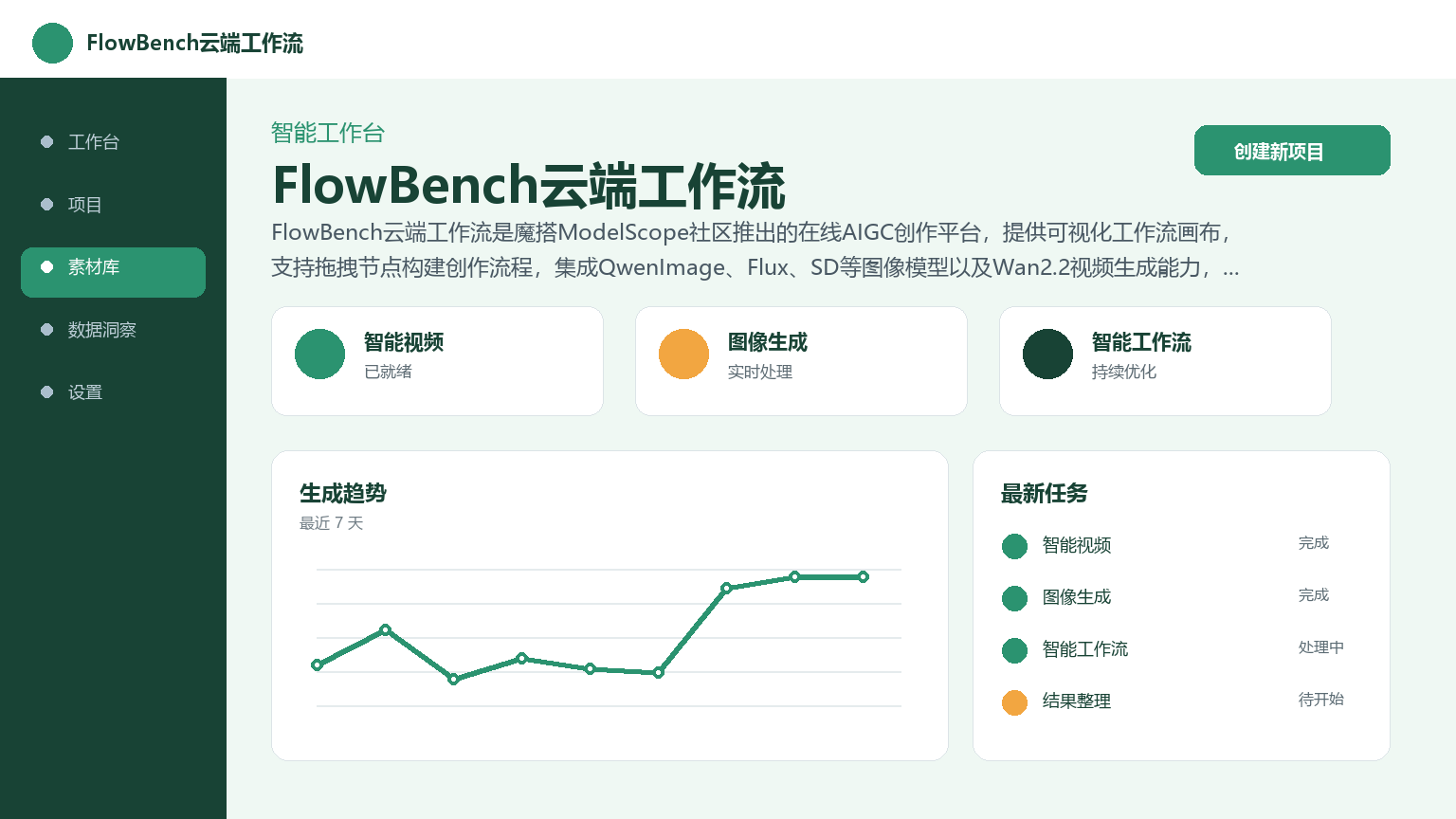
FlowBench cloud workflow is an online AIGC creation platform launched by the ModelScope community. It provides a visual workflow canvas, supports dragging nodes to build the creative process, integrates image models such as QwenImage, Flux, SD and Wan2.2 video generation capabilities, covering scenarios such as text to image, image style conversion, video generation and image editing.
FlowBench Cloud Workflow
Core parameters and statistics
| Projects | Information |
|---|---|
| Tool name | FlowBench cloud workflow (Flowbench Workflows) |
| Developer | ModelScope Community (Alibaba Damo Academy) |
| Core entrance | Web: modelscope.cn/aigc/workflows; Client: FlowBench Desktop |
| Delivery form | Cloud Web service + desktop client for C client |
| Core model support | QwenImage series Flux series SD series Wan2.2/Wan2.1, Qwen-Image-Edit, IC-Light |
| Free quota | Sign up and use it, cloud running is free (subject to resource quota restrictions) |
| Paid model | Currently free, resource-intensive tasks may require ModelScope points |
| Price transparency | Free to use, resource consumption tasks are billed according to ModelScope community rules |
The biggest feature of FlowBench is that it balances the flexibility of "programmatic workflow" with the operational threshold of "visual drag and drop". Users do not need to write code, just drag nodes onto the canvas and connect them to create a complete AIGC pipeline - from loading images to model inference to result output, all done in the browser. There is no need to install the GPU driver locally, configure the Python environment, and mess with the model weight files. In comparison, although the traditional ComfyUI or Stable Diffusion WebUI is more powerful, the deployment and maintenance costs are much higher.
User and market recognition
- Community Foundation: Backed by ModelScope, this community is one of the largest AI model open source platforms in China and has gathered a large number of AI developers and AIGC creators. FlowBench naturally inherits the traffic and trust foundation of the community.
- User Group: Mainly for entry-level creators, designers and developers of AIGC. From the data point of view, the number of collections and runs of popular workflows (such as QwenImage cloud multi-LoRA image generation) are considerable, indicating that users are not just "looking" but actually running.
- Industry benchmarking: Similar competing products include ComfyUI (local deployment), Stable Diffusion WebUI (local deployment), DALL·E (closed API) and Midjourney (closed platform). The differentiation of FlowBench is reflected in the combination of the three dimensions of "cloud deployment-free + visual orchestration + open source model ecology" - ComfyUI cannot be deployed without deployment, and DALL·E cannot customize workflows. However, compared with professional-level tools, FlowBench still lags behind in terms of advanced node customization and batch job scheduling flexibility.
Cost advantage
C side (individual creator)
- Currently, cloud operation is free, and users only need to register a ModelScope account. Resource-intensive tasks (high-resolution video generation, large-scale batch processing) may consume ModelScope points, and points can be obtained through daily check-ins and community contributions. For most daily creative scenarios, it can be run at zero cost.
- Comparison reference: ComfyUI is free and open source, but you need to configure your own GPU, and the one-time hardware investment ranges from a few thousand to tens of thousands; Midjourney has a monthly fee of 10-60 US dollars, but it is completely controlled by the official interface. FlowBench retains workflow customization capabilities with zero hardware investment, and has obvious cost advantages for early adopters and light creators.
- But please note: the free mode means that computing resources are subject to quota restrictions and may be queued during peak periods.
Enterprise Level
- 没有公开的标准企业定价方案。 If you need privatized deployment or resource guarantee, you need to communicate through the ModelScope business channel. Enterprise users are advised to confirm resource quota limits, data isolation policies and SLA standards in advance.
Main functions
- Workbench Canvas: Visual node arrangement interface. Users drag the required model nodes, input and output nodes and function nodes from the node panel to the canvas, and define the data flow direction through connections. Supports real-time preview of the intermediate output of each node to facilitate debugging and parameter adjustment.
- Workflow Resource Library: A collection of workflows released by official and community users, covering common scenarios such as text-based images, image-based images, video generation, image editing, and image super-resolution. Users can directly run workflows published by others, or modify them to suit their own needs.
- Multi-model integration: The image side supports QwenImage series (Alibaba Tongyi Qianwen image model), Flux series (Black Forest Laboratory) and SD series (Stable Diffusion), covering functions such as Vincent diagrams, image style conversion, and character posture control. The video side integrates Wan2.2 and Wan2.1 video generation models, and can build a QwenImage+Wan2.2 hybrid workflow to realize the "Tusheng Video" link.
- Video Enhancement Toolchain: Equipped with video frame insertion (frame rate improvement), super-resolution (image quality enhancement) and other post-processing nodes to make the video generation quality reach usable levels.
- Image Editing Node: Integrate the Qwen-Image-Edit image editing workflow FLUX.1-Kontext-Dev image editing workflow and IC-Light character lighting workflow combination to cover the image post-processing needs of multiple scenes.
- Workflow sharing and community collaboration: After completing the workflow, users can publish it to the resource library with one click and set the name and description to form knowledge reuse within the community. This "build and share" mechanism lowers the dissemination threshold of AIGC workflow.
Model and version evolution
- Initial release (~September 2025): FlowBench cloud workflow is officially launched, providing basic workflow canvas functions, integrating QwenImage and some Flux models, and supporting Wensheng diagrams and Tusheng diagrams.
- Continuous iteration (end of 2025 to 2026): Gradually add Wan2.2 video generation workflow Qwen-Image-Edit editing node IC-Light lighting node, etc. The number of nodes and model types continue to expand, and the community-contributed content in the workflow resource library is growing rapidly.
- Client release: Launched the FlowBench desktop client, which supports calling local GPU resources to run workflows to make up for the shortcomings of the cloud in performance-sensitive scenarios.
FlowBench adopts a continuous iteration model and does not have a strict version number. New models and new nodes are launched in grayscale according to the update rhythm of the ModelScope community. For users, it is more practical to pay attention to which models have been added to the node library than to pay attention to the version number.
Technical advantages
- Zero deployment threshold: All model inference is completed in the cloud, and users only need a browser to run complex AIGC workflows. Compared with ComfyUI, which requires configuring Python context locally, installing CUDA, and downloading model weights, FlowBench compresses the time from registration to producing the first result to minutes.
- Visual workflow orchestration: Graphical node editing lowers the cognitive threshold for workflow construction. Users do not need to understand the data structure and API parameters of the underlying model, and can complete the configuration through connections and parameter panels. For designers and content creators who are new to programming, this is a critical transition from "using AI tools" to "orchestrating AI processes."
- Integration with ModelScope Ecosystem: Nodes can directly call models hosted by the ModelScope community. New models can be used in workflows soon after they are released, without the need for manual downloading and deployment. The maintenance of model updates is undertaken by the community and is transparent to end users.
- Cloud + local hybrid computing: The cloud version is suitable for rapid prototyping and light to moderate use; the desktop client supports calling local GPU, which is suitable for scenarios that are sensitive to latency or require high data privacy. Users can switch between the two modes based on task requirements.
How to use
| Entrance method: | Method | Address/Description |
|---|---|---|
| Web side | modelscope.cn/aigc/workflows, direct access via browser | |
| Desktop client | Download the FlowBench client from the ModelScope official website | |
| Registration | Supports Alibaba Cloud account and mobile phone number registration |
Run existing workflow:
- Enter the workflow resource library, browse and select the workflow of interest.
- Click the "Run" button and click the run icon on the pop-up canvas page to start the processing process.
- If you need to adjust parameters (change model LoRA, modify Prompt), just follow the instructions on the page.
Build a workflow from scratch:
- Click "Open Workbench" on the workflow homepage and select "New Canvas".
- Drag the required nodes from the node library to the canvas and organize the data flow through connections.
- For example, only three nodes are needed to achieve image super-resolution: load image node → super-resolution node → image preview node.
- Configure the node parameters and run, and preview the intermediate results in real time.
Share Workflow:
- Click "Publish Workflow" on the workflow home page.
- Fill in the workflow name, description and other information.
- Once created, it can be searched and run by community users.
Product Pricing
| Price tier | Amount and description | Applicable scenarios |
|---|---|---|
| Free tier | Register and use, cloud running is free, subject to resource quota restrictions | Personal exploration, light creation |
| Point consumption | Resource-intensive tasks consume ModelScope points (can be obtained through check-in/community contribution) | High-frequency use, high-end model calling |
| Enterprise business | Customized quotation, including resource guarantee and privatized deployment | Enterprise-level production pipeline |
Currently, FlowBench cloud workflow is basically free and open to individual users. It is recommended that high-frequency users understand ModelScope's points system and quota restrictions in advance to avoid affecting the output rhythm due to insufficient resources at key nodes.
Application scenarios
- AIGC Content Creation: Quickly generate and edit images and video materials. Designers use FlowBench to build batch workflows for drawings, and can produce multiple sets of different styles of solutions for customers to choose from with one configuration. The traditional method requires repeated switching between Midjourney and Photoshop respectively. FlowBench completes the entire process within one canvas.
- Short video and social media content production: Use the Wan2.2 video generation node and the image editing node to build a complete link of "Vension Picture → Tusheng Video → Video Enhancement". Content creators can run multiple short video clips of different styles at once for A/B testing.
- Advertising and marketing material production: Use Flux or SD series models to generate advertising posters and brand promotion images, and use IC-Light to unify the lighting style. For teams that need to produce marketing visuals in large quantities, FlowBench’s repeatable running and batch parameter adjustment capabilities significantly reduce duplication of work.
- Education and training material preparation: Generate teaching charts, course illustrations, and online course visual materials. Teachers can batch generate visual teaching materials for different subjects through workflow, saving time on manually finding and making pictures.
- Scientific Research and Engineering Visualization: Generate data visualization images, product prototypes, and experimental process schematics. Researchers can use FlowBench to quickly produce paper illustrations and presentation materials.
Applicable people
- AIGC Entry Creator: People who want to try AI image/video generation but don’t want to bother with the local experience. FlowBench's zero deployment threshold and visual operations reduce the cost of trial and error, and the free quota is enough to support creative practice from zero to one.
- Designers and Creative Practitioners: People who need to quickly produce multiple-solution visual drafts and material samples. FlowBench's workflow reuse capability makes it possible to "build once and run multiple times", and the solution iteration efficiency is much higher than a single manual operation.
- AI developers and model enthusiasts: People who want to test the effects of the latest models and compare the performance differences of different models on the same tasks. FlowBench's node switching and parameter adjustment are more intuitive than pure API calls.
- Education and Training Workers: Teachers and trainers who need to produce teaching visual materials in batches.
Boundaries not applicable:
- Confidential projects that require complete offline intranet deployment - the cloud relies on network connections.
- Scenarios that have extreme requirements for single generation quality and require deep model fine-tuning - FlowBench mainly does inference orchestration and does not support model training and fine-tuning.
- Ultra-large-scale batch production - free resource quotas may become a bottleneck under high-frequency calls, and enterprise-level solutions need to be negotiated separately.
Summary and Outlook
The core value of FlowBench cloud workflow is to combine the "orchestration capabilities" of AIGC's production process with the "zero deployment experience". It finds a nice middle ground between the flexibility of ComfyUI and the ease of use of DALL·E/EasyUse - no coding required but retaining the depth of workflow customization. For the domestic AIGC creator ecosystem, this is a practical infrastructure supplement.
Current Limitations:
- Cloud resource quotas have restrictions on high-frequency and heavy use, and queues may occur during peak hours.
- Advanced node customization and script expansion capabilities are weaker than locally deployed ComfyUI.
- Please refer to the ModelScope Community Agreement for specific terms of commercial copyright and generated content ownership.
Follow-up observation points:
- The speed of enrichment of the node ecology - the number of nodes contributed by the community directly determines the platform ceiling.
- The iterative rhythm of video generation and enhancement capabilities—this is the direction in which AIGC demand is currently growing the fastest.
- The launch time of enterprise-level payment plans - directly related to whether it can enter the professional production pipeline.
Related tools:  Midjourney, stable-diffusion
Version Info
- Cloud workflow official version :Supports workflow canvas, node drag and drop arrangement, and official workflow resource library QwenImage/Flux/SD series model integrated Wan2.2 video generation.
- initial release :The initial public version supports basic workflow canvas and image generation functions.
User Reviews