 Flowstep
Free
Flowstep
Free
Flowstep is an AI UI design generation platform that can generate production-grade UI interfaces in seconds through natural language prompts. Supports multi-screen generation of Figma, one-click pasting, MCP server access to IDE, code export (React/TypeScript/Tailwind), real-time collaboration and design specification management. Team members come from Google, Revolut, Bolt, Unity, and have received €4M in financing.
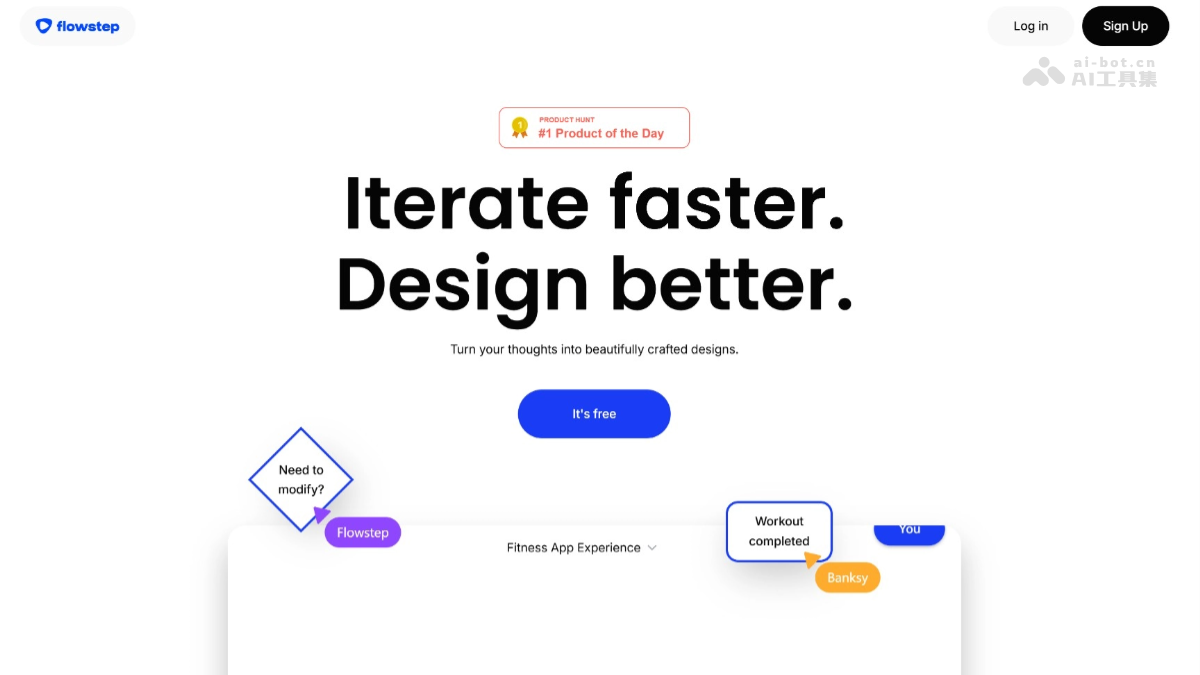
Flowstep
Flowstep is an AI-driven UI design generation platform. Its core value is that it allows product managers, designers, and developers to obtain production-level interface designs in seconds through natural language descriptions. Unlike traditional design tools that emphasize "manual drawing", Flowstep focuses on "the shortest path from idea to visualization" - users only need to write the desired interface content, and AI can complete the initial design of layout, color matching, component arrangement and interaction logic, and then continue to iterate through dialogue or edit directly on the canvas. The product also provides capabilities such as Figma seamless pasting, MCP server integrated IDE, React code export, etc., making it not just a generation tool, but a complete design delivery workflow.
Core parameters and statistics
| Parameter item | Value |
|---|---|
| Product positioning | AI UI design generation platform (text to production-level interface) |
| Number of screens generated at a time | 1-6 screens |
| Input method | Text prompt words, picture/document upload, voice input, URL reference, Web automatic survey |
| Generation engine | Imagination Algorithm (own AI design model) |
| Editing method | AI dialogue iteration + direct manual editing on canvas |
| Export format | Figma paste (native layer), PNG/JPG, React + TypeScript + Tailwind CSS code |
| Figma integration | Browser copy and paste, no plugins or extensions required |
| IDE Integration | MCP Server (Cursor, Claude Code, Windsurf, Claude Desktop) |
| Collaboration capabilities | Real-time multi-cursor collaboration, sharing read-only links (no need for the other party to register) |
| Platform support | Web client |
| Corporate Financing | €4M, investors include founders such as Hugging Face, Wolt and others |
| Team background | Google, Revolut, Bolt, Unity, Wix, etc. |
User and market recognition
The public beta version of Flowstep has attracted thousands of registered users since its launch. The typical distribution of user groups is: product managers (about 35%) - quickly verify product concepts and produce prototypes; product/UI designers (about 40%) - creative startup and multi-solution exploration; software engineers (about 25%) - build front-end interfaces for personal projects and code conversion of design drafts.
The product has received €4M in financing. Investors include founders and executives from well-known institutions and companies such as Hugging Face, Wolt, and WhatsApp. The team comes from top European technology companies such as Google, Revolut, Bolt, Unity, and Wix. This capital background has verified the technical feasibility and market potential of the direction of "AI reshaping the design process". The product has naturally spread in communities such as Product Hunt and Hacker News, but there is no systematic coverage data from third-party evaluation agencies.
Cost advantage
| Comparing dimensions | Flowstep (Starter) | Manual Figma design | General AI diagram generation |
|---|---|---|---|
| Single-screen UI from text to editable design | About 5-10 seconds | 1-4 hours | 30-60 seconds (image only) |
| Design editability | High (Figma native layers) | High | Low (bitmaps only) |
| Multi-screen/process consistency | High (context continuation) | Medium (depends on design system) | Low (difficult to unify style) |
| Compatible with existing design systems | High (paste directly into Figma) | — | Low |
| Monthly investment | $15/month (80 messages) | $5,000-8,000+/monthly salary | $10-60/month |
| Learning cost | Low (natural language + canvas editing) | High | Medium |
Core value: Allowing non-designers to produce design drafts and allowing designers to accelerate initial exploration. For product managers, there is no longer a need to wait for designers to produce drafts to validate ideas; for designers, Flowstep takes on the most time-consuming stage of going from blank canvas to initial layout.
Hidden costs: Starter’s 80 messages per month may be low for high-frequency usage scenarios; the quality of generation depends on the clarity of the prompt words—the more specific the description, the better the output.
Main functions
- Text-to-UI Generation: Enter a natural language description and AI returns the complete interface design in seconds. Supports single screen and multi-screen generation of up to 6 screens. In multi-screen mode, each screen maintains style and component consistency.
- Figma one-click paste: After selecting the interface, press Cmd+Shift+C to copy, and in Figma, press Cmd+V to paste as native Figma layers (frames, rectangles, text, components). No plugins or extensions required.
- Multi-screen generation and full-process coverage: Generate multi-screen designs covering the complete user journey from the same prompt word, and each screen automatically maintains a consistent visual style.
- AI conversational iteration and canvas manual editing: Modify the design through natural language dialogue, and the canvas supports direct dragging, scaling, and editing of elements. The two modes can be switched at any time.
- 设计参考上传与 Web 调研:上传图片或文档作为设计参考,或指定目标网页让 Flowstep 自动提取品牌色、字体、Logo 和 UI 组件模式。
- MCP server integration: Provides MCP server with Streamable HTTP protocol, exposing 19 tools covering six categories: file management, screen operation, AI generation, conversation history, design specification and billing query.
- Code Export (React/TypeScript/Tailwind): The generated interface can be exported as production-grade front-end code.
- Design Specification Management: Project-level global design specifications (color, font, spacing, tone), all newly generated interfaces will automatically follow them after setting.
- Real-time team collaboration: Multiple people can edit at the same time, the cursor is visible in real time, and sharing read-only links does not require the other party to register.
Model and version evolution
| Version | Release Date | Core Changes |
|---|---|---|
| v0.5 (internal beta preview version) | ~2025-Q4 | Basic text to single-screen UI generation, basic canvas editing |
| v1.0 (Public Beta) | ~2026-Q1 | Text to UI generation, Figma paste export, MCP server, multi-screen generation, design reference upload, design specification management, real-time collaboration |
The core transition between the public beta version and the internal beta preview version: from a "single-screen generator" to a "full-process design delivery platform." Figma Paste and MCP integration bring AI-generated interfaces into the environment where designers and developers work every day.
Technical advantages
- Imagination Algorithm (own design model): A proprietary model trained based on a large amount of high-quality UI design corpus, which understands layout rules, component semantics and interaction context, and automatically determines the position and visual weight of elements.
- MCP server architecture (19 tools): All design capabilities are exposed through the MCP protocol. The server is hosted at
https://api.flowstep.ai/mcpand uses Streamable HTTP transmission. Tools cover create-new-design, edit-design, get-screen-image, update-file, etc. - Figma native layer pasting: Convert the design into a native frame structure recognized by Figma through the browser clipboard API - each element is an independent editable layer, and text, fonts, colors, spacing and layout can be directly modified.
- Automatic Web Research and Brand Extraction: Automatically access the target URL, extract brand colors, font families, logos and UI component patterns, and replace original materials with placeholder content to avoid copyright risks.
- Streaming HTTP stateless session: MCP server stateless design, suitable for deployment in Serverless and edge computing environments, OAuth 2.1 PKCE authentication ensures API security.
How to use
| Method | Entry | Description |
|---|---|---|
| Web Editor | Visit the official website with a browser → Register/Login | Enter the prompt word → Generate interface → Edit → Export |
| Figma Paste | Flowstep Editor → Figma | Cmd+Shift+C → Figma Cmd+V |
| MCP access to IDE | Cursor/Claude Code/Windsurf, etc. | Configure MCP server, natural language operation design |
| Share for review | Generate a read-only sharing link | The other party can view and provide feedback without registering |
MCP quick access (taking Cursor as an example):
{
  "mcpServers": {
    "flowstep": {
      "type": "url",
      "url": "https://api.flowstep.ai/mcp"
    }
  }
}
Product Pricing
| Package | Price | Core Benefits |
|---|---|---|
| Free version | $0/month | Limited message quota, limited number of multi-screen generation, limited number of projects |
| Starter version | $15/month | 80 messages per month, unlimited multi-screen generation, unlimited projects, unlimited export, unlimited Figma paste |
| Enterprise Edition | Contact Sales | Customized solutions, advanced security compliance, dedicated support, volume discounts |
Messages description: Each prompt word consumed consumes 1 message, and errors encountered will not be included in the quota. Monthly quotas reset on the 1st of every month.
Application scenarios
- Product prototype rapid verification: The product manager converts the interface description in the PRD into a visual design draft before the requirements review, reducing the time from hours to minutes. Verification method: Whether the prototype covers all key user processes at the review meeting.
- Design creativity exploration and plan comparison: Designers output multiple design plans in a short period of time, and then select the optimal direction for refinement. Verification method: breadth of program exploration and decision-making confidence in final selection.
- Personal project and front-end development assistance: Independent developers quickly generate front-end interfaces and supporting codes. Verification method: The usability of the generated code and the proportion of manual modifications required.
- Initial construction of brand consistency: Use the design specification function to define brand rules and quickly generate a series of pages. Verification method: Visual consistency check between different pages.
- Cross-team design review: Share a link to multiple departments for review, without the need for each other to register. Verification method: Collection efficiency and quality of review feedback.
Applicable people
| Crowd | Adaptation value | Preconditions |
|---|---|---|
| Product Manager | Quickly convert PRD into a visual interface | Able to write clear interface descriptions |
| UI/UX Designer | Reduce the time from blank to initial design | Familiar with interface component concepts |
| Full stack/front-end developer | Quickly obtain design drafts and codes | MCP integration requires IDE such as Cursor |
| Entrepreneurial team | Build product front-end prototype at low cost | No special requirements |
Unsuitable scenarios: People who need highly customized and creative visual designs that deviate from conventional UI patterns (such as brand mascot drawing, illustration-level visuals); people who need to strictly follow the existing design system's every pixel level specification; people who are not good at clearly describing interface requirements in words.
Summary and Outlook
Flowstep redefines the shortest path from idea to interface design through the four-step link of "natural language → editable UI → Figma native paste → IDE integration". Its uniqueness is not that it replaces Figma, but that it fills the gap in the ability of "from an idea in the mind to an editable design on the canvas" that no tool has been able to accomplish efficiently before.
Current limitations: (1) The generated interface is still limited in complex interaction logic and highly customized layouts; (2) Figma paste currently only supports layer-level copying of a single page, and component mapping at the design system level is not yet supported; (3) Starter's 80 messages per month may be low for high-frequency usage scenarios; (4) Capabilities such as enterprise-level SSO, privatized deployment, and audit logs have not yet been released to the public. Purchasing/Adoption Recommendations: New users start with the Free version and evaluate build quality with 2-3 real projects. The Starter version recommends a monthly subscription of 1-2 months to test message consumption. For organizations that need to incorporate Flowstep into the team's standard design process, it is recommended to pilot it on a small scale (1-3 people) before expanding the promotion.
Related tools:  Midjourney, stable-diffusion
Version Info
- Public beta version :The public beta version supports text-to-UI generation, Figma paste and export, MCP server integration, multi-screen generation (up to 6 screens), design reference upload, voice input, design specification management, and real-time collaboration.
- Closed beta preview version :During the internal testing phase, basic text to single-screen UI generation and basic editing functions are supported, but Figma paste MCP integration and collaboration functions are not supported.
User Reviews