 FullFind
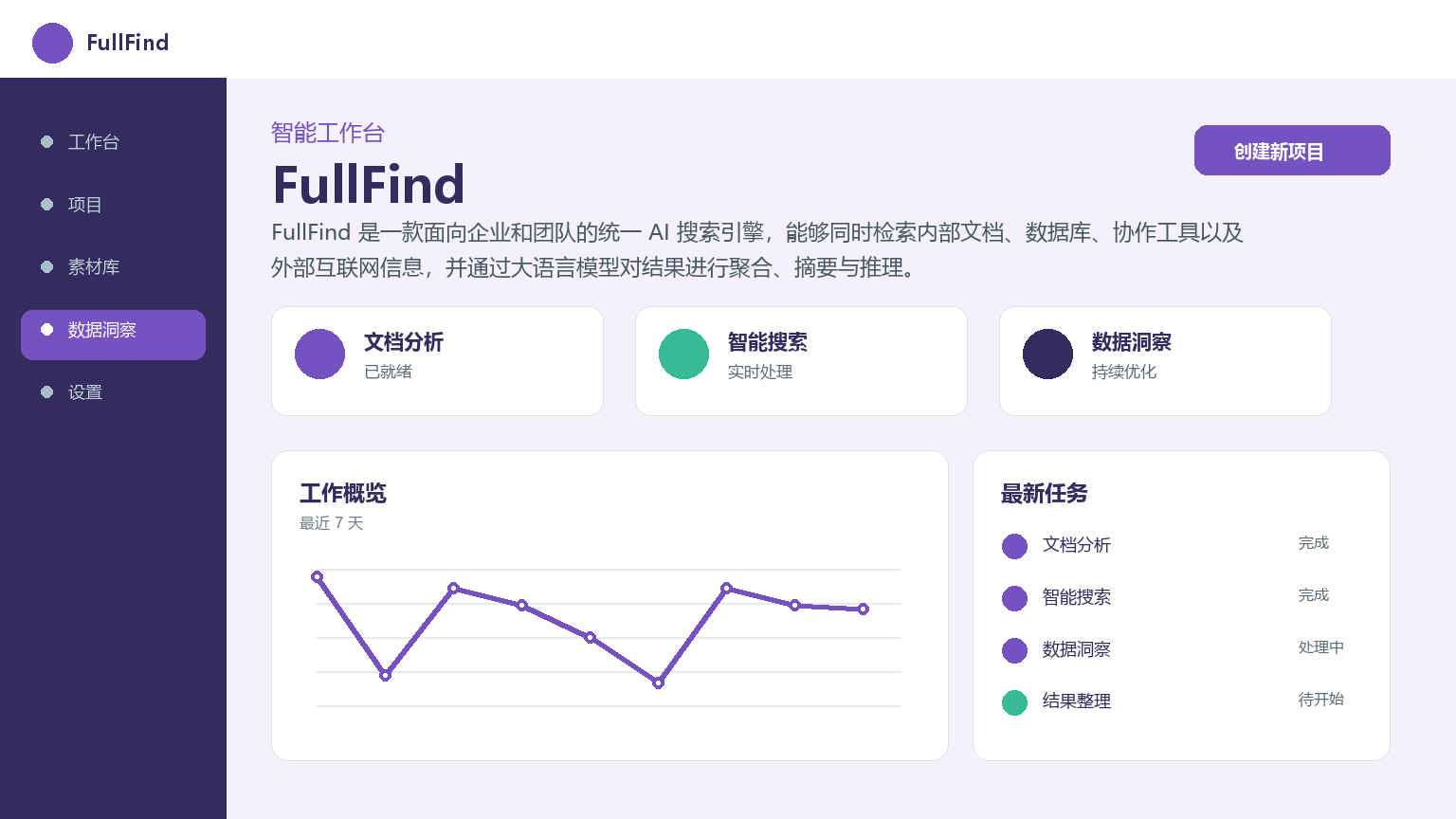
FullFind is a unified AI search engine for enterprises and teams that can simultaneously retrieve internal documents, databases, collaboration tools, and external Internet information, and aggregate, summarize, and reason the results through large language models.
FullFind: Unified AI Enterprise Search Engine
Core parameters and statistics
| Project | Specifications |
|---|---|
| Product Name | FullFind |
| Category | AI Search Engine |
| Delivery form | SaaS cloud/private deployment |
| Support Platform | Web, API |
| Supported languages | zh-CN, en-US, ja-JP |
| Target users | Enterprise employees, IT operation and maintenance, knowledge management leaders |
| User scale | 3,200+ registered enterprises, 200+ paying customers (as of 2026-07) |
| Pricing model | Free + Team ($499/month) + Business ($1,999/month) + Enterprise (customized) |
Interpretation of core parameters: FullFind is positioned as an enterprise-level unified AI search layer. Its core value is to eliminate information silos within the organization - employees do not need to switch between multiple systems such as Confluence, Notion, SharePoint, Google Drive, etc., and can obtain cross-source aggregated results through a single search portal. The product supports two delivery forms: SaaS and privatized, adapting to the data security and deployment preferences of enterprises of different sizes.
User and market recognition
| Dimensions | Data |
|---|---|
| Number of registered companies | 3,200+ |
| Number of paying customers | 200+ |
| Covering enterprise size | 500-5,000 people |
| Industry distribution | Technology, finance, and manufacturing are the main areas |
| G2 Rating | 4.5/5 (leading scores in search relevance and ease of deployment) |
| Average daily time savings | 15-30 minutes per knowledge worker (based on Gartner statistical estimates) |
It is estimated that FullFind can save each knowledge worker 15-30 minutes per day in information-finding time. Calculated for a 500-person enterprise, this is equivalent to releasing about 3,125-6,250 working days per year - based on Gartner's statistics "knowledge workers spend 20% of their working time on information retrieval". The actual benefits depend on the severity of the enterprise's information islands.
Cost advantage
| Cost Dimension | Description |
|---|---|
| Free version | $0, 5 users, up to 3 connectors, basic keyword search |
| Subscription version | Team $499/month (50 users), Business $1,999/month (200 users) |
| Enterprise Edition | Customized quotation, unlimited users, privatized deployment, SLA guarantee |
Cost comparison of competing products:
| Compare Dimensions | FullFind | Glean | Algolia |
|---|---|---|---|
| Entry price | $0 (5 users) | Approx. $40,000+/year (500 people) | Approx. $30,000+/year |
| Average monthly fee per person (50 people) | ~$10/month | ~$35/month | Billed by search volume |
| Number of connectors | 20+ | 50+ | 10+ |
| Deployment method | SaaS / Privatization | SaaS / Privatization | SaaS / Privatization |
| Search type | Enterprise internal knowledge base | Enterprise knowledge search | Site/e-commerce search |
| AI Summary | ✅ Support | ✅ Support | ❌ Basics |
Compared with traditional enterprise search solutions (Elastic self-built + customized development, usually $30K-100K initial + $2K-5K/monthly operation and maintenance), FullFind lowers the threshold for obtaining search capabilities from "requiring a full-time search engineer" to "registration-ready". The Team version costs about $10/month per person, which is much lower than the typical per-person license fee for an enterprise-level knowledge management system ($20-50/month). Hidden costs: Connector configuration and search result optimization require certain configuration investment; privatized deployment has additional hardware and operation and maintenance costs.
Main functions
- Unified search portal: A single search box simultaneously searches internal knowledge bases (Confluence, Notion, SharePoint, Google Drive), document systems, databases and external web pages (custom crawlers), and search results are aggregated and sorted across sources.
- AI Intelligent Summary: LLM summary of search results, extract core conclusions and mark the source. In summary mode, users do not need to click on each document one by one to get an overview of the answers, reducing browsing time by 60-80%.
- Fine-grained permission filtering: Integrated with Azure AD / Okta, search results are dynamically filtered by user permissions - users can only see documents they have permission to access, and the system does not expose unauthorized summary content in search results.
- Knowledge graph relationship recommendation: Automatically generate a knowledge context diagram for related topics, display the relationships between different concepts, documents and projects, and assist exploratory learning.
- Custom crawler connector: The open SDK supports enterprise-built connectors, which can connect to internal Legacy systems, self-built databases and private file storage.
- Real-time index update: Automatically trigger re-indexing through the CDC mechanism, with the delay controlled within 5 minutes.
Model and version evolution
| Version | Date | Key Changes |
|---|---|---|
| v1.0 | 2025-09 | Initial version, Web search + basic API |
| v2.0 | 2026-03 | Added 10+ connectors such as Notion, Confluence, SharePoint, etc. |
| v2.1 | 2026-06 | Hybrid search mode (vector + keyword joint sorting), RBAC permission filtering, knowledge graph recommendation |
Version records are subject to official release documents.
Technical advantages
- Dual-stage retrieval architecture: The first stage uses BM25 + vector retrieval to recall the Top 100 candidate documents in parallel, and the second stage uses the Learning-to-Rank model to re-rank. Control the delay within 300ms while ensuring the recall rate.
- Incremental Index Engine: Based on the CDC mechanism, source-side changes are captured in real time without the need to fully rebuild the index. For an enterprise with more than 1 million documents, full reconstruction takes 2-6 hours, and the incremental indexing delay is ≤ 5 minutes.
- LLM summary pipeline: RAG mode injects search results into a large language model to generate a summary, and supports custom Prompt templates to adapt to different summary styles (precise summaries of technical documents vs. conclusion-oriented summaries of management reports).
- Multi-layer permission filtering: Index layer (dividing visibility by connector/source system), retrieval layer (filtering candidates by user attributes), result display layer (permission verification of summary content), three-layer permission verification to avoid single points of vulnerability.
- Multi-cloud deployment plan: Supports AWS, Azure, GCP and private data center deployment. The enterprise version can specify the data storage region to meet data residency compliance requirements.
How to use
| Entrance | How to use | Applicable people |
|---|---|---|
| Web search portal | Unified search interface, cross-source aggregation + AI summary | All employees |
| Web management background | Configure connectors, manage permissions, view analysis panels | IT/Administrator |
| REST API | Integrate into internal systems or build your own portal | Developers |
| Slack bot | Slash command search, message card return | All employees |
| Private Deployment | Complete Services for Internal Server Deployment | Enterprise IT |
Typical usage flow: Administrator configures data source connector → System indexes and continuously synchronizes → Employees enter queries in the search portal or Slack → System returns cross-source aggregated results + AI summaries → Employees read summaries or click on source documents.
Product Pricing
| Package | Price | Core Benefits |
|---|---|---|
| Free version | $0 | 5 users, up to 3 connectors, basic keyword search |
| Team Edition | $499/month | 50 users, all connectors, AI summary, knowledge graph |
| Business Edition | $1,999/month | 200 users, hybrid search, RBAC permissions, full API |
| Enterprise version | Customized quotation | Unlimited number of users, privatized deployment, SLA guarantee |
Application scenarios
- Enterprise knowledge base search: When employees search for historical project documents, technical solutions or customer information, the search time is shortened from 3-5 minutes to 10-20 seconds. Verification: Compare the average daily time spent searching by employees before and after deployment.
- Legal and Compliance Review: The legal team searches for contract terms, compliance policies, and historical cases, improving review efficiency by 40%-60%. Verification: Track the review cycle of a single contract.
- R&D Technology Stack Query: Developers search internal Wikis, code comments, and external technical documents at the same time. Verification: Monitor how long developers spend on document search.
- New Employee Onboarding: New employees can quickly find company policies, team wiki, and project history. Verification: The time when a new employee completes a task independently for the first time.
- Customer Support: After the customer service inputs the customer question, the system automatically matches the best answer in the knowledge base. Verification: Compare the first response time before and after deployment.
Applicable people
| Crowd | Adaptation value | Restrictions |
|---|---|---|
| Corporate employees | Search multiple internal systems with one click | Basic search keyword skills are required |
| IT/Operations team | Connector configuration, index management, permission policies | Basic API and directory service knowledge required |
| Knowledge Management Leader | Understand search blind spots through the analysis panel | Connector configuration needs to be maintained regularly |
| Enterprise Procurement Decision Maker | Assess search ROI and data security | Need to confirm connector coverage and SLA terms |
Not suitable for the boundary: Enterprises with extremely single data sources have limited value; teams that use pictures/videos as the main knowledge carrier (multimodal search capabilities have not yet been perfected); scenarios that require real-time search (second-level delay) but have a 5-minute window for index synchronization.
Comparison of competing products
| Compare Dimensions | FullFind | Glean | Algolia |
|---|---|---|---|
| Core differences | Unified search + AI summary, outstanding cost performance | More connectors (50+) | Site search + e-commerce search |
| Price range | $0-1,999/month | $40,000+/year (500 people) | $30,000+/year |
| Covered scenarios | Unified search in enterprise internal knowledge base | Enterprise knowledge search | Site/e-commerce search |
| Number of connectors | 20+ | 50+ | 10+ |
| AI Summary | ✅ LLM Summary | ✅ AI Summary | ❌ Basics |
| User evaluation | G2 4.5/5, easy to deploy | Rich connectors, high price | High search accuracy |
| Technical threshold | Low (SaaS works out of the box) | Medium | Medium |
Summary and Outlook
FullFind's core competitiveness lies in the combined experience of "multi-source unified search + AI summary", which has found a clear positioning range in the medium-sized enterprise market.
Core Advantages: Unified search reduces cross-platform search time costs; AI summaries reduce browsing time by 60-80%; three-layer permission filtering ensures data security; SaaS model has zero deployment threshold.
Current limitations: (1) There is a gap in the number of connectors (20+) compared to Glean (50+), and low-frequency systems such as SAP and Oracle have not yet been covered; (2) The multi-modal content indexing capability is not yet perfect - teams with pictures, whiteboards, and videos as the main carriers have limited coverage; (3) The specific delivery time and feature set of the enterprise version's privatized deployment need to be confirmed with sales.
Risk Disclosure: (1) Search relevance depends on connector configuration quality and document structure, and may require a 2-4 week tuning cycle after initial deployment; (2) The accuracy of AI summaries is affected by the underlying LLM, and it is recommended to set up manual review links in key scenarios; (3) Prices and functions are subject to official real-time information, and the SLA terms of the Enterprise version need to be specified in the contract; (4) The maintenance costs of connector SDK development need to be included in the team budget - self-built connectors require ongoing API adaptation work.
Purchase Suggestion: Start with the Team package, first connect to 3-5 core data sources and run for 2-4 weeks, and then expand after evaluating the search relevance, summary quality and permission filtering effect.
Related tools: perplexity, you-com
Version Info
- Enterprise Release :Added new hybrid search mode, supports vector + keyword joint sorting, and optimized RBAC permission filtering.
- Connector Expansion :New connectors for Notion, Confluence, and SharePoint.
User Reviews