 GemDesign
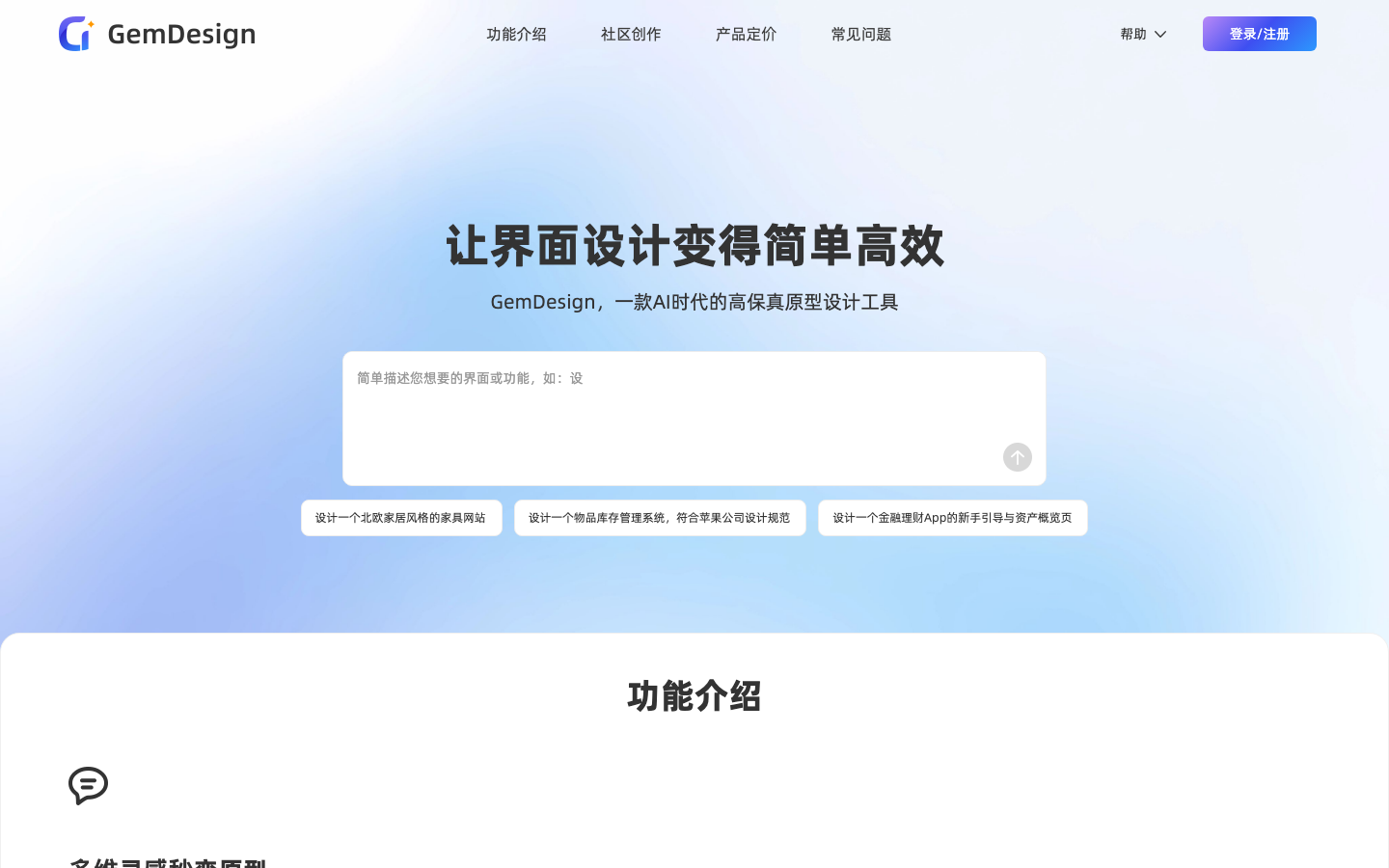
GemDesign is an AI high-fidelity prototyping tool for product managers, entrepreneurs, project managers and UI/UX designers. It supports multiple input methods such as text descriptions, picture references, hand-drawn sketches, etc., and generates interactive high-fidelity prototypes in seconds. Built-in in-depth editing, style library, component asset management, interactive presentation mode, PRD automatic generation and MCP protocol support, prototypes can be exported to Figma, Axure or HTML code.
GemDesign
Core parameters and statistics of GemDesign
GemDesign is an AI high-fidelity prototyping tool whose core proposition is "description is prototype": it can directly generate interactive high-fidelity prototypes using natural language, picture references or hand-drawn sketches, and supports exporting to mainstream delivery formats such as Figma, Axure, and HTML code.
| Project | Specifications |
|---|---|
| Product positioning | AI high-fidelity prototyping tool |
| Target users | Product managers, entrepreneurs, project managers, marketers, UI/UX designers |
| Input method | Natural language, picture requirements, hand-drawn sketches |
| Core capabilities | Vincent interface, in-depth editing, style library, PRD generation, MCP protocol |
| Export format | Figma, Axure, HTML code, pictures |
| Platform coverage | Web, mobile phone, tablet multi-terminal adaptation |
| Usage form | Online Web |
| Operating entity | GemCoder (China) |
Positioning Interpretation: Traditional prototyping tools (Figma, Sketch, Axure) require manual dragging and building. GemDesign uses AI to directly turn "described requirements" into "interactive prototypes". 16+ display cases cover music apps, travel official websites, medical systems, data analysis centers, e-commerce and other scenarios.
Boundary Note: AI-generated prototypes are suitable for quick verification of ideas and demonstrations, but complex interaction logic and highly customized visual details still require manual adjustment by professional designers.
GemDesign’s user and market recognition
GemDesign has not publicly disclosed specific user scale data, but its product positioning and target audience are clearly identifiable.
Target group focus: The official clearly lists five types of core users - product managers (quickly produce prototypes for demand review), entrepreneurs (low-cost verification of product concepts), project managers (align needs and visual goals), marketers (quickly produce event page previews), UI/UX designers (used to quickly explore design solutions).
Product differentiation: 16+ design cases covering NexusAI, music players, outdoor travel, medical management, data analysis, food apps, e-commerce and other scenarios, demonstrating its output capabilities in multiple fields.
Ecological integration: Supports Figma file import (import GemDesign design drafts into Figma for fine adjustments), MCP protocol support (access to mainstream Coding Agent tools). It has WeChat communication groups, user guides and other community content.
Items to be verified: The specific user scale, proportion of paying users, code availability and other data have not been publicly disclosed.
Cost Advantages of GemDesign
GemDesign's pricing logic is to "use AI to replace the repetitive work of prototyping and front-end construction." All functions on the official website are marked "free to use."
| Cost Dimension | GemDesign | Figma (Professional Edition) | Axure RP (Professional Edition) | Outsourced Design + Front-end |
|---|---|---|---|---|
| Starting Cost | Free to Use | $12/month | $29/month | $500-5000/page |
| Prototype production speed | Second level (description is generated) | Hour level (manual drag and drop) | Hour level (manual build) | Day level |
| PRD Document | ✅ Automatically generated | ❌ | ❌ | Additional fee required |
| Front-end code | ✅ Comes with output | ❌ | ❌ | Developer required |
| Learning curve | Very low (natural language) | Medium (requires design skills) | Medium high | Not applicable |
Three-tier cost analysis:
- C-side/Individual: Use it for free to complete prototype generation, editing and export. Suitable for product managers and independent developers to quickly verify ideas.
- Small Team: Use AI to replace the first draft of prototypes built by junior designers and front-end designers, saving 60-80% of prototype production time.
- Enterprise: Business communication is required to obtain batch authorization and team collaboration functions.
Main functions of GemDesign
GemDesign's capabilities are organized around requirements to high-fidelity prototypes and code:
- Natural language generation prototype: Enter a description to generate a high-fidelity interactive prototype.
- Image requirement to prototype: Generate the corresponding prototype based on the reference image.
- Free Editing: Adjust the generated results.
- Export design drawings and front-end code: Deliver professional design drafts and runnable front-end code.
The collaborative value of functions lies in the fact that requirements, prototypes and code can be connected in one tool, reducing handover costs between design and development.
Model and version evolution of GemDesign
GemDesign runs as an online tool and does not have a public version number system.
- Launch Period (~2025): Launched as an AI high-fidelity prototyping tool.
- Current version (~2026): Continuously iterative editing and code delivery capabilities.
The official unified version number and precise date have not been disclosed, and the version context is expressed in public milestones.
GemDesign’s technical advantages
The advantage of GemDesign is "high-fidelity prototype + code delivery":
Mechanism: Use AI to parse requirements into interface structure and interaction, generate high-fidelity prototypes and simultaneously produce front-end code.
Effect: Compared with tools that only produce static images, it can directly provide interactive prototypes and runnable code, shortening the distance to development.
Applicable scenarios: Most suitable for product managers to quickly verify ideas and independent developers to quickly build interfaces.
The price is that the engineering quality and complex interactions of the generated code still require manual review, and it cannot completely replace the professional front-end.
How to use GemDesign
GemDesign is used via the web:
| Usage | Suitable objects | Features |
|---|---|---|
| Natural Language Generation | Product/Project Manager | Describing Requirements Generation Prototype |
| Image to prototype | Those with reference images | Generated based on reference images |
| Export | Development/Delivery | Export design drawings and front-end code |
The typical process is "Describe or upload requirements → Generate high-fidelity prototype → Edit and adjust → Export design drawings/code". For first-time users, it is recommended to use a simple page to verify the prototype quality and code usability.
Product Pricing for GemDesign
Official full pricing has not been announced. GemDesign usually adopts the "limited free + subscription/limited payment" model. The specific free quota, export permissions and prices are subject to the official real-time page. Enterprise use requires business confirmation.
- Personal: Limited free, more generation and export require payment.
- Enterprise/Team: Please refer to the official page or business communication.
GemDesign application scenarios
- Product Prototype Verification: Quickly turn ideas into interactive prototypes, and the focus of verification is the degree of interactive restoration.
- Start independent development: Use generated prototypes and codes to quickly build interfaces and pay attention to code availability.
- Requirements communication: Use high-fidelity prototypes to align requirements, and the focus of verification is consistency with the final implementation.
GemDesign is suitable for people
- Product Manager/Project Manager: Need to quickly produce high-fidelity prototype alignment requirements.
- Independent Developer: Lack of design resources but need interface and front-end starting point.
- Small Team: Hope to reduce the handover cost from design to development.
Unsuitable situations are: professional design scenarios that require complex customized interactions, strict engineering-level code quality, or highly original visual requirements.
Summary and Outlook of GemDesign
The core value of GemDesign is to directly convert requirements into high-fidelity interactive prototypes and deliver front-end code, opening up the gap between design and development, and is especially practical for product managers and independent developers. The dual delivery of prototype plus code is the differentiator.
Current limitations are that generating prototypes and code still requires manual review, complex interaction capabilities are limited, and public pricing is opaque. For users, it is recommended to use a real page to verify the degree of prototype restoration and code availability before deciding whether to pay; the team should confirm whether the exported code can be integrated into existing engineering specifications before adoption.
Related tools:  Midjourney, stable-diffusion
Version Info
- GemDesign Online (current version) :It provides eight core capabilities: Vincent interface, in-depth editing, style unification, style library, multi-format export (Figma/Axure/HTML/image), interactive demonstration, PRD generation, and MCP protocol. 16+ design cases covering multiple industry scenarios.
- Product launch :GemDesign is launched as an AI high-fidelity prototyping tool, providing basic requirements to prototype generation capabilities. There is no official precise date yet, it is recorded according to the public collection time.
User Reviews