 GlowFocus
Free
GlowFocus
Free
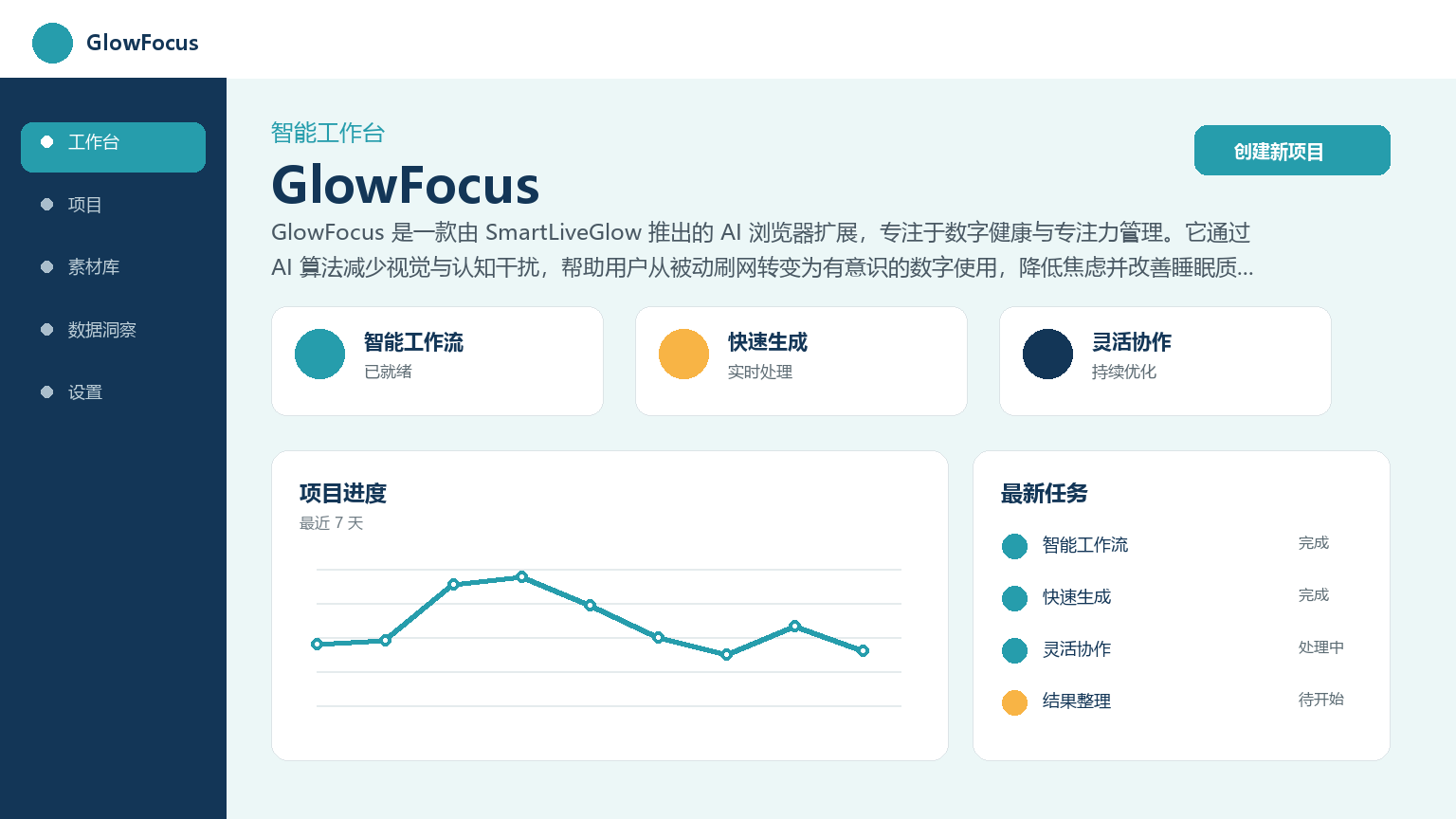
GlowFocus is an AI browser extension launched by SmartLiveGlow that focuses on digital wellness and focus management. It uses AI algorithms to reduce visual and cognitive interference, helping users transition from passive browsing to conscious digital use, reducing anxiety and improving sleep quality.
GlowFocus
Core parameters and statistics of GlowFocus
Specific technical parameters (such as model size, context length, supported file formats, etc.) are subject to the official product page.
GlowFocus’ users and market recognition
As a relatively new product (released in early 2026), GlowFocus has not yet disclosed specific user numbers or installation data. Its market knowledge mainly comes from:
- SmartLiveGlow's brand endorsement: The parent company focuses on human-centered AI research and has published a number of related books (such as "Free Yourself from the Darkness" and "The AI Starter Manual").
- User Testimonials: The official blog quotes user feedback saying it can "make social media feel less stimulating and more peaceful," helping improve sleep and reduce anxiety.
- Product philosophy recognition: Its concept of "protecting attention rather than exploiting attention" gained the attention of the digital health community in the early stages of the product.
It should be noted that since the product is in its early stages, there is currently a lack of third-party reviews or independent installation data, and its market influence has yet to be verified.
Cost Advantages of GlowFocus
GlowFocus is currently available as a free version, which makes it competitive in the AI browser extension market. Compare with similar products:
| Products | Pricing | Core Differentiators |
|---|---|---|
| GlowFocus | Free | AI-driven, no configuration required, no data tracking |
| MindFocus AI | Undisclosed | Similar to focus expansion, with similar functional positioning |
| Freedom | Starting from $6.99/month | Cross-platform blocking, partial content blocking |
| Forest | $1.99 buyout | Pomodoro + gamification, not AI driven |
Cost Analysis:
- C-side users: completely free, no hidden paywall.
- Developer/API: No API services are provided, and there is no B-side charging model.
- Enterprise: There are currently no plans for an enterprise version.
The truth about free: GlowFocus’s free model currently has no explicit restrictions (such as quota, duration, function emasculation), but its long-term business model has not yet been announced. As a "digital health research project" in the SmartLiveGlow ecosystem, advanced features may be launched or integrated with enterprise digital health solutions in the future. The boundaries of commercial authorization have not yet been clearly disclosed.
Main functions of GlowFocus
- AI visual interference filtering: Automatically identify and weaken irritating visual elements on the page to reduce sensory overload when unconsciously browsing the Internet.
- Cognitive load management: Analyze user browsing patterns through AI algorithms and prompt users to return to intentional digital usage at the appropriate time.
- Focus on moment creation: Help users actively create "intentional pause" nodes during browsing to break the automatic scrolling cycle.
- Privacy-first design: All processing is done locally, no user behavior is tracked, no personal data is collected, and no account registration is required.
- Automatic operation with zero configuration: It can take effect without any settings after installation, suitable for non-technical users.
Expert point of view
The functional combination of GlowFocus reflects a design philosophy of "less is more": it does not act as a content blocker (such as Freedom) or a Pomodoro (such as Forest), but uses AI to reduce the intensity of digital context stimulation from a perceptual level. This "soft intervention" strategy is in sharp contrast to the current mainstream "hard interruption" plan. The real synergy is that the combination of AI interference filtering + zero configuration + privacy protection lowers the user's psychological threshold for use - users do not need to "determine to change their digital habits" to use it, and the AI will automatically take effect after installation.
Model and version evolution of GlowFocus
GlowFocus is currently in a very early stage, and the version structure is relatively simple:
- ~2025-12 (Beta): Internal test version to verify whether the core mechanism of AI-driven attention management is feasible.
- ~2026-01 (v1.0): First public release, launched as an experimental project for SmartLiveGlow application AI research, delivered in the form of a browser extension.
There are no official release plans for subsequent versions. Product roadmaps are less transparent, which is a common state for early-stage tools.
GlowFocus’ technical advantages
GlowFocus's technical route revolves around "lightweight AI + local processing":
- AI Architecture: Based on a miniaturized model, it runs locally on the browser without requiring cloud calls, thereby protecting user privacy and achieving low-latency response.
- Attention Identification Mechanism: By analyzing the page structure, visual density and interaction mode, it determines whether the current browsing status is "unconscious refresh/scrolling" rather than simple time timing.
- Progressive Intervention: AI does not use strong pop-up reminders, but guides users back to intended use through subtle visual changes (such as softening of page tones).
- Privacy Technology Stack: All inferences are completed on the client side and no browsing data is uploaded to the server, thus eliminating the risk of data leakage from the architectural level.
Why it is lighter and more cost-effective: Because it focuses on the single carrier of browser extensions, GlowFocus can be extremely optimized for the Chrome extension sandbox environment. It does not need to maintain multi-end runtimes like cross-platform solutions, and the inference delay can be controlled at the millisecond level.
How to use GlowFocus
The usage process of GlowFocus is extremely simple, reflecting its "out-of-the-box" design concept:
| Entrance | Description |
|---|---|
| Chrome Extension Store | Search and install and run automatically, no registration or configuration required |
| Official website SmartLiveGlow | Provides product introduction and extended store jump links |
Typical steps:
- Search for "GlowFocus" in the Chrome Web Store or jump to the official website link.
- Click Install and the extension will be activated automatically.
- Browse the web normally, AI will work automatically in the background without user manual intervention.
- When unconscious browsing behavior is detected, AI guides the user back to intentional use through soft visual feedback.
Because the product is in its early stages, it currently only supports the Chrome browser, and there is no public information on plans for Firefox, Edge or Safari versions.
Product Pricing for GlowFocus
GlowFocus is currently completely free and no paid plans are disclosed. Specific pricing details are as follows:
- Individual User: Free, no usage limit.
- Developer/API: No API access is provided.
- Enterprise users: There is currently no enterprise version or volume licensing plan.
IMPORTANT NOTE: Pricing above is based on information available as of July 2026. SmartLiveGlow has yet to announce a long-term business model for GlowFocus. As a reference for purchase/adoption decisions, you need to pay attention to potential changes in the future that may shift to a subscription system or launch paid premium features.
Application scenarios of GlowFocus
- Digital Wellness & Anxiety Management: For users who want to reduce anxiety and information overload caused by browsing social media. AI automatically weakens irritating visual content to make the social network experience more peaceful.
- Improved office concentration: When browsing the web during work breaks, GlowFocus helps prevent "5 minutes of relaxing" from evolving into "30 minutes of mindless browsing", improving overall work time utilization.
- Sleep quality improvement: By reducing visual stimulation and cognitive load when browsing on mobile phones or computers before going to bed, it helps users enter a relaxed state faster and improves the quality of falling asleep.
- Kids/Youth Digital Protection: A non-intrusive browsing aid that helps teens develop healthier digital habits without tracking data.
Dimensionality reduction strike scene
In "high-frequency, short-term, fast-paced fragmented browsing scenarios", GlowFocus's soft intervention strategy has the most obvious effect - users do not need to make any decisions, and AI automatically reduces the intensity of contextual stimulation.
Discourage/Inapplicable people
- Users who need deep content blocking: GlowFocus does not do URL blocking or website whitelist management, and cannot replace hard blocking tools such as Freedom.
- Users pursuing quantitative data reports: GlowFocus does not provide data panels such as usage time statistics, number of interceptions, etc., and is not suitable for self-quantification enthusiasts who need visual feedback.
- Users with severe digital dependence who require strong intervention: For users who have developed severe dependence on social media, GlowFocus's soft intervention may not be strong enough, and other behavioral intervention programs need to be coordinated.
- Non-Chrome users: Currently only Chrome browser is supported, Firefox, Edge, Safari and other platforms are not available yet.
Who is GlowFocus suitable for?
- Digital Health Pioneers: Individual users who are concerned about the quality of digital life and mental health and are willing to try non-traditional attention management solutions.
- Mild to Moderate Distractors: People who are prone to unconscious surfing behavior during daily browsing and want to receive gentle external reminders.
- Privacy-Sensitive Users: Technical users who are wary of the data collection behavior of browser extensions and pursue a "zero tracking" solution.
- SmartLiveGlow Ecological Users: Users who have followed or used other digital health products of SmartLiveGlow can be naturally integrated into its product matrix.
Not suitable for people: Enterprise IT administrators who need strong control over content filtering, efficiency geeks who need to quantify data, and users who rely on cross-platform synchronization functions.
Summary and Outlook
GlowFocus represents an "anti-attention economy" route in the field of AI browser extensions - it does not pursue the length of user stay, but helps users get rid of unconscious digital consumption faster. Its core advantage is that it encapsulates AI capabilities as a "senseless soft intervention", and cooperates with zero-configuration and privacy-first design to lower the psychological threshold for using digital health tools. However, as an early-stage project that was only made public in early 2026, there are great uncertainties in its product maturity, user scale, and long-term business model. Points worth watching in the future include whether a cross-browser version will be launched, whether an optional data panel feature will be introduced, and whether SmartLiveGlow will be integrated into a broader digital health product matrix.
Acquisition/Adoption Risk Assessment: GlowFocus is currently completely free and committed to not tracking data, with extremely low short-term adoption risk. But in the long run, enterprise-level procurement needs to be cautious because the product is in an extremely early stage, the company is small (SmartLiveGlow is an individual/small team), and there is no clear version roadmap and business plan. It is recommended that individual users can try it out immediately, while enterprises and organizations should wait until the product maturity and privacy policy are stable before making decisions.
Related tools:  Notion AI, google-workspace
Business process integration and ROI analysis
As a productivity tool for enterprises or professional positions, the true value of GlowFocus depends on the depth of integration with existing workflows and the quantifiable efficiency improvement effect. The following is a systematic analysis from three core dimensions.
System integration and data interoperability The ability to interoperate with existing business systems is a key prerequisite for productivity tools to be integrated into workflows. It is recommended to focus on evaluating the following integration dimensions: the openness and documentation quality of the RESTful/GraphQL API (whether a complete API reference and SDK examples are provided), the support scope of Webhook event notifications (which business event types are supported for automatic push), the number and depth of pre-built integrations with common collaboration SaaS tools (WeChat Enterprise, DingTalk, Feishu, Slack, Notion, Jira, etc.), and enterprise-level identity authentication support (SSO/SAML/OAuth and LDAP/AD directory integration). Products that lack integration capabilities are easily isolated into information islands, which in turn increases the cognitive cost and operational friction for teams to switch between different tools.
Efficiency Quantification and ROI Estimation Methodology Before purchasing decisions, it is recommended to quantify the input-output ratio through a structured method: Step 1, choose 3-5 Standardized tasks that are frequently repeated and time-consuming in each team are used as test samples; in the second step, the average time consumption of a single task before and after tool intervention, first-time pass rate or error rate, and the number of links requiring manual intervention are recorded under controlled conditions; in the third step, the saved manpower time is converted according to the comprehensive cost of the position (salary, benefits, management sharing), and soft benefits (increased employee satisfaction, standardization of work quality, and improvement in response speed to core business) are superimposed to obtain a comprehensive ROI estimate. It is recommended to continue tracking ROI trends on a monthly basis, as the value of a tool usually increases over time as team proficiency increases and workflows are optimized.
Phase-based implementation strategy and risk control It is recommended to adopt a three-stage implementation path of "pilot verification-gradual promotion-continuous optimization". In the pilot stage (1-2 weeks), a single team or a single business scenario is selected for small-scale verification. The core goal is to verify technical feasibility and user acceptance, and establish preliminary usage specifications and success standards; in the promotion stage (2-4 weeks), after the pilot verification is passed, the coverage is gradually expanded, and standardized activation processes and training materials are developed; in the optimization stage (continuous), the workflow configuration is continuously adjusted based on actual usage data and user feedback, and more high-value application scenarios are explored. Clear quantitative key result indicators should be set at each stage to avoid blindly expanding the scope of use without data support.
How to use GlowFocus
- Web client: You can use it by visiting the official website and registering an account. Most functions do not require installation.
- API access: Provides RESTful API, developers can obtain the API Key and integrate it into their own applications.
Version Info
- GlowFocus 1.0 :There is no official precise date yet. The initial release version, as an experimental project of SmartLiveGlow applied AI research, provides basic attention assistance and digital interference reduction functions.
- GlowFocus Beta :There is no official precise date yet. Internal test version to verify the core mechanism of AI-driven attention management.
User Reviews