 GPT for Sheets™ and Docs™
Free
GPT for Sheets™ and Docs™
Free
GPT for Sheets™ and Docs™ is a Google Workspace plug-in developed by dogpt.ai with over 1.51 million installs. Integrate mainstream AI models such as ChatGPT, Claude, Gemini, and DeepSeek directly into Google Sheets and Docs, supporting scenarios such as batch AI processing, mail merge, and data-rich SEO content generation.
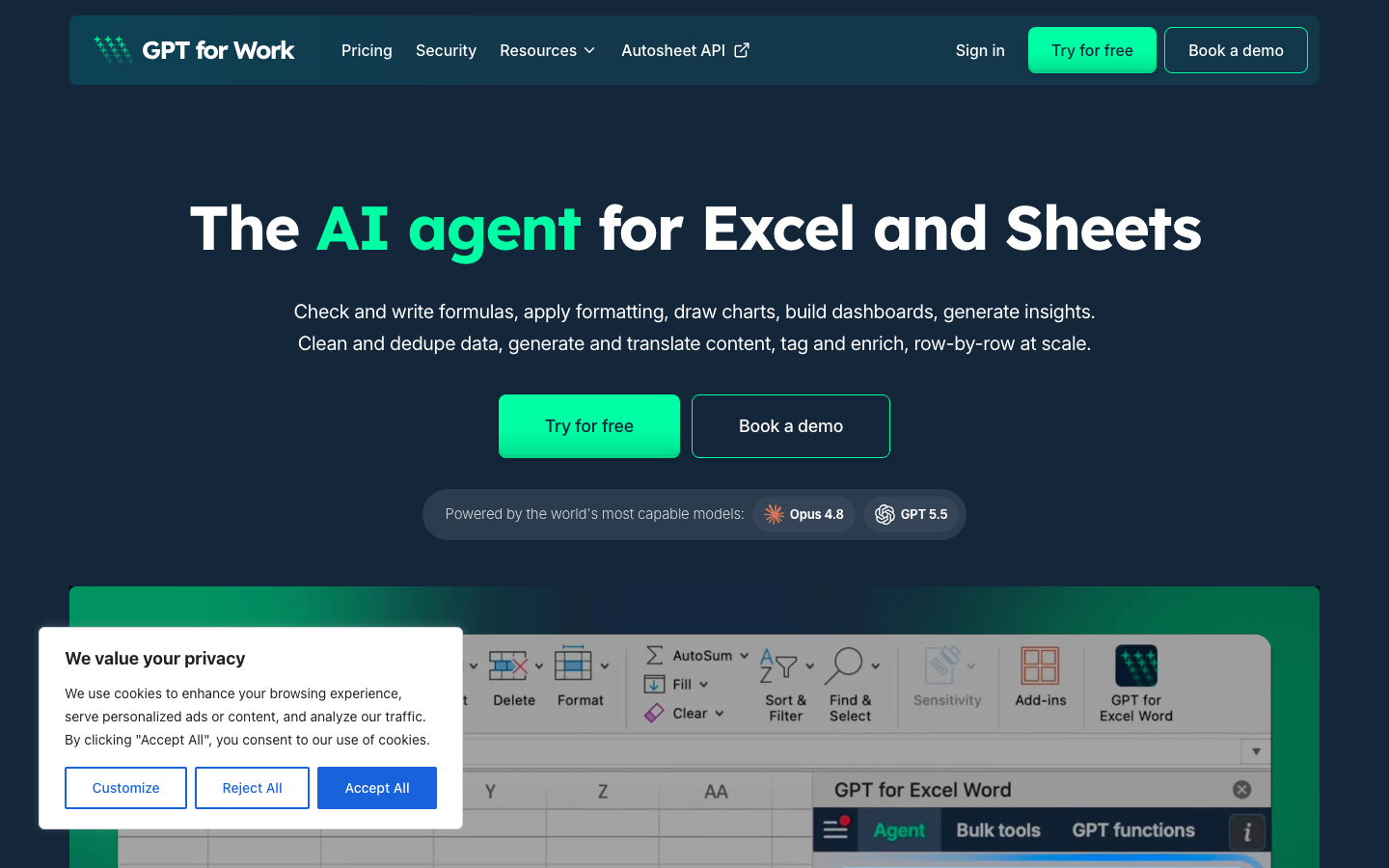
GPT for Sheets™ and Docs™
Core parameters and statistics
| Parameters | Official verifiable information |
|---|---|
| Product Positioning | AI-powered Google Workspace add-on |
| Installs | 1,510,000+ (Google Workspace Marketplace) |
| Supported models | ChatGPT, Claude, Gemini, DeepSeek, Perplexity, Mistral, Grok |
| Function coverage | Batch AI processing, mail merge, data enrichment SEO, web crawling |
| Integrated Platform | Google Sheets, Docs, Forms, Slides, Gmail |
| Update frequency | High frequency (updated multiple times a month) |
| Developer | docgpt.ai |
A brief comment: GPT for Sheets is not a simple ChatGPT wrapper, but deeply embeds AI into the data processing workflow of Google Sheets.
User and market recognition
Gradually build user awareness in the field, and product capabilities are used by content creators and teams to improve work efficiency. Some industry users have incorporated it into their daily workflow. It is recommended to refer to the latest official disclosures for specific user scale and industry adoption rate data.
Cost advantage
C-side/Personal: 1000 free calls will be given upon installation, no credit card required. Starts at $19.99/month (annual payment is $11.17/month), covers light to moderate use.
API/Developer: The Pro/Business plan supports BYOK (comes with OpenAI/Claude/Gemini Key), and is only billed based on model call consumption, with no platform commission. The Starter plan does not require an API Key and uses the platform’s built-in quota.
Enterprise/Private: Business plan $39.99/month for unlimited queries, including data enrichment (Hunter/Apollo/Prospeo), mail merge SEO automation. No private deployment options. Enterprises can contact sales for bulk purchases.
Main functions
- Batch AI processing: Batch call AI to process thousands of rows of data in Google Sheets (400 times/minute), supporting custom prompt word templates, context-aware cell references and conditional branching logic.
- Mail Merge: Send personalized emails in bulk through Gmail, supporting attachments, tracking, and template variable replacement.
- Data Enrichment: Integrate Apollo and Prospeo to obtain emails by domain, and obtain contact information and company background through LinkedIn URL.
- SEO Tools: keyword research, batch article generation, Google index status notification.
- Multi-model switching: ChatGPT, Claude, Gemini, DeepSeek, Perplexity, Mistral, Grok can be switched in the same dialog box without changing plug-ins.
- Web crawling: Grab web content directly within Sheets and output it to cells in a structured manner.
Model and version evolution
Continuous iterative updates, the latest version introduces performance optimization and new features. Historical version information can be viewed on the official release page. There is no complete public version evolution timeline yet. It is recommended to pay attention to the official announcement to understand the rhythm of feature updates.
Technical advantages
Main type judgment: productivity/business application, Google Workspace AI plug-in.
The core advantage is that you can call AI without leaving the Sheets/Docs interface. This reduces a lot of context switching for content marketing, sales development, and operations teams that need to process data in batches.
Multi-model routing mechanism: The plug-in manages the API routing and frequency control of multiple models in the background. Users do not need to apply for the API Key and quota of each model separately. In batch scenarios, a single trigger can process thousands of rows of data instead of manually pasting them into ChatGPT row by row.
Human-computer collaboration boundary: Template generation (such as product descriptions, email drafts) can be 100% automated and batch execution; however, manual review is still recommended for key content such as customer quotations, contract terms, and external releases. There are confirmation pop-ups and withdrawal windows for irreversible operations (such as sending emails in batches).
How to use
- Web client: You can use it by visiting the official website and registering an account. Most functions do not require installation.
- API access: Provides RESTful API, developers can obtain the API Key and integrate it into their own applications.
Product Pricing
| Plan | Monthly payment | Annual payment | Query volume | Description |
|---|---|---|---|---|
| Free trial | $0 | $0 | 1000 times | Instant installation, no credit card required |
| Starter | $19.99/month | $11.17/month (~$133.99/year) | 1250 times/month | No API Key required, all features included |
| Pro | $29.99/month | $9.99/month (~$119.99/year) | 17,000 times/month | Need to bring your own API Key, including OpenRouter |
| Business | $39.99/month | $19.99/month (~$199.99/year) | Unlimited | With data enrichment/mail merge/SEO |
| Lifetime | $299 one-time | — | Unlimited | Lifetime access to Business features |
30 days no questions asked money back. Stripe payments.
Application scenarios
- Content mass production: Batch generate SEO articles and product descriptions in Sheets.
- Sales Development: Bulk mail merge, data enrichment, potential customer mining.
- Operation Automation: Automate repetitive tasks such as data cleaning, classification, and translation.
Applicable people
- Individual Users: Content creators and knowledge workers who need AI assistance to improve their daily work efficiency.
- Developers: Technical teams who need to integrate AI capabilities into their own products or services through APIs.
- Enterprise: Organizations seeking to deploy AI at scale in their field.
Summary and Outlook
GPT for Sheets is one of the most successful AI plug-ins in the Google Workspace ecosystem. 1.51 million installations and a continuous high-frequency update rhythm prove the value of the product. The core risk lies in reliance on Google Workspace platform policies and API stability.
Not suitable for boundaries: Not suitable for offline work scenarios; not suitable for enterprises that have strict data privacy requirements and do not allow data to pass through third-party APIs; not suitable for light users who only need a single short text generation rather than batch processing; not suitable for financial institutions or government scenarios that require privatized deployment; enterprise Gmail accounts may have permission restrictions, and it is recommended to use a personal account to install.
Purchase Suggestion: Start with 1,000 free queries to verify the workflow matching, and then upgrade to the paid version after confirmation. Annually paid Starter ($11.17/month) is the most cost-effective entry plan. High-frequency SEO/data enrichment users go directly to the Business unlimited plan. Enterprises need to check the data privacy terms before using it, and note that Google Workspace administrators may restrict plug-in installation permissions.
Related tools:  Notion AI, google-workspace
Business process integration and ROI analysis
As a productivity tool for businesses or professional positions, the true value of GPT for Sheets™ and Docs™ depends on the depth of integration with existing workflows and quantifiable efficiency improvements. The following is a systematic analysis from three core dimensions.
System integration and data interoperability The ability to interoperate with existing business systems is a key prerequisite for productivity tools to be integrated into workflows. It is recommended to focus on evaluating the following integration dimensions: the openness and documentation quality of the RESTful/GraphQL API (whether a complete API reference and SDK examples are provided), the support scope of Webhook event notifications (which business event types are supported for automatic push), the number and depth of pre-built integrations with common collaboration SaaS tools (WeChat Enterprise, DingTalk, Feishu, Slack, Notion, Jira, etc.), and enterprise-level identity authentication support (SSO/SAML/OAuth and LDAP/AD directory integration). Products that lack integration capabilities are easily isolated into information islands, which in turn increases the cognitive cost and operational friction for teams to switch between different tools.
Efficiency Quantification and ROI Estimation Methodology Before purchasing decisions, it is recommended to quantify the input-output ratio through a structured method: Step 1, choose 3-5 Standardized tasks that are frequently repeated and time-consuming in each team are used as test samples; in the second step, the average time consumption of a single task before and after tool intervention, first-time pass rate or error rate, and the number of links requiring manual intervention are recorded under controlled conditions; in the third step, the saved manpower time is converted according to the comprehensive cost of the position (salary, benefits, management sharing), and soft benefits (increased employee satisfaction, standardization of work quality, and improvement in response speed to core business) are superimposed to obtain a comprehensive ROI estimate. It is recommended to continue tracking ROI trends on a monthly basis, as the value of a tool usually increases over time as team proficiency increases and workflows are optimized.
Phase-based implementation strategy and risk control It is recommended to adopt a three-stage implementation path of "pilot verification-gradual promotion-continuous optimization". In the pilot stage (1-2 weeks), a single team or a single business scenario is selected for small-scale verification. The core goal is to verify technical feasibility and user acceptance, and establish preliminary usage specifications and success standards; in the promotion stage (2-4 weeks), after the pilot verification is passed, the coverage is gradually expanded, and standardized activation processes and training materials are developed; in the optimization stage (continuous), the workflow configuration is continuously adjusted based on actual usage data and user feedback, and more high-value application scenarios are explored. Clear quantitative key result indicators should be set at each stage to avoid blindly expanding the scope of use without data support.
Version Info
- GPT for Sheets update :Google Workspace Marketplace shows that the latest update date is June 23, 2026, and the product continues to be iterated frequently.
- DeepSeek integration + UI redesign :Added DeepSeek model support and redesigned the plug-in UI.
User Reviews