 MeetGeek
Free
MeetGeek
Free
MeetGeek is an AI office tool for individuals and teams. It can capture online and offline conversations using meeting bots, browser bot-free recording, mobile apps or APIs, automatically generate transcribed AI summaries, action items, meeting analysis, and connect to team workflows through Slack, Notion, HubSpot, Salesforce, ClickUp, Zapier, Make, n8n, Public API and MCP Server.
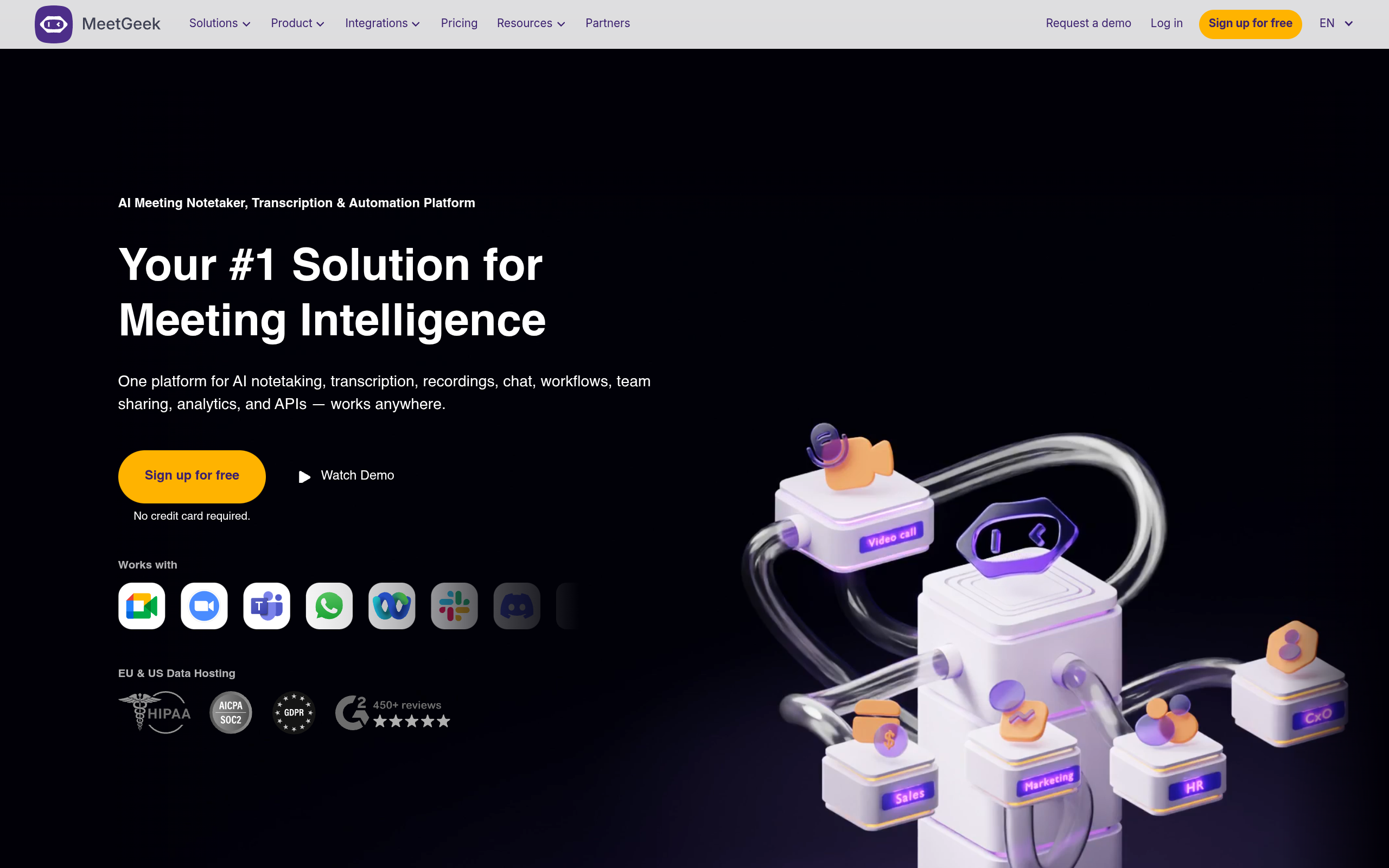
MeetGeek — AI meeting assistant with bot and bot-free recording
Core parameters and statistics
| Parameters | Details |
|---|---|
| Product positioning | AI meeting assistant, AI meeting layer, meeting recording and meeting automation tools |
| Capture method | Meeting Agent Copilot, Chrome browser without robot records, mobile App, API / Dialers, desktop without robot records (official website annotation will be launched soon) |
| Available for meetings | Zoom, Google Meet, Microsoft Teams, Webex, Discord, Zoom Webinars, Slack, offline conversations, calls and interviews |
| Main capabilities | Recording, transcribing AI summaries, action items, meeting analysis AI Chat, folders and tags, uploading audio and video |
| Supported languages | Official website FAQ annotation supports 60+ language transcription and summary |
| Integration Ecosystem | HubSpot, Salesforce, Pipedrive, Slack, Notion, ClickUp, Zapier, Make, n8n, Public API, MCP Server |
| Security Compliance | SOC 2 Type II, GDPR, HIPAA BAA, CCPA, 256-bit AES and SSL/TLS encryption |
| Representing clients | The official website displays logos such as Apple, Salesforce, Workday, Nike, Decathlon, UNDP, etc., and claims 50,000+ teams worldwide |
The core value of MeetGeek is to provide a multi-entry meeting capture method: it can allow the AI meeting agent to automatically join the meeting, make robot-free browser recording through Chrome Extension, use the mobile app to record offline conversations, or access the dialer and internal systems through API. For cross-department teams, it’s not just a meeting note-taking tool, but a middle layer that connects meeting content to CRM, project management, collaboration tools, and AI models.
User and market recognition
MeetGeek’s official website states that it is used by 50,000+ teams around the world and displays the logos of Apple, Salesforce, Workday, Nike, Decathlon, UNDP, Papa Johns, Remote and other organizations. The official website also shows the benefits of G2 recognition and multiple business scenarios: the sales team can increase revenue/sales force by 35%, HR can reduce recruitment decision time by 40%, and the leadership team can increase productivity by an average of 30%.
These numbers are suitable for use as a reference for market acceptance, but enterprises should still pass pilot verification before formal procurement: the accuracy of transcription in different languages, whether the meeting summary template is stable, whether robot-free records cover the current platform, whether the CRM field synchronization complies with the process, and whether the permissions, consent notifications and data retention policies of sensitive meetings meet internal requirements.
Cost advantage
| Plan | Official website price | Main benefits |
|---|---|---|
| Basic | Free | 3 hours of transcription per month, 3 months of transcription storage, 1 month of audio storage, unlimited AI summaries, meeting analysis AI Chat, upload audio and video, browser/desktop bot-free recording |
| Pro | $9.99/month/user | 20 hours of transcription per month 1 year of transcription storage 6 months of audio storage, meeting templates, meeting type auto-detection, unlimited integration with Zapier/Make/n8n, AI Agents & Workflows, download and export |
| Business | $17/month/user | Unlimited transcription, unlimited transcription storage 12 months video storage, team space, automatic sharing, team meeting analytics, comments, unlimited AI Chat with tools, private default meetings, consent notifications |
| Enterprise | Customized Quotes | SSO, SCIM, organization-level locking, custom/zero data retention, local storage options, dedicated onboarding and account manager |
Compared with conferencing tools such as  Fathom,
  Granola,
  Fireflies.ai, MeetGeek has the advantage of lower entry price, support for 60+ languages, and coverage of bots, bot-free, mobile and API capture at the same time. For small and medium-sized teams, the automation and unlimited transcription capabilities of the Pro/Business plan are highly cost-effective; for enterprises, focus on SSO, SCIM, custom data retention, and local storage options.
Main functions
- Meeting Agent Copilot: AI meeting agent automatically joins meetings, records, transcribes, and summarizes Zoom, Google Meet, Teams, and more calls.
- Bot-free browser recording: Chrome Extension can record and summarize directly in browser meetings, without the need for bots to enter the meeting room.
- Mobile and offline recording: The mobile app can record offline interviews, interviews, phone calls or impromptu conversations and sync the results to the dashboard.
- AI Summary and Action Items: Automatically generate meeting summaries, key decisions, action items, customer needs and next steps.
- AI Chat with Tools Call: Ask questions around meeting transcripts and history, and use AI Chat with Tools, AI Agents & Workflows in Pro/Business.
- Meeting Analysis: Provides meeting type detection, individual and team meeting analysis, meeting efficiency insights and automated workflow.
- Team Collaboration: Supports team spaces, group spaces, folders, tags, comments, automatic sharing, private default meetings and consent notifications.
- Workflow & API: Integrate meeting results into existing systems via Slack, Notion, HubSpot, Salesforce, Pipedrive, ClickUp, Zapier, Make, n8n, REST API, webhooks and MCP Server.
Model and version evolution
| Milestone | Time | Description |
|---|---|---|
| AI Meeting Assistant | ~2024 | MeetGeek serves individual and team meetings with meeting robots, transcription, summarization and meeting analysis capabilities |
| Multi-entry capture extension | 2025 | Adds mobile app, Chrome Extension, API/dialers and bot-free logging capabilities |
| Agentic Workflows | 2025-2026 | Official website showcases AI Agents & Workflows, AI Chat with Tools, Zapier, Make, n8n and 20,000+ apps automation |
| MCP Server | 2026 | Supports connecting meeting data to ChatGPT, Claude and own AI models |
Technical advantages
Multi-capture mode has wider coverage: MeetGeek also supports robot automatic joining, browser robot-free recording, mobile offline recording API access and the upcoming desktop robot-free recording, which is suitable for complex scenarios such as hybrid office, telesales, customer interviews, recruitment interviews and offline meetings.
Meeting data automation layer: MeetGeek connects meeting summaries, transcription highlights, key moments and insights to CRM, project management, collaboration and automation tools, reducing post-meeting copy and paste, allowing meeting results to go directly into tasks, customer records and team notifications.
Multi-language and global team support: The official website FAQ annotation supports 60+ language transcription and summary, and can automatically detect languages, suitable for multinational teams, bilingual meetings and international customer communication.
Enterprise Security and Governance Capabilities: SOC 2 Type II, GDPR, HIPAA BAA, CCPA, EU/US data hosting 256-bit AES with SSL/TLS encryption, and Enterprise’s SSO, SCIM, zero/custom data retention and local storage options, making it even better suited for enterprise procurement review.
How to use
| Entrance | Description |
|---|---|
| Official website | Visit meetgeek.ai to learn about products, integrations and pricing |
| Web App | app.meetgeek.ai/login Register and manage meeting minutes |
| Meeting Agent | Connect to the calendar or meeting platform and let the AI agent automatically join the meeting |
| Chrome Extension | Bot-free recording and summaries in browser meetings |
| Mobile Apps | Record offline conversations, phone calls, interviews and mobile scenes |
| Public API / MCP | Connect meeting data to internal systems and AI applications through REST API, webhooks or MCP Server |
Typical steps:
- Register a MeetGeek account and connect your calendar to Zoom, Google Meet or Microsoft Teams.
- Select Meeting Agent to automatically join meetings, or install the Chrome Extension for bot-free browser recording.
- For offline interviews, phone calls or mobile meetings, use the Mobile App to record and sync to the dashboard.
- View the transcript AI summary, action items, key pieces, and meeting analysis after the meeting.
- Organize team knowledge using folders, tags, team spaces, and comments.
- Connect to HubSpot, Salesforce, Slack, Notion, ClickUp, Zapier, Make or n8n to automatically sync summaries and tasks.
- Use Public API, webhooks or MCP Server to connect meeting data to ChatGPT, Claude or internal AI workflows.
Product Pricing
MeetGeek's official website pricing page shows that the Basic free plan provides 3 hours of transcription per month; Pro is $9.99/month/user, providing 20 hours of transcription and more automation; Business is $17/month/user, providing unlimited transcription, team space, automatic sharing, team meeting analysis and unlimited AI Chat with tools; Enterprise is a customized quote, providing SSO, SCIM, organization-level settings, custom data retention, local storage options and exclusive support.
There are three types of cost evaluations when selecting:
- Personal Cost: Basic verifiable AI summaries, meeting analysis AI Chat and browser bot-free recording are sufficient for low-frequency meetings.
- Team Cost: Pro/Business is suitable for organizations that need automation, team space, unlimited transcription, and CRM/collaboration tool synchronization.
- Enterprise Cost: Enterprise is suitable for larger teams that need SSO, SCIM, organization-wide governance, custom data retention, compliance, and local storage options.
Application scenarios
1. Sales and customer calls Sales teams can automatically record customer needs, objections, next steps, and key commitments and sync summaries, transcripts, or insights to CRMs such as Salesforce, HubSpot, Pipedrive, and more.
2. Recruitment interviews and HR collaboration The HR team can record candidate interviews, extract key segments and evaluation evidence, and share the information with hiring managers to reduce waiting time for hiring decisions.
3. Customer Success and Support Customer success teams can use transcription and keyword alerts to capture risk signals, feature requests, and renewal opportunities, turning customer conversations into a searchable knowledge base.
4. Management and cross-functional meetings Leadership teams can use MeetGeek to automatically generate meeting summaries and action items, allowing people who can’t attend to quickly understand decisions and reduce unnecessary synchronous meetings.
5. Product, Marketing and User Research Product and marketing teams can aggregate user interviews, sales feedback, and customer language to refine topics, competitor mentions, and content material through AI Chat and search.
Applicable people
- High Frequency Meeting Individual Users: Need low-cost transcription, summarization, action item AI Chat, and searchable recording.
- Sales, Customer Success and Support Teams: Need to sync customer conversations to CRM and drive follow-up actions based on meeting insights.
- HR, Product and Research Teams: Need to record interviews, interviews and user feedback and share key snippets with the team.
- Multinational and multilingual teams: 60+ language transcriptions and summaries are required to reduce information loss caused by language differences.
- Enterprise IT and Compliance Teams: Requires SOC 2, GDPR, HIPAA, CCPA, SSO, SCIM, custom data retention and local storage options.
Summary and Outlook
MeetGeek is an AI meeting assistant with wide coverage: it can not only automatically join meetings like a traditional meeting robot, but also cover robot-free, offline, dialer and AI workflow scenarios through Chrome Extension, mobile App, API and MCP. For teams looking to connect meeting content to CRMs, collaboration tools, and automation systems, the value of MeetGeek goes beyond summary generation, to getting meeting results into subsequent execution links.
What needs to be noted at the moment is: the free plan’s monthly 3-hour transcription quota is more suitable for trials rather than high-frequency meetings; the official website for robot-free recording on the desktop is marked coming soon, which needs to be subject to real-time availability; the cross-language accuracy of CRM field mapping, consent notifications and data retention policies should be verified in the pilot. It is worth watching in the future whether MeetGeek MCP Server, AI Agents & Workflows and robot-free recording capabilities further mature and become part of the enterprise meeting data layer.
Version Info
- MCP Server and Agentic Workflows :MeetGeek's official website demonstrates MCP Server, Public API, AI Agents & Workflows, AI Chat with Tools, and integration capabilities with ChatGPT, Claude, Make, Zapier, n8n and other tools, supporting the connection of meeting data to models and automated processes.
- AI Meeting Assistant :MeetGeek provides automatic meeting joining, recording, transcription, summarization, action items, meeting analysis and team sharing capabilities in the form of an AI meeting assistant, and is gradually expanding to mobile terminals, browser robot-free recording and APIs.
User Reviews