 Napkin
Free
Napkin
Free
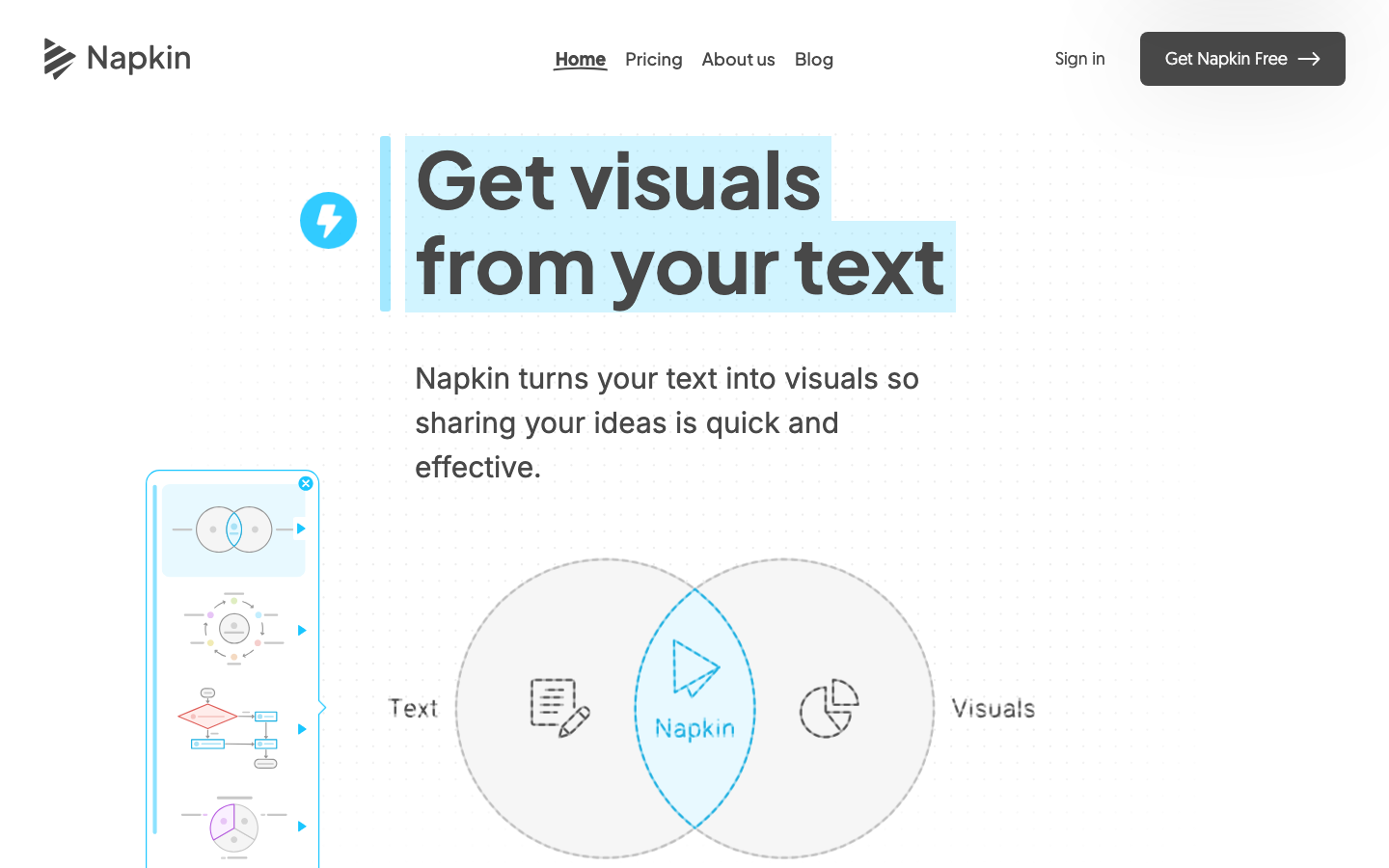
Napkin is a "text-to-visual" tool that officially advocates "Get visuals from your text". It automatically generates visual materials such as infographics, charts, mind maps, and flow charts directly based on the user's existing text content without the need to write prompt words, and supports exporting to PPT, PNG, PDF, and SVG for presentations, blogs, social media, and documents.
Napkin
Core parameters and statistics
Napkin is a "text-to-visual" tool that officially advocates "Get visuals from your text". It does not require users to write prompt words, but directly reads the user's existing text content and generates the most relevant information graphics, charts, mind maps and flow charts.
| Projects | Public Information |
|---|---|
| Official positioning | Text to visuals |
| Generation type | Infographic, chart, mind map, flow chart, data graph |
| Interactive mode | No prompt words required, generated directly based on text |
| Export format | PPT, PNG, PDF, SVG |
| Language support | Visual generation in 60+ languages (interface is in English) |
| Collaboration capabilities | Team space, real-time collaborative editing, annotation feedback |
| Platform used | Can only be created/edited on the desktop and viewed on mobile |
No prompt word interaction: The core difference of Napkin is "no need to learn prompt words". Users can paste existing text in, click to generate multiple candidate visuals and select the most suitable one.
Editable and Customizable: The generated result is not a fixed image. Users can change the color, disassemble the elements, adjust the structure, and match the brand color, and finally export it as material that can be reused in PPT/documents.
Desktop First: Officially, creation and editing are only available on the desktop. The mobile terminal currently only supports viewing. This is the current usage boundary.
User and market recognition
Napkin’s recognition mainly comes from real word-of-mouth from content creators, educators and professional users, rather than public revenue or user numbers (the latter is not officially disclosed).
Focus on word-of-mouth feedback: The official website displays the praise from many types of users such as project managers, professors, school administrators, and design professors. Comments such as "save a lot of time" and "intuitive and easy to use" appear repeatedly, indicating that it has been recognized for the specific pain point of "quickly turning text into pictures".
Applicable across roles: Good reviews come from different fields such as teaching, marketing, consulting, administration, etc., indicating that its value is not limited to design professionals, but is oriented to a wide range of people who "need to make drawings but are not good at making drawings".
Prerequisites: Napkin is suitable for converting structured or semi-structured text into schematic diagrams; for professional design scenarios that require accurate data visualization or strong brand specifications, manual fine-tuning is still required after generation.
Cost advantage
The cost advantage of Napkin is that it provides free files that can be used directly, and replaces the time cost of manually drawing charts from scratch with "automatically generated + editable".
C-side/Individual: Free version is provided (limited by quota and functions), and individual users can generate basic visuals at zero cost; higher quotas and advanced functions correspond to paid versions, please refer to the official pricing page for details.
Team/Collaboration: Team space, real-time collaboration and annotation capabilities are oriented to team scenarios. Related packages and seat pricing are subject to the official real-time page.
Enterprise / Privatization: Officially undisclosed enterprise or privatization plan, relevant needs need to be confirmed through official channels.
True Cost Structure: For drawing tools, the biggest hidden cost is the time of manual drawing and repeated adjustments. Napkin significantly reduces the time required for the first version by automatically generating candidate images. However, if you have strict requirements for style, you still need to invest time in editing. The "production quality" and "post-stage fine-tuning amount" should be considered together when evaluating.
Main functions
Napkin's capabilities are designed around "from text to usable visuals", and the public capabilities can be summarized into four categories:
- Text to Visual Generation: Generate infographics, charts, mind maps and flow charts directly based on text content, and provide multiple candidates for selection.
- Free editing and customization: You can change any element, customize color matching, disassemble and reshape graphics to match the brand and scene.
- Multi-format export: Export to PPT, PNG, PDF, SVG, or export the entire document to PDF and generate a sharing link.
- Team Collaboration: Team space invites members, real-time co-editing, and built-in highlighted comments for feedback.
The actual effect of the capability depends on three key points: whether the automatically generated candidates fit the logic of the original text, whether the editing is flexible enough, and whether the export format meets the needs of downstream presentation and documentation.
Model and version evolution
Napkin's version history reflects the process from "public beta verification" to "web version maturity".
Starting point: public beta verification
The early public beta version established the core interaction of "generating visuals directly from text without prompt words" and verified the product direction.
Current: v5 web version
The current web version (resource path display v5) continues to improve in terms of generation quality, editing flexibility, color matching and export format, and adds visual generation and team collaboration capabilities in 60+ languages. The official has not disclosed the precise release date of each stage.
Technical advantages
Napkin's technical advantages can be broken down into a causal chain of "understanding text - generating candidates - editable export".
Understanding text lowers the threshold for use: Infer the structure and meaning directly from the user's text, eliminating the cost of learning prompt words, allowing users without a design background to quickly produce visuals.
Generate candidates to improve matching: Generate multiple candidate visuals for selection at one time. Compared with a single output, it is easier to find a solution that fits the expression intention and reduce rework.
Editable export extends the value chain: The generated results can be disassembled, changed, reshaped and exported to multiple formats, so that visual materials can be directly entered into PPT, blogs, social media and documents instead of staying within the tool.
How to use
Napkin uses the desktop Web as the only creation entry. The typical path is as follows:
- Import or Paste Text: Paste existing text content into Napkin without writing prompt words.
- Click to Generate Vision: Click the Generate button and Napkin will output the most relevant candidate vision for selection.
- Editing and Customization: Adjust elements, color matching and structure to match the brand and scene.
- Export or Share: Export to PPT/PNG/PDF/SVG, or generate a shareable link for others to view.
To get started, it is recommended to first use the free file to convert an existing text into a picture, verify the generation quality and editing flexibility, and then decide whether to upgrade based on the frequency of use and collaboration needs.
Product Pricing
Napkin adopts a "free file + paid tier" model, and billing revolves around the generation quota and collaboration capabilities:
| Hierarchy | Object-oriented | Public information |
|---|---|---|
| Free | Personal | Provide free files, including quota and function restrictions |
| Paid/Pro | High-frequency individuals/teams | Higher quotas and advanced features, prices are subject to the official pricing page |
| Enterprise / Privatization | Undisclosed | Official undisclosed plan, need to confirm through official channels |
The specific price range, generation quota and free limit are subject to the real-time page of napkin.ai/pricing.
Application scenarios
- Presentation and Reporting: Quickly convert text outlines into schematic diagrams and infographics that can be used in PPT to improve the expressiveness of slides.
- Blogs and Articles: Add charts and flow charts to long articles to improve readability and communication effects.
- Social Media: Generate eye-catching infographics for LinkedIn, X, Instagram and more.
- Documentation and Knowledge: Embed easy-to-read icons in documents such as Google Docs, Word, Notion, Confluence, and more.
- Teaching and Training: Educators turn abstract concepts into visual illustrations to help students understand.
The verification focus of each scenario is different: the demonstration focuses on consistency with the brand style, the article focuses on the logical matching of pictures and texts, and the teaching focuses on the clarity of concept expression.
Applicable people
- Content Creators and Marketers: People who need to quickly illustrate articles, social media and presentations, but are not good at design.
- Workplace Professionals: Project managers, consultants, administrators, etc. who need to convert text reports into diagrams.
- Educators and Students: People who need to visualize abstract concepts and assist teaching and learning.
Not suitable for boundaries: Professional design scenarios that require precise data visualization, complex custom charts, or strong brand specifications still require manual fine-tuning after generation; users who only have mobile devices and cannot use the desktop are currently unable to create and edit.
Summary and Outlook
Napkin's core competitiveness lies in "directly converting text into editable visuals without the need for prompt words." With multi-format export and team collaboration, it significantly reduces the production time from text to illustrations, covering high-frequency scenarios such as presentations, blogs, social media, documents, and teaching. The current uncertainties are: the precise version date, user scale and revenue have not been officially disclosed, enterprise and privatization plans are absent, and creation and editing are currently limited to the desktop.
For teams planning to use it, it is recommended to first use the free file to convert real text content into images, evaluate the production quality and the amount of later fine-tuning, and then decide to upgrade based on the frequency of use and collaboration needs; before using it for official brand materials, it should be confirmed that the color matching and style can meet the brand specifications, and the team collaboration and data storage terms should be verified.
Related tools:  Midjourney, stable-diffusion
Version Info
- Napkin v5 web version :The current web version enhances the text-to-visual generation and editing experience, supports color change, disassembly of elements, custom brand colors, and can export PPT/PNG/PDF/SVG; supports visual generation and real-time team collaboration in 60+ languages. There is no official precise release date yet.
- Napkin public beta :In the early public beta form, the core interaction of "generating visuals directly from text without prompt words" was established, laying the foundation for the product direction of subsequent versions. There is no official precise release date yet.
User Reviews