 NaturalReader
Free
NaturalReader
Free
NaturalReader is an AI Audio platform that covers personal reading, commercial dubbing and educational accessibility. It supports converting text PDF, images, web pages and physical books into speech, and combines AI Podcast, Voice Cloning, OCR scanning and cross-device reading into a product line.
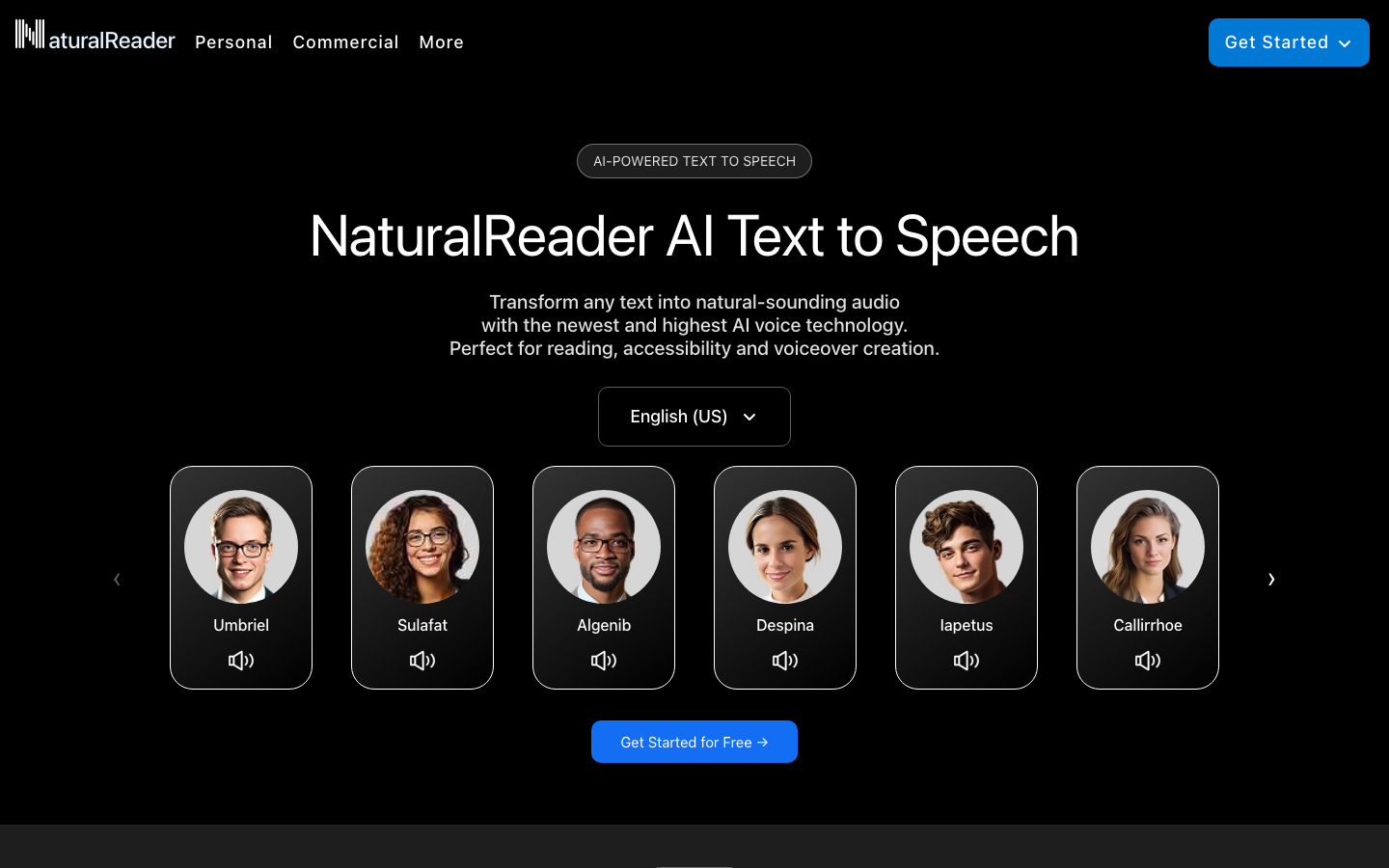
NaturalReader - AI text-to-speech and commercial dubbing platform
Core parameters and statistics
| Projects | Public Information |
|---|---|
| Official positioning | Transform any text into natural-sounding audio |
| User scale | Trusted by Over 10M Users Globally |
| Main product lines | Personal, Commercial, EDU |
| Core functions | Text to Speech, AI Podcast, Voice Cloning, OCR, MP3 export |
| Platform | Web, iOS, Android, Chrome Extension |
| Target scenarios | Reading assistance, commercial dubbing, campus accessibility |
Brief review in one sentence: NaturalReader is not just a plug-in for "reading web pages". What's really great about it is that it turns the three originally scattered demand lines of reading, dubbing, and educational accessibility into a unified platform.
Publicity Verification: The official website emphasizes that personal, commercial, and EDU go hand in hand. This selling point is credible, because the product capabilities and page structure are obviously not a single dubbing device, but are designed separately for the three types of purchasing entities.
Expert view: Many TTS tools only focus on "sounding like real people". The difference of NaturalReader is that it also integrates OCR, cross-terminal AI Podcast, and accessibility functions into the same workflow, so it is more like a long-term productivity tool.
User and market recognition
Market Data: The official website directly lists more than 10 million global users, and displays the logos of the United Nations, Toronto FAA, University of Chicago and other institutions, indicating that its presence in the education and public sectors is not low.
Real Adoption Logic: The survival of this type of product among educational and professional users does not depend on "amazing sound", but on the breadth of coverage of PDFs, images, web pages, physical books, mobile terminals and accessibility needs.
Hidden benefits: For researchers, students and reviewers, switching between listening and reading can significantly reduce the fatigue of reading long articles; for content teams, converting drafts to podcast-style listening first makes it easier to find rhythm problems than staring at text.
Cost advantage
- C-side/Individual: Usually a free version is provided to experience the core functions, and high-frequency use requires a paid package subscription.
- API/Developer: Billed by call volume, suitable for development teams that can be flexibly integrated into their own systems.
- Enterprise/Privatized: Contact the business owner for customized quotation and deployment plan. The specific price is subject to the official real-time pricing page.
Main functions
- Personal Read Aloud: Convert text PDF, pictures, web pages and physical books into natural speech, suitable for high-frequency reading.
- AI Podcast: Convert long documents directly into podcast-style content, with options for length, number of speakers, and chapters to follow.
- Voice Design: Control timbre, mood, accent and storytelling style through prompts and presets.
- Voice Cloning: Record voice and generate customized AI voice on the mobile terminal.
- OCR Camera Scanner: Scan paper books and paper documents for reading aloud, which is critical for accessibility and educational scenarios.
- Immersive Reader and MP3 export: taking into account both immersive reading and offline audio consumption.
Hidden linkage: AI Podcast + Voice Design + MP3 export. These three things stacked together mean that it is not only an auxiliary reader, but also a "low-threshold oral broadcast draft factory".
Model and version evolution
NaturalReader's product evolution is more like capability expansion: from reading software, to an AI sound platform, and then to commercial content and EDU accessibility.
Current stage: AI Podcast, Custom Prompts, Voice Cloning and three-terminal connection are currently the most prominent combination of capabilities.
Historical context: First there was personal reading, then commercial dubbing was separated, and then the school-side shared database, group authorization and accessibility functions were systematized.
Current limitation: The official website does not disclose the fine-grained version number, so it is more suitable to understand it in terms of "product stage" rather than "engineering version number".
Technical advantages
Mechanics -> Effects -> Scenes:
Multi-modal input: Text PDF, pictures, web pages, and physical books can be input. The effect is that users do not need to manually clean the data into a single format first, which is suitable for research and education scenarios.
Voice controllability: Not only LLM voices, but also a combination of prompt + preset, suitable for brand style experiments and differentiated expression of course content.
Cross-terminal continuity: Web, Mobile, and Chrome Extension are integrated, allowing reading to be switched from the office to the road without losing progress. This is the key to long-term stickiness.
Boundary of human-machine collaboration: AI is responsible for reading, auditioning, and exporting drafts; formal commercials, emotional control, and legally sensitive scripts still require manual final review.
How to use
- Individual users can import text PDF, web pages or scans directly from Web App or mobile terminal.
- When dubbing is required, switch to the Commercial route and select voice, preset or custom prompt.
- For long articles, you can use AI Podcast to compress the content first, and then export the MP3 listening rhythm.
- Educational organizations manage teachers, students and shared databases according to Group or Site License.
- The mobile terminal combines OCR and Voice Cloning to complement paper materials and personalized voice needs.
Quantified cost reduction and efficiency improvement: For graduate students or legal practitioners, originally a long PDF could only be read on the screen; after switching to listening and reading, the scanning time of long articles can often be reduced from 2 hours to about 1 hour. This is a typical workflow deduction, not an official commitment.
Product Pricing
The real selling point of NaturalReader is not "absolutely cheap", but that the free entrance is low enough, and can be upgraded later by personal, commercial, and school tiers.
Purchasing concerns:
- Individual users should check whether the free quota and available voice are sufficient.
- Commercial users look at commercial authorization, export quota, and brand voice consistency.
- The school looks at the license mode, shared database, accessibility support and management desk capabilities.
Dissuade scenario: If your goal is to build a real-time speech API platform instead of making reading and dubbing business applications, NaturalReader is not the optimal base.
Application scenarios
- Learning and Research: Listen and read long articles on papers, textbooks, and web pages to reduce visual fatigue.
- Commercial dubbing: YouTube, training courses, social media short videos, lightweight podcast oral broadcast drafts.
- Education Accessibility: The school provides students with OCR, reading aloud, shared materials and reading assistance.
- Multi-lingual content preview: Listen with different accents and tones before deciding on the official recording plan.
Applicable people
- Students, researchers, knowledge workers: Suitable for high-frequency input scenarios of long texts.
- Content Operations and Training Team: Suitable for quickly creating audio explanations and course drafts.
- School and Accessibility Services Team: Suitable for institutions that need to deploy reading aids on a large scale.
Not suitable for the boundary: If you are pursuing movie-level dubbing director capabilities, ultra-fine-grained emotional interpretation, or real-time voice robot integration, NaturalReader is not the most heavy-duty solution in this line.
Summary and Outlook
It provides competitive solutions in its field, and its core value lies in lowering the threshold for AI use in this field.
Current limitations: Some advanced features require paid subscription, and the free version has function or usage restrictions; specific technical details and performance benchmarks have not yet been fully disclosed.
Related tools:  ElevenLabs, udio
Comparison of competing products
| Comparison dimensions | NaturalReader | Competitor A | Competitor B |
|---|---|---|---|
| Core Differences | — | — | — |
| Price | — | — | — |
| Target Users | — | — | — |
Note: The above comparison is based on product public information, and actual differences are based on user experience.
Version Info
- AI Podcast and Voice Design Kit Stage :The official website currently focuses on AI Podcast, customized AI Voice, Voice Cloning and three-terminal interoperability. There is no official precise date yet.
- Commercial Voice Generator stage :Commercial speech generation has become an independent main line, targeting YouTube, eLearning, advertising and podcast scenarios. There is no official precise date yet.
- Web, Mobile and Chrome three-terminal collaboration stage :The product forms a three-terminal collaborative experience of Web App, Mobile App, and Chrome Extension. There is no official precise date yet.
User Reviews