 Ollama
Free
Ollama
Free
Ollama is an open source local large model running tool with 173,000+ stars on GitHub. You can run Llama, DeepSeek, Qwen, Gemma, Mistral and other mainstream AI open source models on macOS, Windows or Linux with one line of commands. No cloud is required, the data is completely local, and OpenAI compatible API interfaces are provided to facilitate application integration.
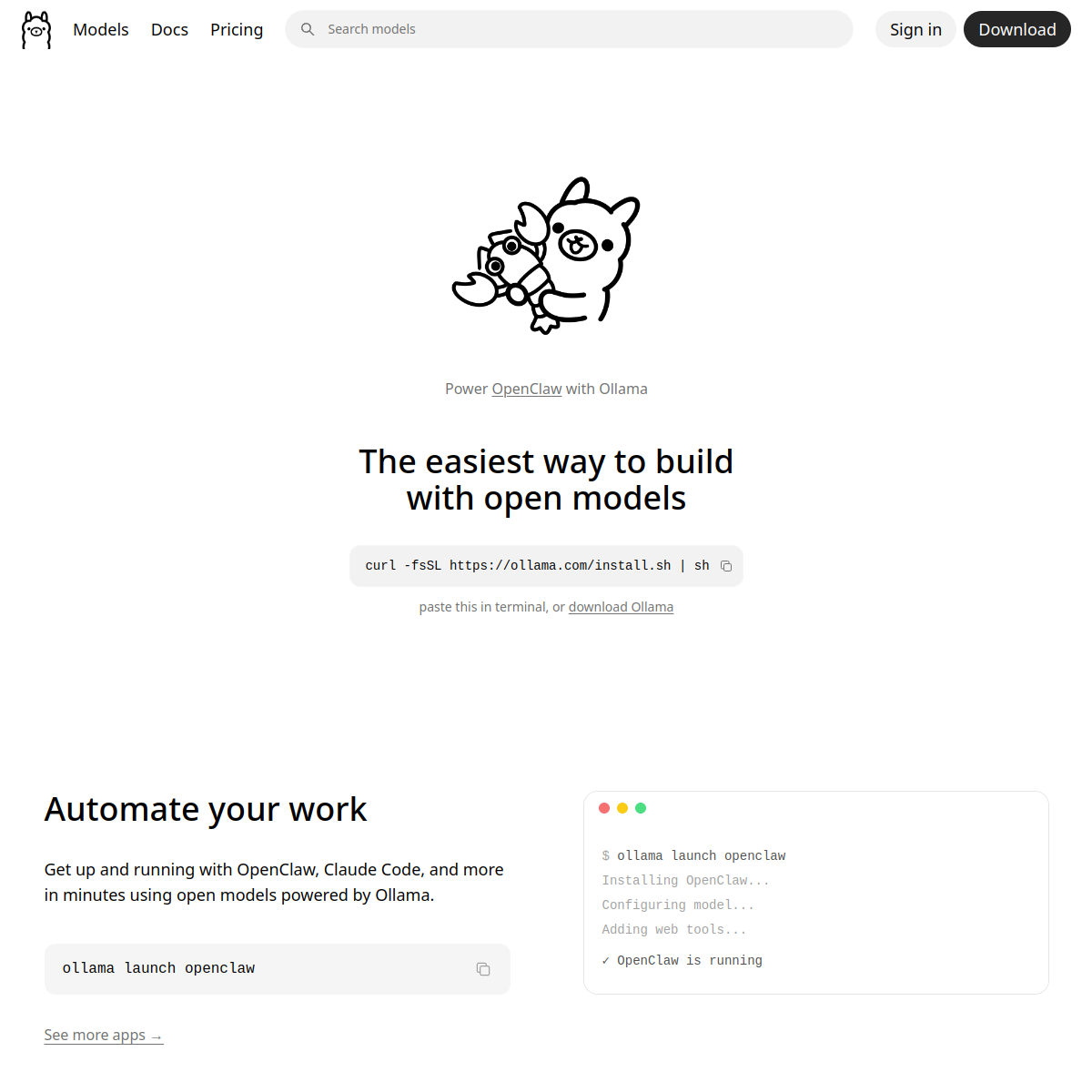
Ollama — Local open source large model running tool
Core parameters and statistics
| Parameters | Details |
|---|---|
| GitHub Stars | 173,100+ (as of June 2026) |
| GitHub Forks | 16,400+ |
| Open Source License | MIT License |
| Supported operating systems | macOS, Windows, Linux |
| Number of supported models | 200+ (the official model library continues to increase) |
| Latest version | v0.30.4 (2026-06-03) |
| API Compatibility | OpenAI API Compatible Interface |
| Hardware support | CPU, NVIDIA GPU (CUDA), AMD GPU (ROCm), Apple Silicon (Metal) |
Ollama's core design philosophy is that "running large models locally should be as easy as using Docker to manage containers": ollama pull downloads the model, ollama run starts inference, and ollama serve exposes the local API - the entire process is completed in three steps, and developers do not need to deal with complex contextual configuration and dependency management.
User and market recognition
- With over 173K Stars on GitHub, it is the most downloaded local LLM running tool in the world, and has over 16K Forks.
- The model library supports more than 200 mainstream open source models, covering Llama, DeepSeek, Qwen, Gemma, Mistral, Phi, MiniMax and other series.
- Maintaining extremely high attention in the developer community (Hacker News, Reddit r/LocalLLaMA) for a long time, and has topped the list of GitHub Trending many times.
- Natively integrated by mainstream AI development frameworks such as LangChain, LlamaIndex, Open WebUI, and Dify, forming a huge ecosystem.
- As of June 2026, updated to the v0.30.x series, becoming one of the preferred tools for privatized AI deployment.
Cost advantage
| Plan | Cost | Description |
|---|---|---|
| Ollama ontology | Completely free | Open source MIT license, no usage restrictions |
| Model download | Completely free | All official model libraries are free to download |
| Cloud API (comparison) | $0.01–$30/million Token | Typical range of commercial APIs such as OpenAI, Claude, etc. |
| Local running amortized cost | Hardware depreciation only | Marginal cost close to zero under high frequency use |
Compared with using commercial APIs, the cost advantage of running locally in high-frequency scenarios is significant: when an RTX 4090 graphics card (approximately ¥15,000) runs a 70B parameter model and averages 10,000 inferences per day, the amortized cost within one year is much lower than the cost of equivalent API calls. In addition, local operation does not require an Internet connection, there is no rate limit, and the response delay is more stable.
Main functions
- One-line command to run the model:
ollama run llama3.1will download and start Llama 3.1, automatically handling dependencies and configuration throughout the process. - 200+ open source model support: The official model library (ollama.com/library) includes Llama, DeepSeek, Qwen, Gemma, Mistral, Phi, Kimi, GLM and other series, and continuously updates the latest models.
- OpenAI Compatible API:
ollama serveAfter starting the local service, it provides an interface compatible with the OpenAI API (http://localhost:11434). Any application that supports OpenAI SDK can switch to the local model without modifying the code. - Multi-backend hardware acceleration: Automatically detects and leverages NVIDIA CUDA, AMD ROCm, and Apple Silicon Metal for GPU acceleration that also runs on the CPU (at a slower rate).
- Customized Modelfile: Modelfile syntax similar to Dockerfile, supports customized model system prompts, context length, sampling parameters and model merging, and builds personal exclusive model configurations.
- Multi-modal model support: Supports visual language models such as LLaVA and Llama 3.2 Vision, which can handle image understanding tasks locally.
- Model quantization support: Provides different quantization precision versions such as Q4, Q5, Q8, etc., flexibly weighing quality and speed under RAM limitations.
- Embedded model support: Supports nomic-embed-text, mxbai-embed-large and other embedded models, and can build vector database locally.
- REST API: In addition to the OpenAI compatible interface, a native Ollama REST API is also provided, supporting streaming output and detailed generation parameter control.
Model and version evolution
The Ollama version number uses the v0.x.y format. The focus of each update is: supporting more latest models, performance optimization and bug fixes.
| Milestone | Time |
|---|---|
| First public version, supporting macOS + Llama 2 | 2023-07 |
| Windows officially supported | 2024-06 |
| OpenAI compatible API online | 2024-09 |
| Support DeepSeek-R1 | 2025-01 |
| Support Qwen 3/3.5 series | 2026-04 |
| Support Kimi-K2.6, GLM-5.1, GPT-oss | 2026-06 |
| The latest v0.30.4 | 2026-06-03 |
Technical advantages
llama.cpp kernel: The bottom layer of Ollama uses llama.cpp as the inference engine. llama.cpp is currently the most widely used local LLM inference library. It is deeply optimized for CPU and GPU hybrid inference and supports GGUF format model (quantified storage, reducing video memory usage).
OpenAI API Compatibility Layer: Ollama is 1:1 compatible with the OpenAI Chat Completions and Embeddings API, which means developers only need to change base_url from https://api.openai.com to http://localhost:11434, and all existing code can run seamlessly on the local model - this is a key design decision for the explosive growth of the Ollama ecosystem.
Completely localized data: All inference processes are completed on the local device and no data is sent to any external server, meeting the requirements of financial, medical, legal and other scenarios that have strict requirements on data privacy.
Cross-platform unified experience: The installation package CLI commands and API behaviors of macOS (Apple Silicon + Intel), Windows (x64) and Linux are completely consistent, and developers do not need to maintain different configurations for different platforms.
How to use
| Platform | Installation method |
|---|---|
| macOS | Download Ollama.app, or brew install ollama |
| Windows | Download the OllamaSetup.exe installation package |
| Linux | curl -fsSL https://ollama.com/install.sh \ | sh |
| Docker | docker run -d -v ollama:/root/.ollama -p 11434:11434 ollama/ollama |
Typical steps:
- Install Ollama by platform (table above).
- Run
ollama pull llama3.1in the terminal (download model, about 4-8 GB). - Run
ollama run llama3.1to enter an interactive session. - Or start
ollama serveand callhttp://localhost:11434with any OpenAI client/SDK.
Use with Open WebUI (recommended for non-command line users):
docker run -d -p 3000:8080 --add-host=host.docker.internal:host-gateway ghcr.io/open-webui/open-webui:mainVisit http://localhost:3000 to get a ChatGPT-like visual interface to operate the local model.
Product Pricing
Ollama itself and all official models are completely free and adopt the MIT open source license without any commercial restrictions.
The only cost is the hardware resources required to run:
- Start-Up (7B Model): Runs with 8 GB RAM or VRAM, such as MacBook Air M2 running Llama 3.2 8B smoothly.
- Advanced (14-32B model): Requires 16-32 GB RAM/VRAM, such as Mac Studio M2 Ultra or RTX 4090.
- Flagship (70B+ model): Requires 48 GB+ VRAM, or multi-GPU configuration.
For enterprise intranet deployment, ollama serve is usually run on the server. All devices in the intranet are accessed through API, and the hardware cost is much lower than long-term commercial API fees.
Application scenarios
1. Personal privacy protection scenario Lawyers, doctors, or researchers who handle sensitive data use Ollama to run models locally for document analysis and content generation, ensuring that the data does not leave the local device and avoiding the risk of data leakage in the cloud.
2. Developer local debugging and testing When developing AI applications, use Ollama's local running model to replace commercial APIs, eliminating API call delays and costs, and accelerating the iteration cycle; when it is officially launched, it will switch to the cloud API without modifying the code.
3. Private deployment of enterprise intranet In enterprises that do not have access to the Internet or have strict restrictions on data export, Ollama is deployed on internal servers to provide ChatGPT-like private AI services for the entire company, and is quickly implemented in combination with front-end tools such as Open WebUI.
4. Local RAG knowledge base system Combined with embedding models such as nomic-embed-text and local vector databases such as Chroma and Qdrant, a completely offline enterprise knowledge base Q&A system can be built without relying on any cloud services.
Applicable people
- Developer: A standard tool for local development and testing of AI applications. The OpenAI compatible interface greatly reduces the integration threshold.
- Privacy-hungry professionals (lawyers, doctors, researchers): Local inference ensures data never leaves the device.
- Enterprise IT/DevOps Teams: Deploy private AI services on the intranet to meet compliance requirements while reducing long-term costs.
- AI Enthusiasts/Researchers: Conveniently try various latest open source models and compare the effects of different models.
- Unsuitable Scenarios: In production scenarios that require extremely high inference performance (such as high-concurrency services), or when the device hardware is insufficient (less than 8 GB RAM), the local inference experience will be significantly limited.
Summary and Outlook
Through minimalist interaction design and full compatibility with the OpenAI API, Ollama has successfully turned the originally high-threshold operation of "running large open source models locally" into a capability accessible to the public. Its 173K+ GitHub Star is a strong verification of this value proposition.
The core competitiveness lies in: free open source, fully local OpenAI compatible interface for data to reduce migration costs, and continuous follow-up of the latest open source models (usually can be run through Ollama within days of mainstream models being released).
Main limitations: concurrent reasoning performance is not as good as professional cloud reasoning services; very large parameter models (70B+) have higher hardware requirements; lack of enterprise-level management and monitoring functions.
Follow-up focus: support for more model quantification technologies (such as EXL2, AWQ), multi-node distributed inference, deep integration with the MCP ecosystem, and enterprise management and control tools around the Ollama API.
Related tools:  Hugging Face, replicate
Technical advantages and capability boundaries
As an AI model and API product, Ollama's core capabilities can be deeply understood through the following dimensions, which directly affect technology selection and implementation effects.
Inference Performance and Benchmark Performance The model’s reasoning performance is reflected in its performance on standard NLP tasks (text generation, code completion, semantic understanding, multi-turn dialogue, information extraction, etc.). It is recommended to conduct horizontal comparison through public benchmark test lists (such as MMLU, HumanEval, GSM8K, etc.), but please note that there may be a gap between benchmark test scores and actual business scenario performance. Key indicators that affect the actual user experience include: inference speed (Token/s or response delay, which directly determines the smoothness of the user experience), context window length (which determines the input size that can be processed at a time, affecting the complexity of the tasks that can be processed), and consistency of output quality (the stability of the results of multiple outputs of the same input, which affects the perception of reliability).
API Compatibility and Development Ecosystem The depth of API compatibility with mainstream development frameworks (LangChain, LlamaIndex, Semantic Kernel, etc.) directly affects the cost and cycle of integrated development. It is recommended to pay attention to the following integration dimensions: the coverage of language types supported by the SDK (whether mainstream languages such as Python, JavaScript, Go, and Java have official SDKs), streaming output support (SSE/WebSocket protocol compatibility), function calling and tool usage capabilities (whether it supports mapping model output to structured function calls), the flexibility of structured output (JSON mode), and the ability to integrate with enterprise-level infrastructure (VPC deployment, Private Link, unified identity authentication). Complete API documentation and rich code examples can significantly lower the entry barrier to development and reduce integration time and costs.
Deployment Flexibility vs. Cost Tradeoff Depending on data privacy requirements, latency sensitivity and usage scale, Ollama can choose between cloud API calls or on-premises deployment options. The advantages of cloud deployment are zero operation and maintenance costs and elastic scalability, which is suitable for scenarios with large fluctuations in usage and rapid prototype development; local deployment provides complete data sovereignty and low latency (no network round-trip overhead), but you need to bear the cost of purchasing hardware such as GPUs and operation and maintenance manpower. It is recommended to use a monthly API call volume of 1 million times or a monthly fee of US$1,000 as a reference dividing line: below this threshold, cloud APIs have better cost-effectiveness and flexibility. After exceeding this threshold, the total cost of ownership of the self-deployment solution should be comprehensively evaluated, taking into account factors such as hardware depreciation, electricity, operation and maintenance manpower, etc.
Model selection and version strategy
For the selection of Ollama series models, it is recommended to match the model capabilities of different versions according to specific usage scenarios. The large-parameter version performs better on complex reasoning and multi-step tasks, but has higher costs and longer delays; the small-parameter version can already provide satisfactory output quality in scenarios such as daily conversations and simple question and answer, and the cost is only a fraction of the large version. The recommended selection strategy is: use small and medium versions in standard scenarios to reduce costs, and only call large version models when complex inference tasks need to be processed. This hierarchical calling strategy can reduce the overall API cost by 40-60% without significantly affecting the output quality.
Version Info
- Ollama v0.30.4 :The latest stable version supports new models such as Kimi-K2.6, GLM-5.1, MiniMax, GPT-oss, Gemma 4, Qwen 3.5/3-Coder, etc., and continues to optimize inference performance and compatibility.
- Ollama v0.24.0 :For important feature updates, please refer to the official changelog.
- Ollama v0.30.0 :The main version iteration adds support for multiple latest open source models.
- Ollama initial open source version :The first public version supports running Llama 2 locally on macOS, creating an interactive paradigm of "running local LLM with one line of commands".
User Reviews