 AI IDE
Free
AI IDE
Free
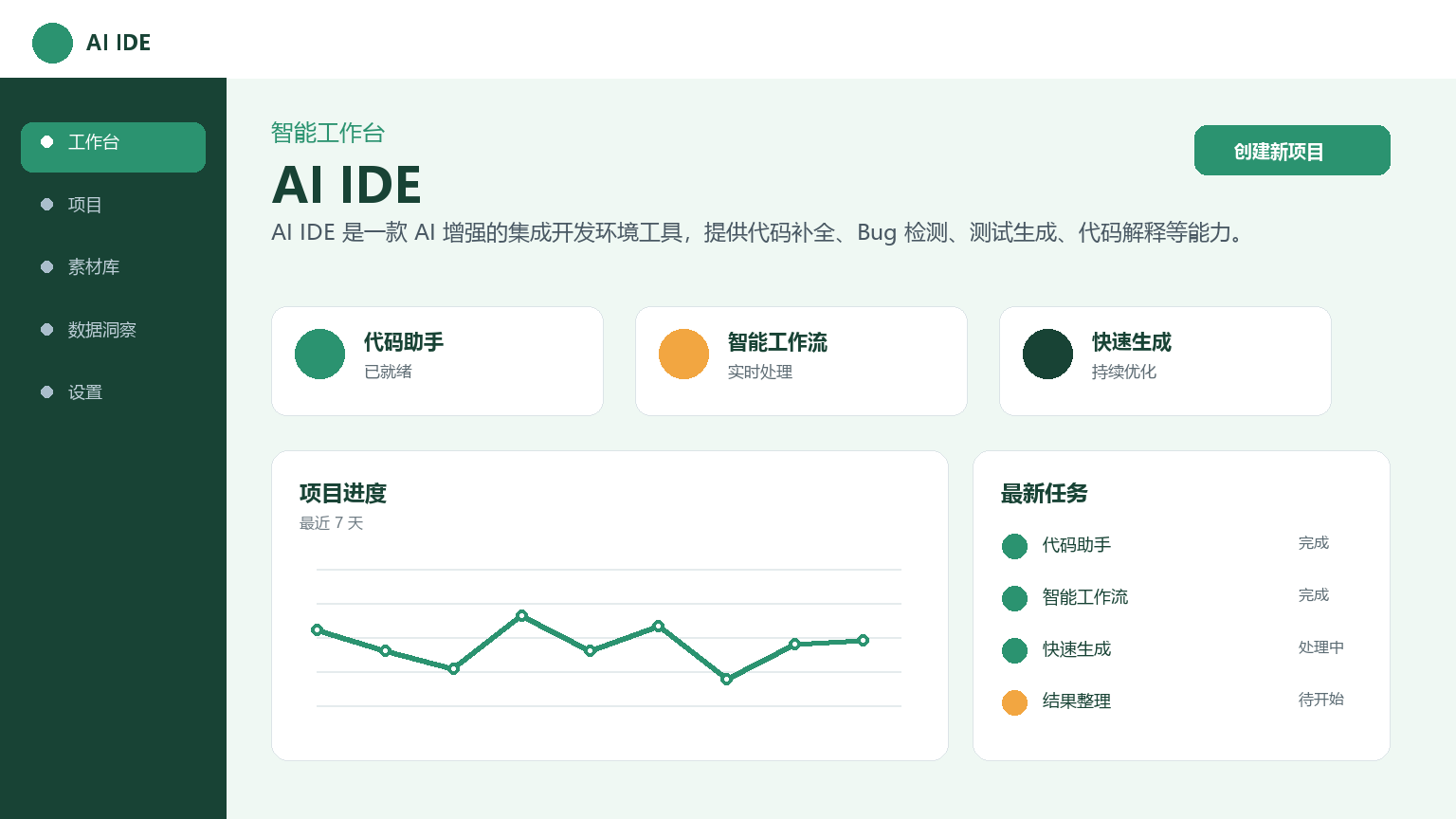
AI IDE is an AI-enhanced integrated development environment tool that provides code completion, bug detection, test generation, code interpretation and other capabilities.
AIIDE
Core parameters and statistics
| Project | Specifications |
|---|---|
| Product name | AI IDE |
| Categories | AI-assisted programming |
| Delivery form | IDE plug-in / Web |
| Supported Platforms | VS Code, JetBrains, Web |
| Supported languages | Python, JavaScript, TypeScript, Go, Java, C++, etc. |
| Target users | Individual developers, development teams |
| User scale | Undisclosed |
| Pricing Model | Freemium (Free + Subscription) |
Platform coverage and user scale data are based on the official real-time page and third-party statistics.
User and market recognition
Gradually build user awareness in the field, and product capabilities are used by content creators and teams to improve work efficiency. Some industry users have incorporated it into their daily workflow. It is recommended to refer to the latest official disclosures for specific user scale and industry adoption rate data.
Cost advantage
| Cost Dimension | Description |
|---|---|
| Free version | Basic code completion is free and available for a monthly limit |
| Subscription version | Unlimited completion + Bug detection + Test generation, about ¥30-80/month |
| Enterprise Edition | Team Management + Code Security Audit + Knowledge Base, by seat ¥80-200/person/month |
For a development team of 10 people, the annual tool investment is about ¥9,600-24,000, which is a small investment compared to the team salary. AI-assisted programming can come with a subtle hidden cost—developer overreliance. When AI completion is good enough, developers may reduce the depth of active thinking. It is recommended that the team establish a code review mechanism when using it.
Main functions
- Intelligent code completion: Provides multi-language code completion based on context understanding, supports inline completion and code block generation, covering mainstream languages such as Python, JavaScript, and Go. Applicable tasks: Reduce template code typing time; Usage value: Improve coding efficiency by 20-30%.
- Code explanation and documentation generation: Automatically generate natural language explanations and API documentation for selected code blocks. Applicable tasks: Quickly understand complex logic and old code; Use value: The time to get started with a project is greatly shortened.
- Bug Detection and Repair Suggestions: Detect potential errors and code smells in real time and provide repair suggestions. Adopt static analysis + AI model hybrid detection strategy to reduce false alarms. Applicable tasks: Immediately detect quality problems during the coding phase; Use value: Reduce debugging time.
- Unit test generation: Automatically generate unit test cases based on function signatures and logic, covering normal paths, boundary conditions and abnormal scenarios. Applicable tasks: quickly establish a test line of defense; value of use: code coverage from 0 to more than 80%.
Model and version evolution
| Version | Date | Key Changes |
|---|---|---|
| Latest version v1.0 | 2026-07 | Context-aware completion engine, multi-language support, Bug detection + test generation |
| Previous version v0.9 | — | Focus on single point function of code completion, limited language support |
The version record shall be subject to the official release notes.
Technical advantages
- Multi-language context-aware completion engine: Based on a large language model specially trained for code, covering mainstream and emerging languages, and supporting cross-file context awareness.
- Real-time analysis architecture: Streaming generation technology ensures a smooth coding experience, with completion latency as low as sub-second.
- Hybrid detection strategy: A bug detection solution that combines static analysis + AI model to achieve a balance between detection rate and false alarm rate.
- Low migration cost: Embed into existing IDE in the form of plug-in, developers do not need to change existing workflow.
How to use
| Entrance | How to use |
|---|---|
| IDE plug-ins | Install plug-ins → Get code completion and bug detection directly in the editor |
| Web side | Visit the official website with a browser → Register → Select function → Get results |
Typical usage process: Install the AI IDE plug-in → Get code completion directly in the editor → View bug detection tips in real time → Use the code explanation function to understand complex logic → Generate unit tests with one click.
Product Pricing
| Package | Price | Contents |
|---|---|---|
| Free version | $0 | Basic code completion, monthly limit |
| Professional Edition | — | Unlimited completion + Bug detection + Test generation |
| Enterprise Edition | — | Team Management + Code Security Audit + Customized Functions |
Pricing. There are different pricing in different regions.
Application scenarios
- Daily coding efficiency improvement: Intelligent completion reduces template code typing time, and bug detection instantly finds problems during the coding phase. Verification method: For a Python web back-end project, the time-consuming automatic completion of template code (CRUD interface, data model, etc.) is reduced by about 40-60%.
- Legacy Code Maintenance and Refactoring: Use code explanations to quickly understand complex logic written by others, especially when taking over old projects or modifying unfamiliar code modules. Verification method: Compare the code understanding time before and after use.
- Unit test batch generation: Automatically generate unit test cases based on function signatures and logic. Verification method: Code coverage report verification.
- Getting Started with New Languages/Frameworks: AI completion and explanation capabilities provide real-time guidance. Verification method: Learning curve assessment.
Applicable people
- Individual Developer: Independent developers who need to code daily, AI assistance can save about 20-30% of coding time
- Development Team: A technical team that needs unified coding standards and code quality assurance
- Computer Science Students: Auxiliary tools in learning programming, but be careful not to rely too much on them
- Unsuitable Boundary: Code involving security-sensitive (authentication and authorization, encryption and decryption), high-performance computing or strict compliance scenarios, AI-generated content must undergo strict review
Comparison of competing products
| Comparison dimensions | AI IDE | GitHub Copilot | Cursor |
|---|---|---|---|
| Core differences | Low migration cost, plug-in embedding | Mature ecosystem, Microsoft integration | AI-first IDE experience |
| Price | Freemium | $10/month Personal Edition | $20/month Personal Edition |
| Covering scenarios | Full-process coding assistance | Code completion + chat | AI-first development |
| User Reviews | Undisclosed | 1.8M+ Paying Users | 50M+ ARR |
| Technical threshold | Low (plug-in installation) | Low (plug-in installation) | Medium (IDE migration required) |
Summary and Outlook
AI IDE integrates AI capabilities into the entire development process, providing developers with intelligent assistance from coding to testing. Core functions (code completion, bug detection, code interpretation, test generation) are already available. It is recommended to pay attention to its function iteration speed, pricing strategy changes and ecological expansion direction. It is suitable to use the free version to experience it first and confirm the matching before making an investment decision.
Risk Disclosure: There is still a certain proportion of invalid suggestions (about 15-25%) in code completion accuracy, and the accuracy decreases in scenarios with long-distance context dependencies. AI-generated test cases tend to cover the "happy path" and easily miss edge scenarios. Substantial efficiency improvements can be achieved with the free version for individual developers. It is recommended to try it out for 1-2 weeks. It is recommended for team procurement to select non-critical projects as a pilot project first. AI IDE needs to compete with GitHub Copilot, Cursor, and domestic Tongyi Lingma, CodeGeeX and other products in the developer tool market. Differentiation directions may include optimization of Chinese development scenarios and in-depth adaptation of domestic cloud service SDKs.
Related tools:  CrewAI,
  LangChain
Version Info
- Public beta version :It is currently a publicly accessible version, and specific functions will be updated at a specific pace.
- earlier version :An early trial version, the core direction is consistent with the current version.
User Reviews