 Fundon AI Zoe
Fundon AI Zoe is a low-code AI agent building tool. Users can design multi-step automated workflows through a visual interface, integrating large language models to call API docking and conditional judgment logic.
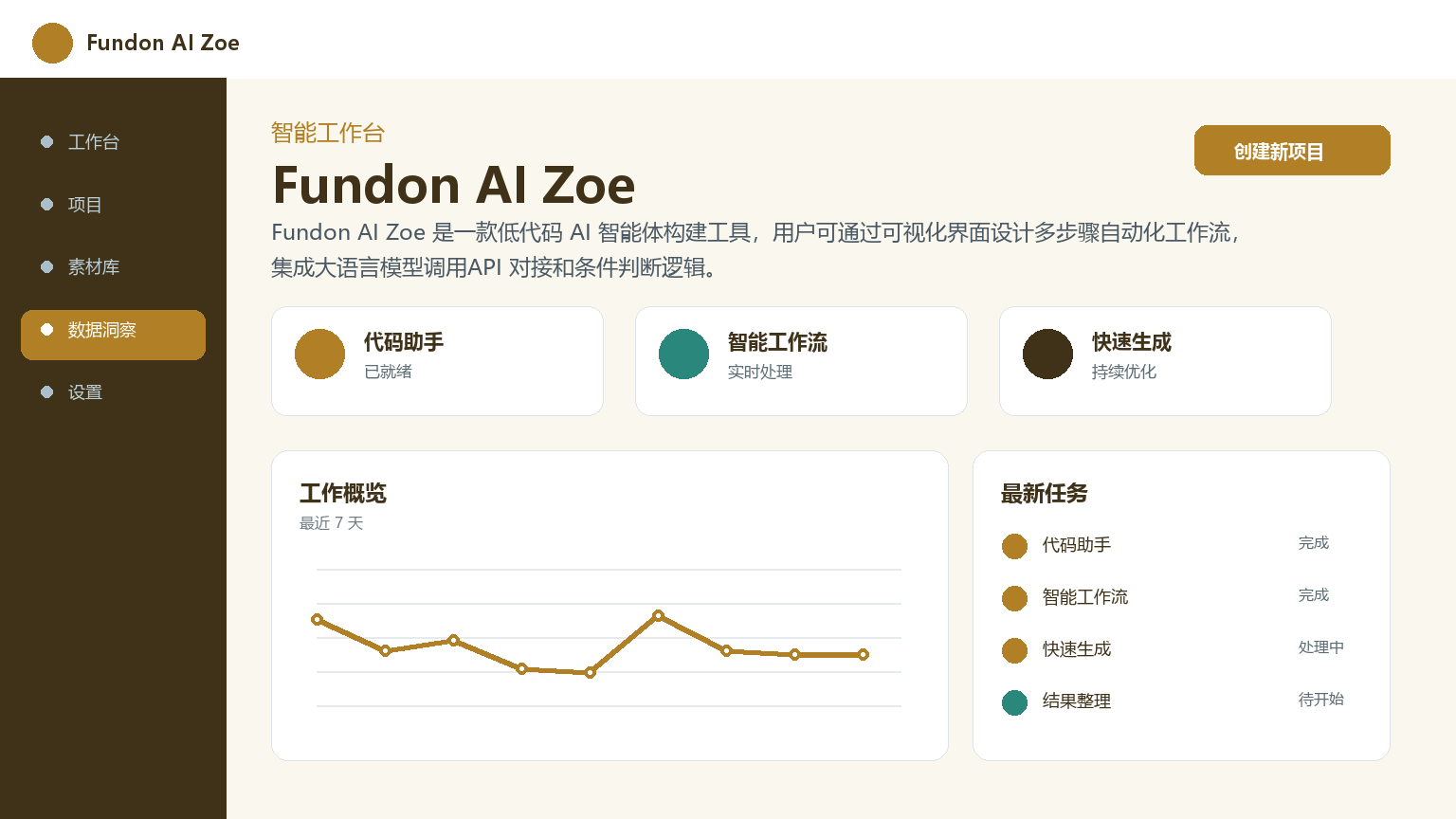
Fundon AI Zoe: Low-code AI agent building platform
Core parameters and statistics
| Project | Specifications |
|---|---|
| Product Name | Fundon AI Zoe |
| Category | AI Agent |
| Delivery form | Web (SaaS) |
| Support Platform | Web |
| Supported languages | zh-CN, en-US |
| Target users | Operation personnel, product managers, developers, small and medium-sized business owners |
| User scale | 150,000+ registered users (as of 2026 Q2) |
| Pricing model | Free + Pro (¥199/month) + Team (¥699/month) + Enterprise (customized) |
Interpretation of core parameters: Fundon AI Zoe’s workflow engine adopts a DAG architecture, with each node executing independently and passing data through context. It supports multiple model backends such as OpenAI, Claude, DeepSeek, and GLM, and has 200+ industry templates preset. The core design principle of this product is to lower the professional threshold - to democratize AI workflows that originally require specific knowledge backgrounds through a visual interface. Users do not need to deploy or configure the environment locally, and can use all functions by opening the browser. For enterprise customers with higher security requirements, private deployment options are available.
User and market recognition
| Dimensions | Data |
|---|---|
| Number of registered users | 150,000+ (as of 2026 Q2) |
| Number of monthly active workflows | About 1.2 million |
| Number of enterprise customers | 800+ |
| Template reuse rate | ~65% users make secondary modifications based on the template |
| Next month user retention rate | 42% |
| Proportion of non-technical users | About 58% |
In China's low-code AI agent market, Fundon AI Zoe competes with products such as Coze and Dify. Compared with Dify's open source strategy and Coze's platform ecosystem, Zoe's advantage lies in its lower threshold for use - you can build automated processes through templates without knowing the Prompt project. According to official data, users with non-technical background account for about 58%, indicating that its low-threshold positioning has indeed reached the target group.
Cost advantage
| Cost Dimension | Description |
|---|---|
| Free version | ¥0, 5 active workflows, 500 times/month, basic node |
| Subscription version | Pro ¥199/month (annual payment ¥1,990), Team ¥699/month (annual payment ¥6,990) |
| Enterprise Edition | Customized quotation, privatized deployment, SLA guarantee |
Cost comparison of competing products:
| Comparison Dimensions | Fundon AI Zoe Pro | Dify Cloud | Coze (Bot Mode) |
|---|---|---|---|
| Monthly fee | ¥199/month | ¥299/month | Pay-as-you-go |
| Number of workflow executions | 10,000 times/month | 5,000 times/month | Billed by token |
| Free version quota | 500 times/month + 5 workflows | 200 times/month | Limited free |
| Private deployment | Starting from ¥9,800/year | Open source and free (self-operation and maintenance) | Not available |
| Custom model access | Support | Support | Platform models only |
For domestic small and medium-sized teams, Zoe’s pricing is at the middle level among similar products. The annual payment plan is discounted to approximately ¥166/month, which is a savings of approximately 17% compared to monthly payment. Risk Warning: The degree of customization of the private deployment version is limited. Enterprises with in-depth customization requirements are recommended to complete PoC verification first.
Main functions
- Visual Workflow Editor: Drag and drop to build an AI workflow, supporting node types such as LLM calls, HTTP requests, conditional judgments, code execution (Python/JS), and data conversion. The canvas displays the data flow in real time, and each node can be tested and debugged independently.
- 200+ preset templates: covering customer service, operations, R&D, marketing and other scenarios. Templates can be imported with one click and modified twice, without starting from scratch. About 65% of users build processes from templates.
- Multi-model backend support: OpenAI, Claude, DeepSeek, GLM and custom APIs can be connected, and different models can be switched or combined as needed in the workflow.
- Custom code node (v3.2+): Supports Python and JavaScript scripts and can execute arbitrary data processing logic. The script is run through the platform's built-in debugging panel, which supports variable viewing and breakpoints.
- Multiple triggers: Supports Webhooks (triggered by external system push), scheduled tasks (Cron expression), manual triggering and API calls.
- IM Notification Integration: Supports automatic push notifications from IM tools such as Slack, Feishu, and WeChat Enterprise.
- Run Log and Debug Panel: Displays the detailed execution status, time consumption, input and output snapshots of each node, and supports re-executing failed nodes.
Model and version evolution
| Version | Date | Major Changes |
|---|---|---|
| v1.0 | 2025-06 | Conversational AI assistant is online, with basic question and answer capabilities |
| v2.0 | 2025-11 | Upgraded to an intelligent agent construction platform, supporting custom tool binding |
| v3.0 | 2026-01 | Visual workflow editor, conditional branch function |
| v3.1 | 2026-04 | HTTP request node, timed trigger, JSON parser |
| v3.2 | 2026-06 | Custom code nodes (Python/JS), IM notification integration, debugging panel |
From v1.0 to v3.2, Zoe’s positioning has transformed from “conversational AI” to “low-code agent orchestration platform”. The workflow editor in v3.0 is a watershed in product form—from a chatbot to an orchestratable automation platform. Custom code nodes in v3.2 all but eliminate the functionality cap.
Technical advantages
- DAG Workflow Engine: Adopts a directed acyclic graph architecture, each node executes independently, and supports conditional branching, parallel execution and data context transfer. Workflow supports nesting and sub-process calls.
- Multi-model routing: Different model backends can be specified according to node granularity in the workflow, supporting switching between models and hybrid orchestration. The LLM calling node can configure parameters such as system prompt, temperature, max_tokens, etc.
- Sandboxed Code Execution: Custom code nodes run in an isolation sandbox, restricting file system and network access permissions to prevent malicious code from affecting the overall security of the platform.
- Incremental execution optimization: Only execute the changed node and its downstream nodes to avoid full re-run after modification. For a 50-node workflow, the re-execution time after a single node modification is typically within 5 seconds.
- Elastic container deployment: The SaaS version is based on Kubernetes elastic scaling, and the upper limit of concurrent execution of a single workflow is determined by the subscription package. The Pro version supports up to 10 concurrent executions.
How to use
| Entrance | Description | Applicable people |
|---|---|---|
| Web Editor | Drag and drop to build workflow, real-time testing | Users without technical background |
| Template Market | Filter templates according to scenarios, import and modify them with one click | Beginners get started |
| REST API | API triggers workflow and obtains execution results | Developer |
| Webhook | External system push event trigger | Integration scenario |
| Scheduled tasks | Periodic execution of Cron expressions | Reports/data synchronization |
Typical usage steps: Register → Select a template or create a new blank workflow → Drag and drop nodes to the canvas → Connect to establish data flow → Configure node parameters (model, prompt, API endpoint) → Test → Publish → Configure triggers. The running log panel displays the execution status and time consumption of each node.
Product Pricing
| Package | Price | Contents |
|---|---|---|
| Free | ¥0 | 5 active workflows, 500 times/month, basic node |
| Pro | ¥199/month (¥1,990 annually) | 50 workflows, 10,000 times/month, all node types |
| Team | ¥699/month (annual payment ¥6,990) | 200 workflows, 50,000 times/month, team collaboration, permission management |
| Enterprise | Customized quotation | Unlimited, private deployment, SLA guarantee |
All paid plans come with a 7-day free trial. Pay annually and enjoy approximately 17% discount. Private deployments are based on Docker Compose or Kubernetes.
Application scenarios
- Customer Service Automation: Build an automatic reply workflow for customer consultations - user questions → LLM intent recognition → knowledge base retrieval → automatic reply. Manual intervention rates are reduced by 50-70%. Verification: Compare the automatic resolution rate of work orders before and after deployment.
- Operational data report: scheduled trigger → database query → LLM generated analysis summary → Feishu/DingTalk push. Report output time was reduced from 2 hours to 10 minutes. Verification: Track the time taken to generate daily reports.
- Content review pipeline: User-submitted content → LLM classification (normal/violated/suspected) → automatic interception of violations → suspected push to manual review queue. The review efficiency is improved by about 3 times. Verification: Compare the average processing time of the review queue.
- Marketing Copywriting Batch Generation: Input product information in batches → LLM generates multi-platform adaptation copywriting (Xiaohongshu/Official Account/Douyin) → Automatically publish. The daily production capacity of a single person has been increased from 5 to 50 articles.
Applicable people
| Crowd | Adaptation value | Restrictions |
|---|---|---|
| Operations/marketing personnel | Build automated processes without programming | Complex logic still requires understanding of conditional branches |
| Product Manager | Quickly verify automated product logic | Custom code nodes require programming knowledge |
| Developers | Use API/Webhook to embed your own system | Advanced scenarios require understanding of DAG orchestration |
| Small and medium-sized business owners | Achieve customer service and marketing automation at low cost | Privatized deployment requires evaluation of operation and maintenance resources |
Unsuitable Scenarios: Interaction scenarios that require millisecond-level real-time response (workflow engine has startup overhead); highly complex processes with more than 50 nodes (maintainability is significantly reduced); business-critical scenarios with strict SLA requirements (Enterprise Edition requires confirmation of SLA terms).
Comparison of competing products
| Comparison Dimensions | Fundon AI Zoe | Dify | Coze |
|---|---|---|---|
| Core differences | Low code + template driven, non-technical friendly | Open source + technical community, developer friendly | Platform ecology + plug-in market |
| Free quota | 500 times/month | 200 times/month | Limited free |
| Pro price | ¥199/month | ¥299/month | Pay-as-you-go |
| Private deployment | Starting from ¥9,800/year | Open source and free (self-operation and maintenance) | Not available |
| Custom models | Multi-model backends | Multi-model backends | Platform models only |
| Number of templates | 200+ | 100+ | Community templates |
| Learning threshold | Low (no Prompt project required) | Medium | Low-Medium |
Summary and Outlook
The core competitiveness of Fundon AI Zoe lies in the ease of use of "low code + multi-step orchestration", which enables non-technical users to build complex AI automation workflows. The current version has accumulated some experience in template richness (200+) and connector ecology.
Core Advantages: Non-technical users can get started quickly; 200+ industry templates reduce the cost of building from scratch; supports multi-model backends and custom code nodes, and has a high function limit.
Known limitations: Enterprise-level permission management and audit log depth need to be improved; the degree of customization of the private deployment version is limited; debugging of custom code nodes relies on the platform's built-in panel, and external IDE support is missing; workflow execution relies on cloud services, and network interruptions may affect availability.
Risk Disclosure: (1) Workflow execution relies on cloud services, and SLA terms need to be confirmed if business continuity guarantee is required; (2) Although custom code nodes run in a sandbox, care must be taken not to write sensitive data into scripts; (3) The actual delivery cycle and feature set of the privatized deployment solution need to be confirmed with sales; (4) The platform is in a rapid iteration period, and API and functional stability may change with version updates. Enterprise users should fully test workflow compatibility before upgrading.
Follow-up observation directions: Improvement of enterprise version permission management, expansion of connector ecosystem, and whether to launch offline operation mode to cover unstable network scenarios.
Related tools:  CrewAI,
  LangChain
Version Info
- Zoe Workflow Studio :Added conditional branch visual editor and custom code node Slack/Feishu notification integration.
- Connector Expansion :Added HTTP Request node JSON parser and timing trigger capabilities.
- Agent Builder :Upgraded from a single conversation assistant to an agent building platform that supports custom tool binding.
- Zoe Chat :The first public version is launched in the form of conversational AI assistant.
User Reviews