 Help Scout AI
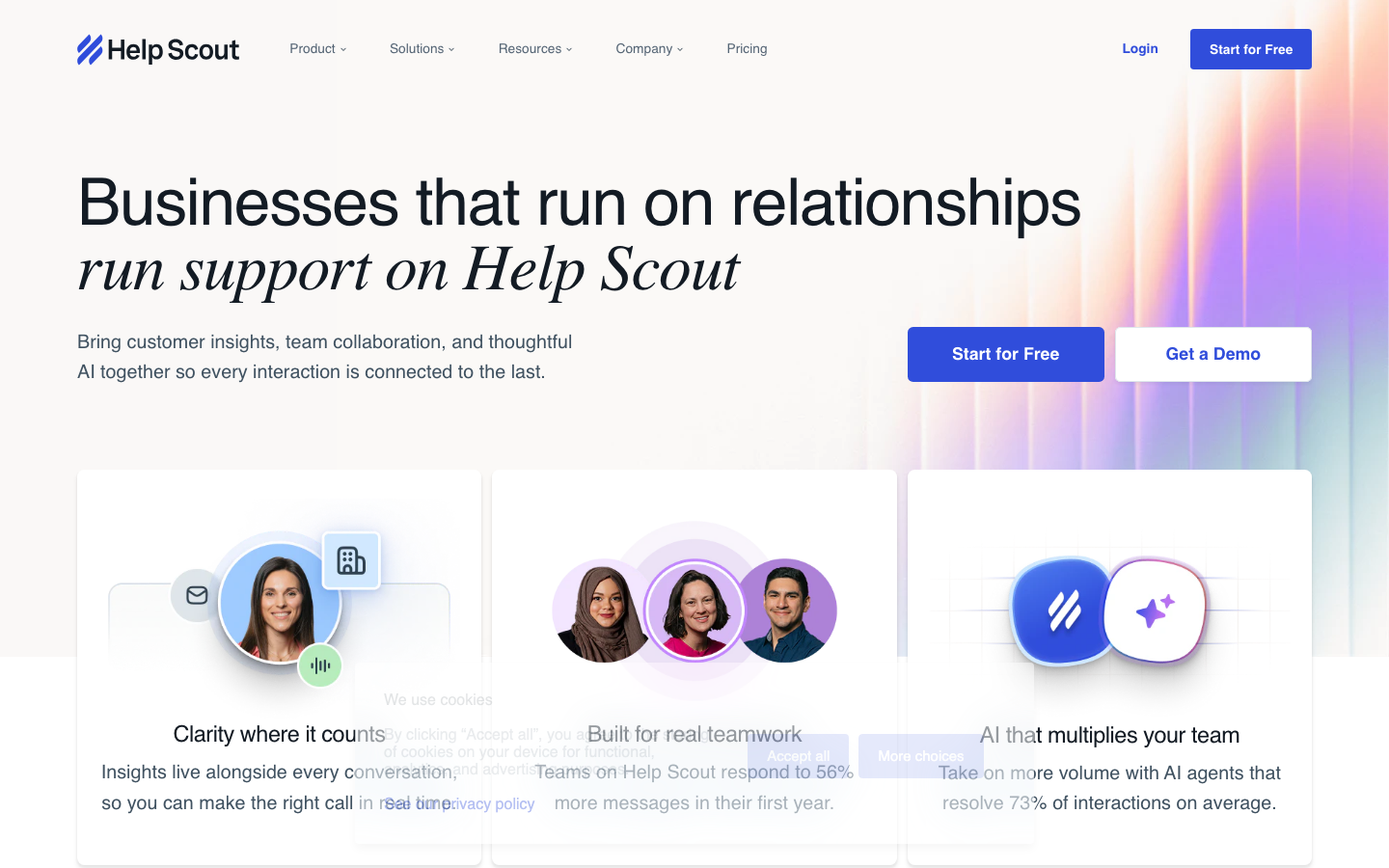
Help Scout AI is an AI auxiliary tool focused on email customer service scenarios. It automatically generates response suggestions based on historical work orders and knowledge base content, helping customer service teams improve response speed without sacrificing the quality of humanized communication. Supports deep integration with Help Scout email ticket system.
HelpScoutAI
Core parameters and statistics
Help Scout AI focuses on intelligent assistance in email customer service scenarios. The following are its core parameter dimensions:
| Parameter dimensions | Description |
|---|---|
| Suggestion method | Reply fragment suggestion (V1) → Complete draft generation (V2) |
| Contextual Sources | Help Scout Knowledge Base (Docs) + Past Tickets + Customer History + Brand Settings |
| Output latency | Recommendations generated within 1-3 seconds after opening a ticket |
| Supported languages | English (main), Chinese, Japanese, German, French, Spanish, etc. |
| Tonality control | Preset brand tone (professional/friendly/concise), AI automatically adapts |
| Function boundary | Only assisted reply, no automatic operation (no automatic assignment/automatic answer) |
| Data learning | Based on data in the Help Scout account, not shared across tenants |
| Security Management | SOC 2 Type II, GDPR Compliance HIPAA Compliance (Configurable in Business Edition) |
Efficiency Improvement: The design philosophy of Help Scout AI is different from Answer Bot - it is not a "robot that replaces human customer service", but a "co-pilot that allows customer service to write faster and better". The response writing time for each ticket is reduced from an average of 3-5 minutes to 1-2 minutes (including review and modification time).
User and market recognition
Help Scout is known for its "simple and easy-to-use, email-first" approach in the customer service SaaS market, in contrast to Zendesk's full-featured and complex positioning:
- Customer base: More than 15,000 paying enterprise customers around the world, concentrated in small and medium-sized SaaS companies, e-commerce brands, and professional service studios. Typical account team sizes range from 5-50 people.
- Brand Concept: Help Scout emphasizes "humanized customer service experience" - it does not encourage fully automated robot responses, but uses AI to assist humans to write faster and better personalized responses. This concept has attracted a group of companies that maintain brand tone and do not want customers to feel "robot-like".
- Market positioning: In the "Agent Assist" segment, the core difference of Help Scout AI is its deep binding to the email work order workflow - the generated suggestions appear directly in the reply editor instead of in a side pop-up window. G2's user ratings rate it well for ease of use and accuracy of responses.
Cost advantage
Help Scout AI is an optional add-on to the Help Scout platform and is not a standalone product:
- C client/individual: Help Scout standard version starts at $25/person/month (annual payment, starting from 2 seats), and the AI function requires additional purchase. The cost for individual users is about $25-40/month.
- Small Team Tier: Help Scout Standard version + AI Add-on, totaling about $35-50/person/month (depending on the version). AI Add-on pricing is not publicly listed separately and is usually bundled above the standard edition.
- Enterprise Tier: Help Scout Business Edition (approximately $55/person/month) contains more advanced features, and the AI functions are more complete in the Business Edition (such as custom tonal templates). Plus version quotes on demand.
- Comparison with competing products: Compared with Zendesk Answer Bot (starting at $55-89/person/month but including work order system + AI), the total cost of Help Scout + AI is slightly lower for the same seat. But Help Scout doesn’t offer fully automated chatbot capabilities—if a business needs 24/7 unattended AI customer service, Help Scout AI can’t satisfy it.
Main functions
- Context-aware reply suggestions: When the customer service opens a customer email, AI automatically reads the customer's problem description, historical work order records, customer attributes and knowledge base related articles, and generates 1-3 reply suggestion fragments. Applicable value: Customer service does not need to write a reply from scratch, but can modify or directly adopt it based on AI suggestions, compressing the response time from "writing" to "review + editing".
- AI Draft Generation (V2): Generate complete reply email drafts with one click instead of fragment suggestions. AI will refer to customer history interactions, brand tone settings, and ticket context to generate a reply with a natural tone and complete information. Applicable value: For highly repetitive requests (password reset, refund notification, shipping delay explanation), customer service can directly accept the draft, and the manpower is downgraded from "creation" to "confirmation".
- Emotion-aware reply tone adjustment: AI analyzes the tone of customer emails (angry/anxious/calm/satisfied) and automatically adjusts the tone of the reply - using gentler wording for angry customers and keeping it friendly and concise for satisfied customers. Applicable value: Reduce the risk of secondary complaints caused by "using standard templates to reply to angry customers".
- Automatic generation of work order summaries: For work orders with a long history and multiple rounds of transactions, AI automatically generates structured summaries (problems, attempted solutions, current status, and to-do items). Applicable value: When a work order is handed over between different customer service agents, the customer service agent who takes over does not need to read the entire 20 email exchanges to figure out the situation.
- Knowledge base linkage: AI-suggested replies automatically include links to knowledge base articles (such as return and exchange policies, usage tutorials), and customer service can insert them with one click. Applicable value: Ensure accuracy and consistency of responses – agents don’t need to remember or search for the policy document’s URL themselves.
[Hidden linkage]: Combination of work order summary + AI draft + emotional tone - when Level 1 customer service escalates an unresolved work order to Level 2 experts, AI automatically generates a summary stating "what troubleshooting steps the customer has completed, current performance, and customer emotion level", and at the same time generates a preliminary response draft for the expert. Level 2 experts read the summary (10 seconds) → review the draft (30 seconds) → send after adjustments. The entire process takes no more than 2 minutes, instead of the 10-15 minutes in the traditional upgrade scenario.
Model and version evolution
- V1 (2025.06): Reply snippet suggestion mode. The AI outputs 1-3 suggested snippets, and the customer service agent can choose to insert them into the reply editor. The RAG architecture is used at the model level to retrieve relevant fragments from the knowledge base and past work orders.
- V2 (2026.05): Full draft generation mode + emotion-aware tonality. AI is upgraded from "providing materials" to "generating first drafts". Here’s the kicker: Rather than static template filling, AI drafts dynamically adapt to the customer’s historical and current sentiment. This release takes the Help Scout AI from a "multiplier" to a "time multiplier" - reply writing time is downgraded from "requires writing" to "just changes".
Technical advantages
- RAG based on enterprise-specific data: Help Scout AI's response suggestions are not based on general Internet knowledge, but are entirely based on the knowledge base (Docs) and historical work orders within the enterprise account. Causal chain: Company-specific data → The reply content is consistent with the company's policies, pricing, and product details → There will be no customer service taboo of "AI fabricating a company's non-existent discount policy".
- Native embedding of the reply editor: Unlike Zendesk Answer Bot's "stand-alone dialog", Help Scout AI generates suggestions directly in the reply editor, which agents can adopt, modify, or ignore without leaving the input box. Effect: Reduce the cognitive cost of tool switching - customer service does not need to repeatedly switch attention between the "AI suggestion pop-up window" and the "reply editor".
- Brand tone model: Help Scout allows administrators to preset the brand tone (such as "professional but warm", "concise and efficient", "young and lively"), and the AI-generated draft will automatically adapt at the wording and sentence level. Causal chain: Tonal preset → AI-generated results are consistent with the brand in terms of vocabulary selection and sentence structure → Reduce the workload of customer service to manually adjust individual wordings.
How to use
- Web client: You can use it by visiting the official website and registering an account. Most functions do not require installation.
- API access: Provides RESTful API, developers can obtain the API Key and integrate it into their own applications.
Product Pricing
The pricing model is subject to the official real-time page. Usually a freemium or subscription system is used, and basic functions can be used for free. Advanced functions or high-frequency use require paid subscriptions, and users are advised to evaluate the optimal solution based on actual usage.
Application scenarios
- Daily technical support for SaaS companies: Customers submit technical questions via email, and AI has analyzed the problem type and generated a draft response (including links to appropriate knowledge base articles) when the customer service opens the ticket. Actual benefits: The daily processing volume of work orders of the 5-person customer service team increased from 150-180 to 220-260 (deduced value, affected by the complexity of the problem and the completeness of the knowledge base), and customer service fatigue was reduced.
- E-commerce after-sales refund/return processing: In the customer's email requesting a refund, AI automatically identifies the reason for the refund, verifies whether it complies with the return policy, and generates a draft reply including the return address and application process. Applicable value: The standardized refund process does not require customer service to write instructions word for word.
- Customer communication for professional service companies: Professional service professionals such as lawyers, consultants, designers, etc. use Help Scout to manage customer emails, and AI suggestions help them maintain a consistent communication style and response speed. Applicable value: Professionals are usually not full-time customer service, and AI assistance can reduce the cognitive load of "replying to customers".
- Not suitable for scenarios: (1) Enterprises that require 7x24 fully automated customer service - Help Scout AI can only assist customer service in replying, and cannot replace customer service in automatically responding to customers during unmanned hours; (2) Teams that use real-time chat as the main customer service channel - Help Scout's core experience and AI functions are designed around email work orders, and the support for chat scenarios is not as good as Intercom or Crisp.
Applicable people
- Email Customer Service Team (1st/2nd Line): The most direct beneficiary - daily processing of a large number of email work orders with similar problems, AI suggestions can save 30-50% of the time of writing responses. Prerequisite: The team’s main customer service channel is email.
- Manager of a small customer service team: A small team means everyone’s time is more valuable. AI assistance allows everyone to handle more work orders, delaying the need for additional staff. Prerequisite: The volume of email work orders reaches 200+ per week.
- Brand-oriented customer service team: Help Scout AI’s tonality control function allows brands to maintain consistency, suitable for DTC brands and professional services that focus on brand image. Not suitable for the boundary: If the brand's customer service strategy is "maximum automation and minimum manual labor", then Help Scout AI (co-pilot mode) is not the optimal solution.
- Not suitable for the crowd: (1) Large customer service centers that require complete omni-channel support (phone + chat + social media + email) - Help Scout's channel coverage is relatively limited; (2) Teams where more than 90% of customer inquiries are real-time chat rather than email - the auxiliary value of AI in chat scenarios is not as good as that of a dedicated chatbot solution.
Summary and Outlook
Help Scout AI provides "just the right" AI capabilities in its niche scenario - email customer service assistance. It does not try to replace customer service with robots, but rather allows existing customer service staff to write faster, more accurately, and more humanely. This "Human-in-the-loop AI-assisted" concept is particularly marketable among companies that value brand experience. The limitations of the current version are: (1) it only provides auxiliary replies and does not provide automatic answers or automatic work order resolution capabilities, which has limited appeal to companies that seek to "reduce people" rather than "improve efficiency"; (2) the completeness of the AI draft is highly dependent on the quality of the knowledge base, and the investment in knowledge base construction cannot be ignored; (3) it is only embedded in the Help Scout platform and does not provide cross-platform or independent API versions.
Procurement/Adoption Risk Assessment: For businesses already using Help Scout, the AI feature is basically a low-cost, high-return add-on option—you can get started as soon as you turn it on, with no complicated implementation costs. The core verification point lies in the accuracy of AI suggestions - if the actual adoption rate of AI suggestions is less than 40% in a continuous week of trials, you need to review the completeness of the knowledge base or adjust the tonal presets. For companies that have not yet used Help Scout but are evaluating their help desks, they should make a horizontal comparison between AI assistance capabilities and the automatic answering capabilities of other platforms (such as Answer Bot, Intercom Fin) - the two solve problems at different levels ("assistant reply" vs "substitute answer"). There is no absolute advantage or disadvantage, and it depends on the company's customer service automation strategy.
Related tools:  Notion AI, google-workspace
Help How to use Scout AI
Help Scout AI is fully embedded in Help Scout’s ticket management interface and does not require independent operation:
- Web Application (secure.helpscout.net): In each work order reply editor after logging in, AI suggestions are automatically displayed below the reply box. Customer service can adopt a snippet of a suggestion or generate a complete draft with a click.
- Mobile App (iOS/Android): The mobile terminal supports viewing AI suggestions, but the generation and adoption operations are smoother on the web terminal.
- API: Help Scout provides Mail API and Conversations API, and the interaction between enterprises and Help Scout AI is limited to the platform interface. Does not provide a standalone API for AI functionality.
- Browser plug-in: No independent plug-in is provided, all AI functions take effect natively within the Help Scout web application.
Typical usage steps: (1) The enterprise opens a Help Scout account and configures AI add-ons; (2) Sets the brand tone (tone, common phrases, prohibited wording); (3) Maintains common policies and solution articles in the knowledge base (Docs); (4) Customer service opens the received work order, and AI suggestions automatically appear in the reply area; (5) Click to adopt the suggestion or generate a draft, review it and send it.
Version Info
- Help Scout AI 2.0 :Added AI draft mode (automatically generates complete reply drafts instead of just suggested snippets), emotion-aware reply tonality adjustment, and automatic generation of ticket summaries.
- Help Scout AI 1.0 :The AI reply suggestion function is publicly launched for the first time. It generates reply snippets based on the contents of the Help Scout knowledge base and historical work orders, and customer service can adopt or edit them with one click.
User Reviews