 Observer AI
Free
Observer AI
Free
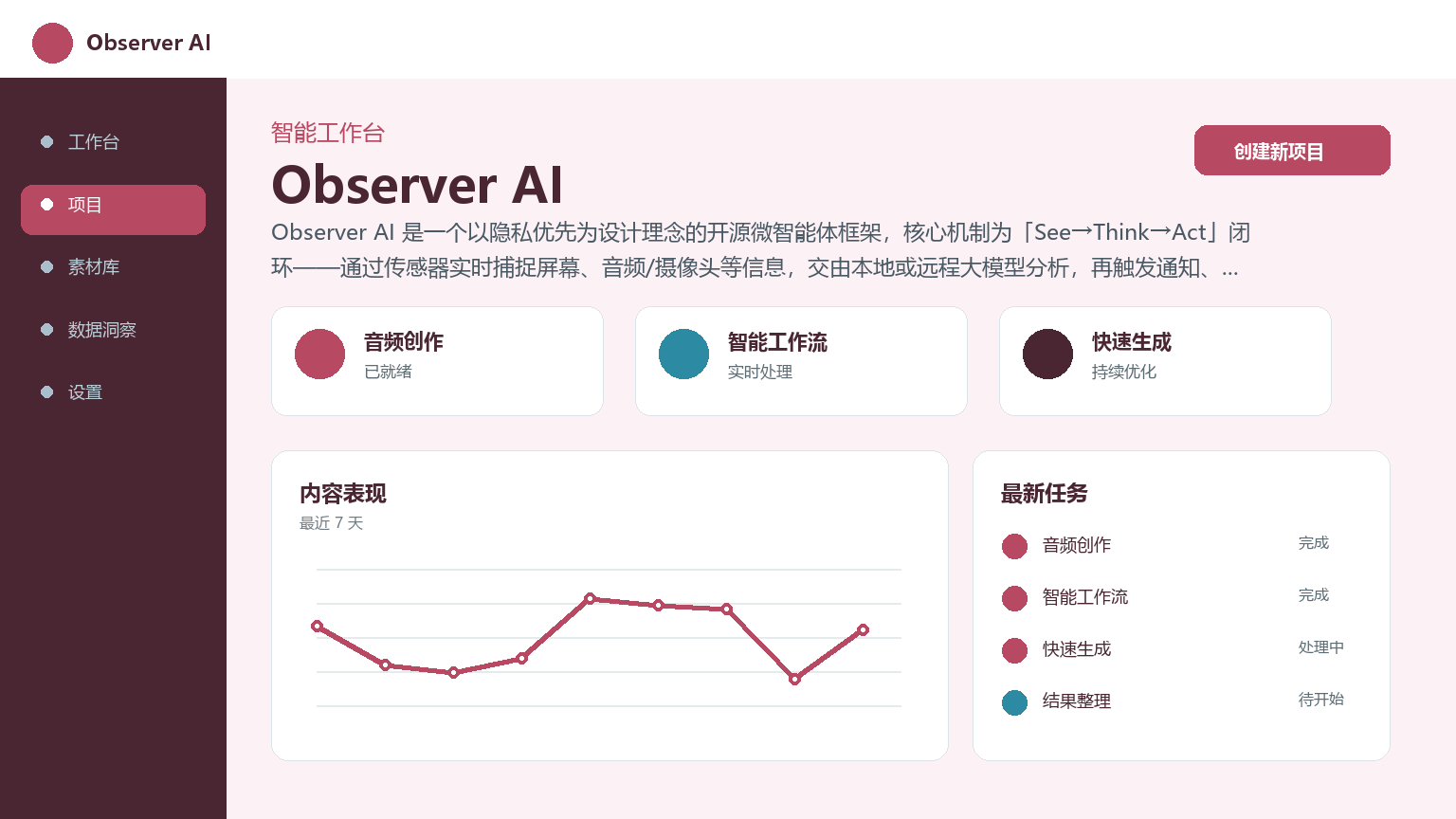
Observer AI is an open source micro-agent framework designed with privacy first. The core mechanism is a "See→Think→Act" closed loop - capturing screen, audio/camera and other information in real time through sensors, submitting it to local or remote large models for analysis, and then triggering automated actions such as notifications, recording, and interaction.
ObserverAI
Core parameters and statistics
| Project | Specifications |
|---|---|
| Product Name | Observer AI |
| Category | AI Agent / Desktop Automation |
| Delivery form | Desktop client / Web App / Source code self-compilation |
| Supported platforms | Windows 10+, macOS, Linux, Web |
| Supported languages | zh-CN, en-US |
| Target users | Developers / Privacy-sensitive users / Small and medium teams |
| User scale | GitHub 1.5k Stars, 122 Forks, 35 Releases |
| Pricing model | Open source and free (AGPL-3.0) |
Observer AI is an open source micro-agent framework designed with privacy first. The core mechanism is a "See→Think→Act" closed loop - capturing screen, audio/camera and other information in real time through sensors, submitting it to local or remote large models for analysis, and then triggering automated actions such as notifications, recording, and interaction. Unlike typical cloud SaaS tools, Observer AI is mainly delivered as a desktop client, and all sensitive data remains local by default.
User and market recognition
Observer AI has not yet entered the stage of large-scale commercial promotion, and its market recognition mainly comes from the GitHub open source community and developer reputation.
Community Popularity: GitHub 1.5k Stars and 122 Forks indicate that the project has gained initial attention among the developer community. The release cadence of 35 Releases (from early experiments through ongoing iterations to v2.4.3) reflects that the project is still under active development.
User Ecosystem: The officially provided preset intelligent agents (activity tracking, code document generation, concentration assistance, command line tracking, multi-person tracking, camera alarms, email keyword monitoring) cover common scenarios from personal efficiency to small team monitoring. There have been uploading and sharing behaviors of user-created agents in the community.
Risk Warning: Compared with commercial products, there is a lack of formal SLA, enterprise-level support and verification cases of large-scale deployment. The evaluation should be based on actual trial experience.
Cost advantage
| Cost Dimension | Description |
|---|---|
| Free version | The core framework is free (AGPL-3.0 open source), the desktop client is free, and the Web App is free |
| Subscription version | No subscription fees |
| Enterprise Edition | Free, but AGPL license subject to evaluation for commercial distribution compliance |
Observer AI's "free" means that the software is open source and has zero licensing fees. However, if the user chooses to access cloud models such as GPT-4o and Claude, each See→Think→Act cycle will consume API credits. High-frequency surveillance scenarios (such as screen capture every 5 seconds) can generate significant charges over several hours. It is recommended to first use a local model (small model such as Ollama + Gemma 4 / Qwen3) to verify the process, and then adjust the inference backend as needed.
Main functions
- Real-time screen monitoring and OCR recognition: Convert the desktop screen into a multi-modal model or plain text input through the two sensors
$SCREEN(capturing screen images) and$SCREEN_OCR(extracting screen text). Applicable tasks: detect pop-up of specific UI elements, monitor dashboard data changes, and track software operation processes. - Camera and audio awareness:
$CAMERAand$CAMERA_OCRcapture camera footage;$MICROPHONE,$SCREEN_AUDIO,$ALL_AUDIOtranscribe audio in real time through the Whisper model of Transformers.js. Applicable value: meeting records, physical space monitoring, voice command triggering. - Memory and context management: Implement cross-loop state persistence through tools such as
setMemory,appendMemory,getMemory,getImageMemory, etc. The agent can accumulate information during multiple See→Think→Act to avoid starting from scratch in each cycle. - Multi-channel notification and communication: Built-in notification tools cover Email, Discord, Telegram, WhatsApp, SMS, Pushover, phone (TTS automatic call). Agents can automatically push alerts after detecting certain conditions.
- User interaction and system control:
ask()pops up a confirmation dialog box,message()displays system messages,system_notify()sends desktop notifications,click()simulates a mouse click. The intelligent agent can be upgraded from a pure "observer" to an "operator". - Default Agent Templates: Officially provides seven out-of-the-box templates: Activity Tracker, Command-line Tracker, Code Documentation Generator, Focus Assistant, Multi Person Tracker, Camera Person Alert, and Email Keyword Monitor.
Model and version evolution
| Version | Date | Key Changes |
|---|---|---|
| v2.4.3 | 2026-07 | The latest stable version, repairs cycle stability and sensor performance |
| v2.4.0 | ~2026-06 | Function expansion iteration, optimized sensor architecture and tool system |
| v2.0.0 | ~2026-03 | Sensor extension to camera, microphone, clipboard; multi-channel notification |
| v1.x | ~2025 | Early experimental stage, core proof of concept |
| v0.x | ~2025 | Initial release, basic screen capture → model call → notification trigger closed loop |
Version records are subject to the GitHub Releases page. Observer AI does not use strict semantic versions and is only tagged with GitHub Release tags.
Model Adaptation Instructions: Observer AI itself does not train or maintain proprietary models, but serves as a "model runtime" to adapt to a variety of inference backends:
- Web App: Transformers.js downloads models such as Gemma 4 directly in the browser
- Desktop Client: built-in llama.cpp, can run any GGUF format model
- API Compatible: supports Ollama, vLLM, llama.cpp or any OpenAI compatible endpoint
Technical advantages
- Core technology route: Sensor-model-tool three-layer pluggable architecture. The sensor collects raw data → Injects into the model Prompt (containing placeholders such as
$SCREEN) → Model output text/code → Tool function parsing and execution → The result is written back or triggers the next cycle. Sensors, model endpoints, and tool functions are independent, and users can replace any component without modifying the core code. - Privacy by Design: All sensor data is processed locally on the user by default. When using local models, screenshots, camera footage, and audio transcriptions never leave the user's device. Even using cloud APIs, only send text or image data needed for model inference.
- Programmability: Each agent is actually a JavaScript runtime in the browser sandbox, receiving context variables such as
response,screen,camera,microphone,prompt, etc. Standard JS syntax can be used to write logic such as conditional judgment, data cleaning, and API calls. - Security Risk:
click(),call(),sendSms(),sendWhatsapp()and other tools have real system operation capabilities. Without restrictions, the model may perform irreversible operations due to prompt injection or logic errors. It is recommended to set manual confirmation points for irreversible operations, and sensitive functions are whitelisted by default.
How to use
| Entrance | How to use |
|---|---|
| Web App | Visit app.observer-ai.com → Runs in the browser, supports Transformers.js local model |
| Desktop Client | Download v2.4.3 → Install → Launch Agent Dashboard → Create Agent → Configure Model → Start Loop |
| GitHub source code | Clone repository → Compile by yourself (requires Node.js + Rust environment) |
Quick Start (Desktop Client + Ollama):
-
Download and install
Observer-v2.4.3from GitHub Releases -
Launch the desktop App and enter Agent Dashboard
-
Click "Create New Agent" to configure the name, description, and cycle interval
-
Set the model address in Settings:
http://localhost:11434/v1/chat/completions -
Enter in System Prompt:
Watch the screen using $SCREEN_OCR. If you see "ERROR" in red text, respond with "ALERT". Otherwise respond with "CONTINUE". -
Write JS processing logic in Code Tab and save the startup notify("Error Alert", "An error was detected on screen"); }
-
Save and start the agent.
Product Pricing
| Package | Price | Contents |
|---|---|---|
| Free version | $0 | Core framework (AGPL-3.0 open source), desktop client, Web App, 7 preset agents |
| Cloud API (optional) | Pricing per API | Fees are incurred only when users choose to access commercial APIs such as OpenAI/Claude |
Observer AI is completely free with software licenses. Compared to commercial alternatives (e.g. Hubstaff, Time Doctor) which typically charge per seat per month ($5-20/user/month) and data uploaded to the cloud, Observer AI requires the user to bear the cost of inference hardware (on-premises model) or API call fees (cloud model).
Application scenarios
- Personal time management and concentration improvement: Automatically track time spent on each application through Activity Tracker and Focus Assistant agents. There is no need for manual start and stop, the data granularity is down to the second level, and it is completely stored locally. Verification method: Compare actual working hours with tracking records for consistency.
- Developer Workflow Automation: Command-line Tracker automatically records terminal command history; Code Documentation Generator generates API documentation in the background during the coding process. Verification method: Check whether the generated document covers all key functions and interfaces.
- Physical Space Monitoring and Alert: Camera Person Alert agent combines
$CAMERAsensor + Telegram notification to instantly push when a person is detected in the screen. Verification method: Test the detection accuracy under different lighting conditions. - QA and UI automated testing: Purely visual driver (does not rely on DOM selector), can operate multiple windows and even different operating systems at the same time. Verification method: Compare the pass rate of manual test cases covered by automated tests.
Applicable people
- Developers and Technology Enthusiasts: Observer AI’s core user group. JavaScript programming ability is required to write agent code logic and understand the sensor-model-tool architecture.
- Privacy-Sensitive Individual Users: Do not want to upload screenshots, camera footage, or audio to third-party cloud services. Fully local processing mode is ideal, but requires configuring the local model yourself.
- Quality and efficiency manager of small and medium-sized teams: The open source feature allows private deployment within the team without incurring licensing fees based on seats.
- Not suitable for the boundary: non-technical users (zero configuration requirements), requiring formal SLA and enterprise-level support, in-depth long text analysis or complex workflow orchestration scenarios, team size exceeding 50 people and requiring unified device management.
Comparison of competing products
| Comparative Dimensions | Observer AI | Playwright MCP | Hubstaff | n8n/Activepieces |
|---|---|---|---|---|
| Core Positioning | Local Desktop Automation Agent | Browser Automation | Employee Activity Tracking | Workflow Orchestration |
| Open Source/Closed Source | Open Source AGPL-3.0 | Open Source Apache 2.0 | Closed Source | Open Source Fair-code |
| Data Privacy | Fully Local | Local Execution | Cloud Upload | Self-Hosted or Cloud |
| Delivery form | Desktop client + Web | CLI / library | SaaS | Web / Docker |
| Sensor capabilities | Screen/Cam/Microphone/OCR | Browser DOM only | Screenshot only | No sensor |
| Learning cost | Medium (requires JS programming) | Medium (requires Playwright API) | Low | Low-Medium |
| Suitable scenarios | Desktop automation + AI reasoning | Web end-to-end testing | Remote team monitoring | Business process concatenation |
Summary and Outlook
With a simple but powerful insight - "Let AI see the screen, not just chat" - Observer AI has entered a market segment ignored by most manufacturers: local desktop automation agents. It does not attempt to replace full-process orchestration platforms such as Zapier, n8n or Activepieces, but has achieved the leading level in the open source field in the specific link of "real-time sensors → model reasoning → real-time actions".
Core advantages: AGPL-3.0 open source, fully local processing to ensure data privacy, sensor-model-tool three-layer pluggable architecture, active GitHub iteration (35 Release / 1.5k Stars).
Current limitations: Agent stability depends on model quality; lack of formal enterprise-level support; community agent ecosystem is still in its early stages; no mobile native applications; batch device management functions are missing.
Risk Disclosure:
- License Compliance Risk: The AGPL-3.0 license has restrictions on commercial distribution. If you plan to deliver an agent built on Observer AI as a commercial service, you need to obtain additional authorization or change the open source agreement.
- Stability Risk: Misjudgments may occur in small local models. In key production scenarios, it is recommended to cooperate with the manual backup mechanism.
- Maintenance Risk: The project is maintained by individual developer Roy Medina, there is no 24/7 support commitment, and long-term availability depends on community activity.
Adoption recommendations: For individual developers or small teams (≤10 people), it is recommended to first use v2.4.3 desktop client + Ollama to verify 1-2 agent scenarios (such as activity tracking or screen alarms) in a non-production environment, and then expand to more scenarios after confirming stability.
Related tools:  CrewAI,
  LangChain
Version Info
- v2.4.3 :The latest stable version, which fixes cycle stability and sensor performance
- v2.4.0 :Function expansion and iteration, optimizing sensor architecture and tool system
- v2.0.0 :Sensor types are expanded to cameras, microphones, and clipboards; multi-channel notifications and interactive controls are introduced
User Reviews