 Continue
Continue is a leading open source AI programming assistant that can seamlessly integrate VS Code and JetBrains, allowing developers to freely access any LLM such as Claude, GPT-4, Gemini, Ollama, etc. It provides three interactive modes: code auto-completion, conversational programming and inline editing, and supports enterprise privatized deployment. With over 20,000 GitHub stars, it is the most popular open source AI programming plug-in.
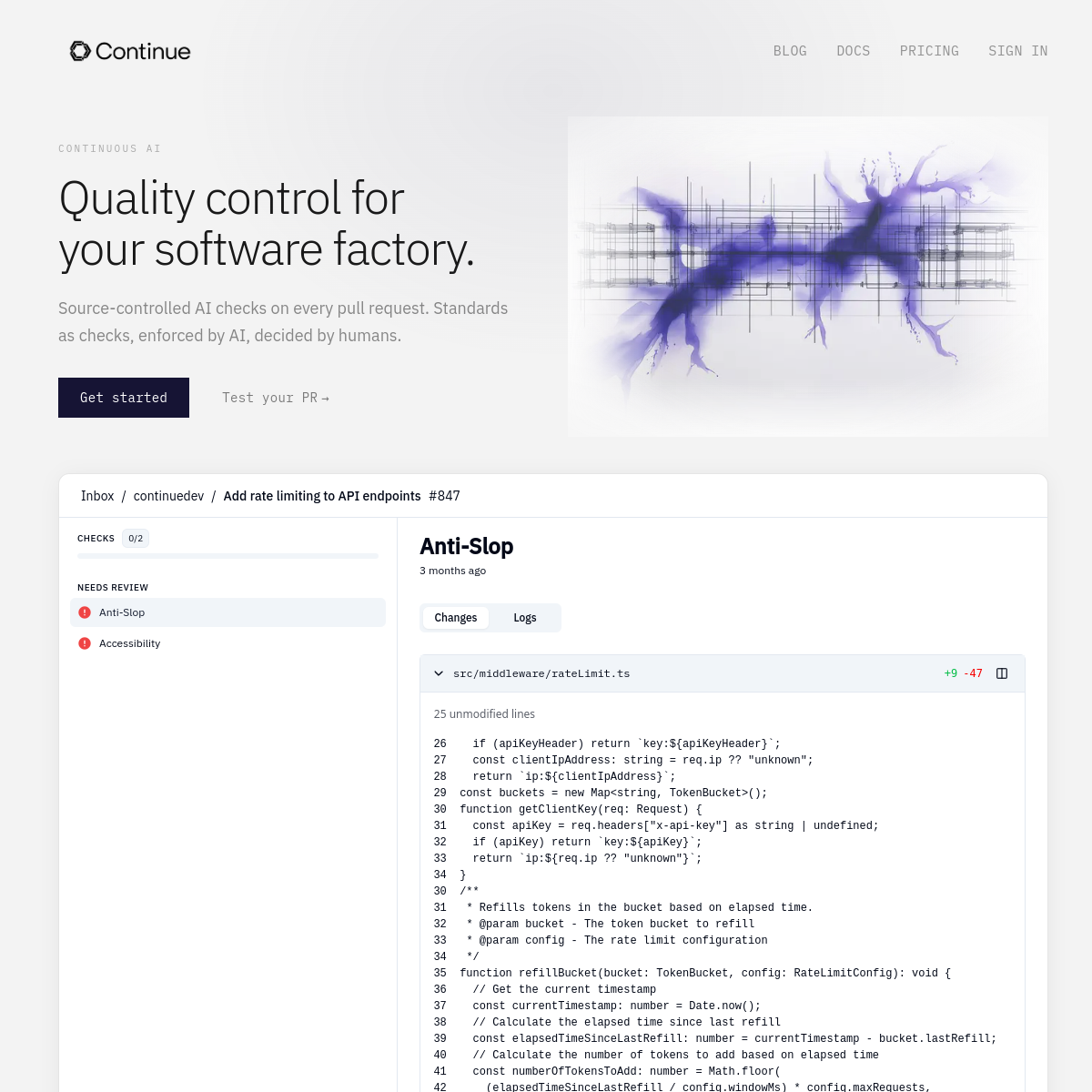
Continue — Open source AI code assistant, free access to any LLM
Core parameters and statistics
| Parameters | Details |
|---|---|
| Founded | 2023 |
| Founders | Nate Sesti, Ty Dunn |
| Open Source License | Apache 2.0 |
| GitHub stars | 22,000+ (as of 2025) |
| Support IDE | VS Code, JetBrains full series (IntelliJ, PyCharm, WebStorm, etc.) |
| Supported models | OpenAI, Anthropic, Google Gemini, Ollama, Together AI, Mistral, etc. 100+ types |
| Pricing | Open Source Free + Enterprise (Contact for Quote) |
| Three core functions | Code auto-completion (Tab), conversational programming (Chat), and inline editing (Edit) |
| Enterprise features | Private deployment, organization-level configuration, management console |
| Context Providers | Supports multiple context access such as code library, document Git, Jira, GitHub, etc. |
The core differentiation of Continue lies in "model freedom" - it is currently the AI code assistant plug-in with the largest number of integrated models and the most flexible configuration in the open source ecosystem. Developers and enterprises can completely decide independently which model provider to use and which deployment solution to use, without being locked into any single supplier.
User and market recognition
Continue has over 22,000 stars on GitHub and is one of the most downloaded open source AI programming plug-ins in the VS Code Marketplace and JetBrains Marketplace. Among enterprise customers who value data privacy and freedom of model selection, Continue is the main alternative to GitHub Copilot, and is especially favored by users in compliance-sensitive industries such as finance, healthcare, and government.
The open source community's enthusiasm for Continue is reflected in its continued feature contributions - after the Context Providers system was released, the community contributed more than ten custom Context Providers within a few weeks. According to feedback from enterprise users, Continue's flexibility in "access to private model deployment" and "customized context injection" far exceeds that of closed-source competing products, and it is the preferred basic framework for building an enterprise's internal AI programming platform.
Cost advantage
| Plan | Price | Main Benefits | Target Users |
|---|---|---|---|
| Open source and free | Completely free | All core functions, built-in model API fee | Individual developers, small teams |
| Enterprise Edition | Customized quotation by seat | Organizational-level configuration management, privatized deployment, management console, technical support | Medium and large enterprises |
Continue itself is free, and users can choose the following models to control costs: use the local Ollama model to achieve zero cost; use the DeepSeek API to obtain high-quality completion at a very low cost (about $0.1/million tokens); the enterprise version pricing has significant cost advantages compared to GitHub Copilot Enterprise ($39/user/month), and allows the use of the enterprise's existing cloud service provider model contract.
Main functions
- Code Autocomplete (Autocomplete): Based on the cursor position and context, it provides high-quality Tab completion through FIM (Fill-in-the-Middle) technology. It supports Codestral, DeepSeek Coder and other models specially optimized for completion, and the latency is comparable to commercial products.
- Conversational Programming (Chat): Open the AI dialogue in the IDE sidebar. You can use code files, selected code segments, terminal output Git diff, etc. as context to communicate with LLM to quickly understand the code or obtain programming suggestions.
- Inline Editing (Edit): Select the code segment and press the shortcut key to describe the modification requirements in natural language. AI will rewrite the code directly in the editor without switching interfaces back and forth.
- Context Providers system: can connect multiple external data sources such as code libraries, document web pages, GitHub Issues, Jira task Git history, etc. to the conversation context, allowing AI to understand a more complete business background.
- Free model access (BYOM): Access any LLM API or local model through a unified configuration file, including OpenAI compatible interface Ollama, HuggingFace TGI, etc., truly achieving model independence.
- MCP Tool Integration: Fully supports Model Context Protocol, and can access database query, file system, external API and other tools through MCP to expand the boundaries of AI action.
- Enterprise-level privatized deployment: Supports the deployment of the model proxy layer on the enterprise intranet, and code requests cannot leave the enterprise network, meeting strict data security compliance requirements.
- Customized Slash command: Developers can define their own
/commands (such as/explain,/test,/review) to encapsulate commonly used prompt words to improve the efficiency of repetitive tasks.
Model and version evolution
| Version | Time | Major Changes |
|---|---|---|
| Public release | 2023-07 | VS Code plug-in released, supports OpenAI/Anthropic, basic Chat function |
| v0.8 | 2024-04 | Context Providers system, multiple data source context access |
| v0.9 | 2024-08 | Automatic completion engine upgrade, FIM model support, JetBrains plug-in optimization |
| v0.9.5 | 2024-11 | MCP protocol support, tool calling capability, Slash command system |
| v1.0 | 2025-09 | Official stable version, enterprise management functions, organization-level configuration management |
Technical advantages
Model abstraction layer design: Continue has built a unified set of LLM abstraction layers to unify all model providers (OpenAI, Anthropic, Ollama, local models, etc.) into the same interface, allowing users to configure switching models in one line in config.json, and the plug-in code itself is completely unaware of the differences in the underlying models. This design enables Continue to support newly released models as soon as possible.
Extensible architecture of Context Providers: Context Providers is one of Continue's most innovative architectural designs - it abstracts "how to obtain context" into a pluggable Provider interface. Communities and enterprises can implement this interface to connect any data source (code base search, internal documents, project management tools, etc.) to AI conversations without modifying the plug-in core code.
Network effects of the open source ecosystem: The open source strategy of the Apache 2.0 protocol allows enterprise users to safely use Continue as the basis of their internal tool platform and develop it again as needed. This has attracted a large number of enterprise technology teams to contribute Context Providers and integrations for their internal systems, forming a community-driven ecosystem that closed source tools such as GitHub Copilot cannot replicate.
Progressive Functional Architecture: Continue's three interaction modes (completion/dialogue/inline editing) are designed to be independent of each other. Users can enable only a certain function, or configure different models for different functions (such as using fast local models for completion and large models for dialogue) to flexibly adapt to different performance and cost requirements.
How to use
| Entrance | Description |
|---|---|
| VS Code Extension Market | Search for "Continue" and access the model through the configuration file after installation |
| JetBrains Marketplace | Search for "Continue", supports IntelliJ, PyCharm, WebStorm, etc. |
| Official Documentation | https://continue.dev/docs |
| GitHub repository | https://github.com/continuedev/continue |
Typical steps:
- Search and install the "Continue" plug-in in the VS Code extension market.
- After the plug-in is installed, click the Continue icon in the sidebar. The first time you use it, you will be guided to configure the model.
- Edit
~/.continue/config.jsonand add model configuration (take Claude as an example: fill in the API Key and model name). - Press
Tabin the editor to trigger code completion, or pressCmd+I(Mac) to open inline editing. - Press
Cmd+Shift+Lto open the conversation panel, select the code and pressCmd+Lto send the code snippet to the conversation. - Use the
@symbol to reference code library files in conversations, or use@docsto reference documentation web pages for context.
Product Pricing
Continue's core functions are completely free and open source, and users are responsible for the LLM API fees:
- Free open source version: Includes all functions of code auto-completion, conversational programming, and inline editing. It uses the built-in API Key and has no function restrictions.
- Enterprise Edition (Customized Quotation): Provides unified management of organization-level model configuration, team-shared Context Rules and Slash commands, privatized model agent deployment, use of data analysis console and dedicated technical support; pricing is calculated on a seat basis, please contact the Continue sales team for specific amounts.
For enterprises, the value of Continue lies not only in the tool itself, but also in its customizability as an "AI programming infrastructure" - enterprises can build a unified internal AI programming platform based on Continue and access internal knowledge bases, code specification checkers and enterprise-specific models without developing from scratch.
Application scenarios
1. Enterprise privatized AI programming platform Enterprises (finance, medical, defense, etc.) that are unwilling to send code to third-party cloud services can build AI programming solutions whose code does not leave the intranet at all through Continue + privately deployed open source LLM (such as Llama 3 deployment on the corporate intranet) to meet data sovereignty requirements.
2. Multi-model comparison and evaluation When research teams or platform engineers need to compare the performance of different LLMs on programming tasks, Continue's free model switching capabilities make it an ideal testing platform. They can quickly switch models in the same IDE environment for horizontal comparison.
3. Personalized development and customization Senior engineers want to configure different AI assistants according to different projects (such as GPT-4o for the front end, Claude for the back end, and DeepSeek for data processing). Continue's flexible configuration system allows each workspace to use independent models and contextual rules.
4. Document-driven development
Through the @docs Context Provider, official documents (such as AWS SDK, React documents) are injected into the conversation in real time, allowing AI to generate code based on the latest documents, and solving API error problems caused by outdated LLM training data.
5. Newcomer Code Base Onboarding New engineers use Continue's Chat mode combined with the code base Context Provider to quickly understand complex business logic, query historical design decisions, and compress the code base understanding time from weeks to days.
Applicable people
- Data security-conscious enterprises: Organizations that need private deployment or don't want to send code to external APIs, Continue is the most flexible, enterprise-grade open source option.
- Technology-chasing developers: For engineers who want to try the latest LLM (including open source models) for the first time without being restricted by tools, Continue's broad model support is the biggest attraction.
- Multi-IDE workers: For developers using both VS Code and the JetBrains family of IDEs, Continue provides a unified experience across IDEs.
- Unsuitable scenarios: Beginner users who are completely unfamiliar with JSON configuration and want an out-of-the-box zero-configuration experience; scenarios that require AI to deeply understand very large enterprise code bases (millions of lines) (such scenarios are more suitable for tools optimized for large-scale code bases such as Augment Code); teams that need AI to autonomously perform complex multi-step tasks (Continue focuses more on assisting rather than autonomous agents).
Summary and Outlook
Continue has established a differentiated positioning of "model freedom and highly customizable" in the field of open source AI programming tools, successfully attracting developers and enterprise users who feel anxious about model lock-in with closed-source tools such as GitHub Copilot. Its Context Providers architecture and support for the MCP protocol give it the technical foundation to evolve into a "programmable AI programming platform".
Current limitations: Enterprise-level functions are still maturing compared to competing products such as GitHub Copilot Enterprise and Augment Code; automatic completion still lags behind in extremely low-latency scenarios (compared to Copilot); users are required to manage model API Keys and bills themselves, which has a certain threshold for non-technical users; the interface UX is more engineer-oriented than commercial products.
Follow-up focus: The continuous improvement of the enterprise version's functions, the expansion of the ability to integrate the Agent mode (autonomous execution of multi-step tasks) with the Context Provider of more CI/CD and DevOps tools, and the commercialization path in the context of a clear market pattern of AI programming tools.
Related tools:  GitHub Copilot,
  Cursor
Version Info
- Continue v1.0 Enterprise Edition :The v1.0 stable version is officially released, introducing enterprise-level features, including organization-level model configuration management, team sharing context rules, privatized deployment support (self-hosted model agent) and management console. Added complete support for MCP (Model Context Protocol), allowing access to external tools and data sources through MCP.
- Major upgrade to auto-completion :The code auto-completion engine has been significantly upgraded, and dedicated completion model support based on FIM (Fill-in-the-Middle) has been introduced to significantly improve the speed and accuracy of Tab completion. It has also added native support for models optimized for completion such as Codestral and DeepSeek Coder.
- Context Providers system :Introducing the Context Providers system, allowing developers to inject external data sources such as code libraries, documents, Git history issues, etc. into conversations as context; custom Context Providers are supported, and enterprises can access internal knowledge bases.
- Continue Public release :Continue publicly released the VS Code plug-in for the first time, providing code assistance functions based on LLM dialogue. The first batch supports OpenAI and Anthropic models, and quickly attracted the attention of the developer community with the concept of "Bring Your Own Model".
User Reviews